Page | 126
TOOLS
The Duplicate feature is very useful for cases when you wish to
export content to multiple target file formats or locations, for
different purposes or specific software applications.
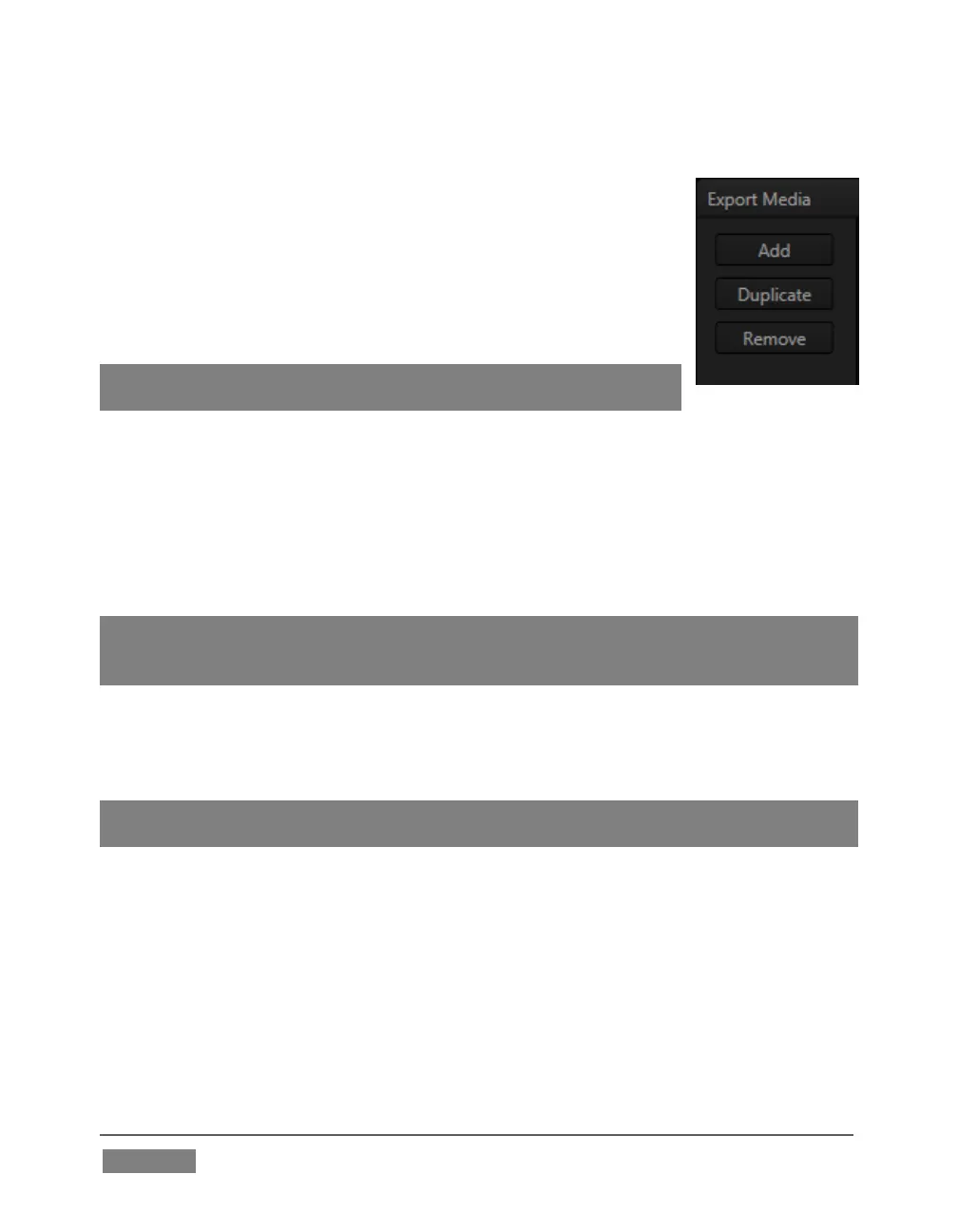
Note that Export Media’s file list pane supports multi-selection.
When a file (or group of files) is selected, you may use the
Duplicate and Remove buttons to clone or delete files from the list.
Hint: To multi-select files, you can use the familiar Shift-click or Ctrl-
click techniques.
TARGET, PRESET & DESTINATION
Having prepared the file list, click the triangle button in the Target field to open a
drop-down menu listing categories of device or application targets to choose from.
Then select a specific encoding Preset in the next column.
Export presets vary according to what is appropriate for the session and file format.
Note: When presets that do not natively support HD are selected during an HD session,
output is automatically scaled as required to fit the selected file format. This is a
convenience, but be sure to select a Preset suitable for your ultimate needs.
A similar Destination button opens a system file browser to let you designate (or
create) a location for file output. Each file to be exported can have its own Target,
Preset and Destination settings.
Hint: It is possible to selected mapped network locations with a ‘Drive letter’ assignment as
the Destination, saving time later.
Export file format options are updated from time to time to include popular new
formats. Here are some examples, as they appear for an HD session (the list is not all-
inclusive, as modifications and additions are made from time to time).
Target categories are in bold text, while Presets are italicized:
Application (formats suitable for use with various popular NLE software)









 To Next Page