Page | 149
Note: HDMI display devices will typically show black when if they do not support video
displays of the format (resolution, etc.) selected as source in Output 4’s Video menu.
Generally, source formats that are inconsistent with the current output resolution setting
are automatically conformed when possible. In some cases, such as non-standard image
or iVGA sources, the output format may be modified to provide a suitable display. It’s best
to avoid non-standard sources whenever possible.
FIGURE 126
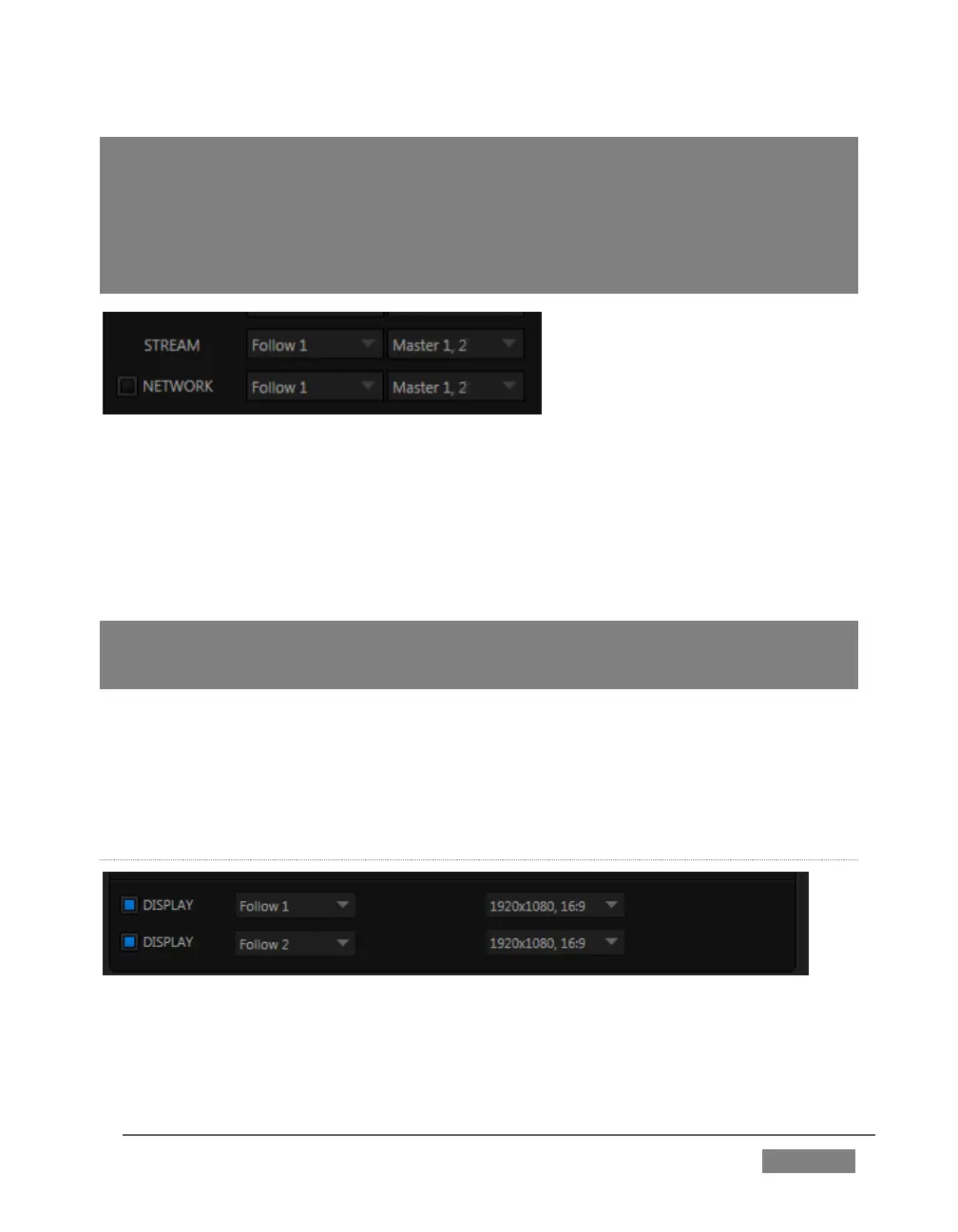
Network Output sends audio and *video across a LAN (Local Area Network) to the Net
inputs of another TriCaster, and is enabled or disabled using the switch at left. A De-
Interlace option is provided for Network out. This is useful for connection to
downstream systems that re-stream TriCaster’s network video output but lack native
ability to de-interlace it (TriCaster’s own streaming output is always de-interlaced).
Note: From version 2-4, TriCaster network output supports both the newer NDI (Network
Device™ protocol and AirSend™, allowing it to communicate with the vast majority of
NewTek products in current use.
Streaming Output is more complex, since there are so many different ways to stream.
In this panel, you can configure the audio and video sources sent to output. All other
options and settings relevant to streaming are located in the Streaming Configuration
panel – see Chapter 18 for a full discussion of this important topic.
DISPLAY OUTPUTS
FIGURE 127









 To Next Page