Page | 183
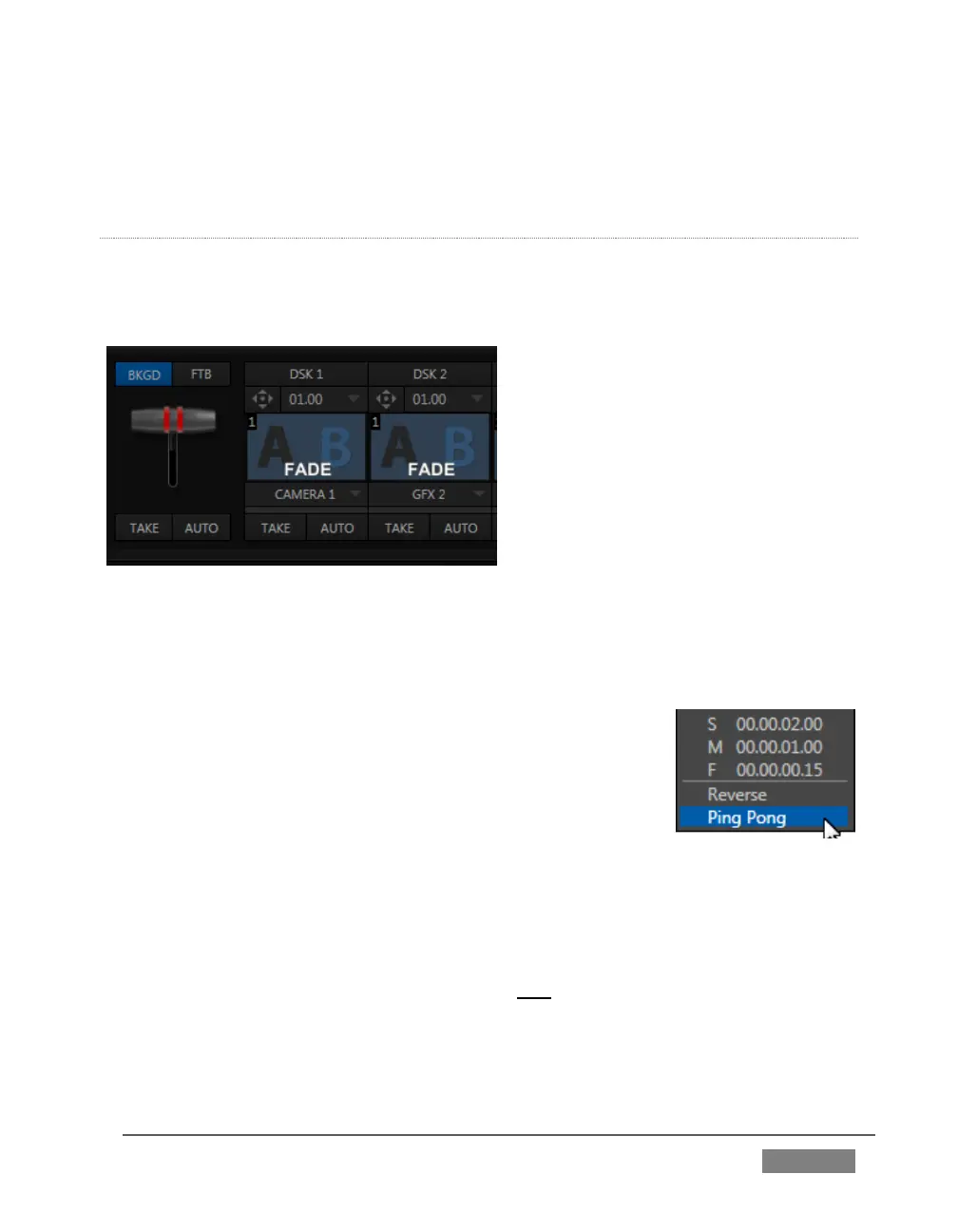
Ping Pong – when enabled, this option causes the direction of the transition to
be automatically swapped after each time it is applied.
TRANSITION DELEGATES
An executive maxim suggests “Don’t do anything yourself when you can delegate it”.
The familiar main T-bar, Auto and Take controls occupying the left half of TriCaster’s
Transition control group are surmounted by a set of Transition Delegate buttons.
FIGURE 165
Let’s see how applying the concept of delegating controls affects their use:
Assign something suitable to the DSK 1 and DSK 2 layers.
Click the solo Take buttons in the DSK control groups to
hide these DSK layers, if they are visible on output.
Click the BKGD button in the Transition Delegate group.
Click the main Auto button (below the T-bar).
Now, hold down the Ctrl key and click the delegate
button for DSK 1. Or, press both the BKGD and DSK 1 buttons in the TriCaster
CS (control surface) Transition Delegate group at the same time instead.
You have just delegated the controls below to two video layers. You can likely guess
what comes next.
Press Auto or Take, and observe the result.









 To Next Page