Page | 244
LiveSet is one of TriCaster’s most powerful tools, and can dramatically enhance a
production.
With it you can achieve the look of a large, sophisticated studio setting (Figure 237)
within a very small studio space (Figure 236), all without external equipment.
Broadly speaking, setup of a LiveSet effect is much like the Default effects previously
considered (see Default Effects, Section 14.2.2). A typical LiveSet consists of a
greenscreen shot (usually input A) with LiveMatte applied composited into a virtual
set. LiveSet adds the foreground and background for the scene, and additional video
inputs may add to the effect in various ways.
Hint: Most virtual sets require LiveMatte settings to be applied to Input A. Other inputs may
also require keying, depending on the design of the virtual set.
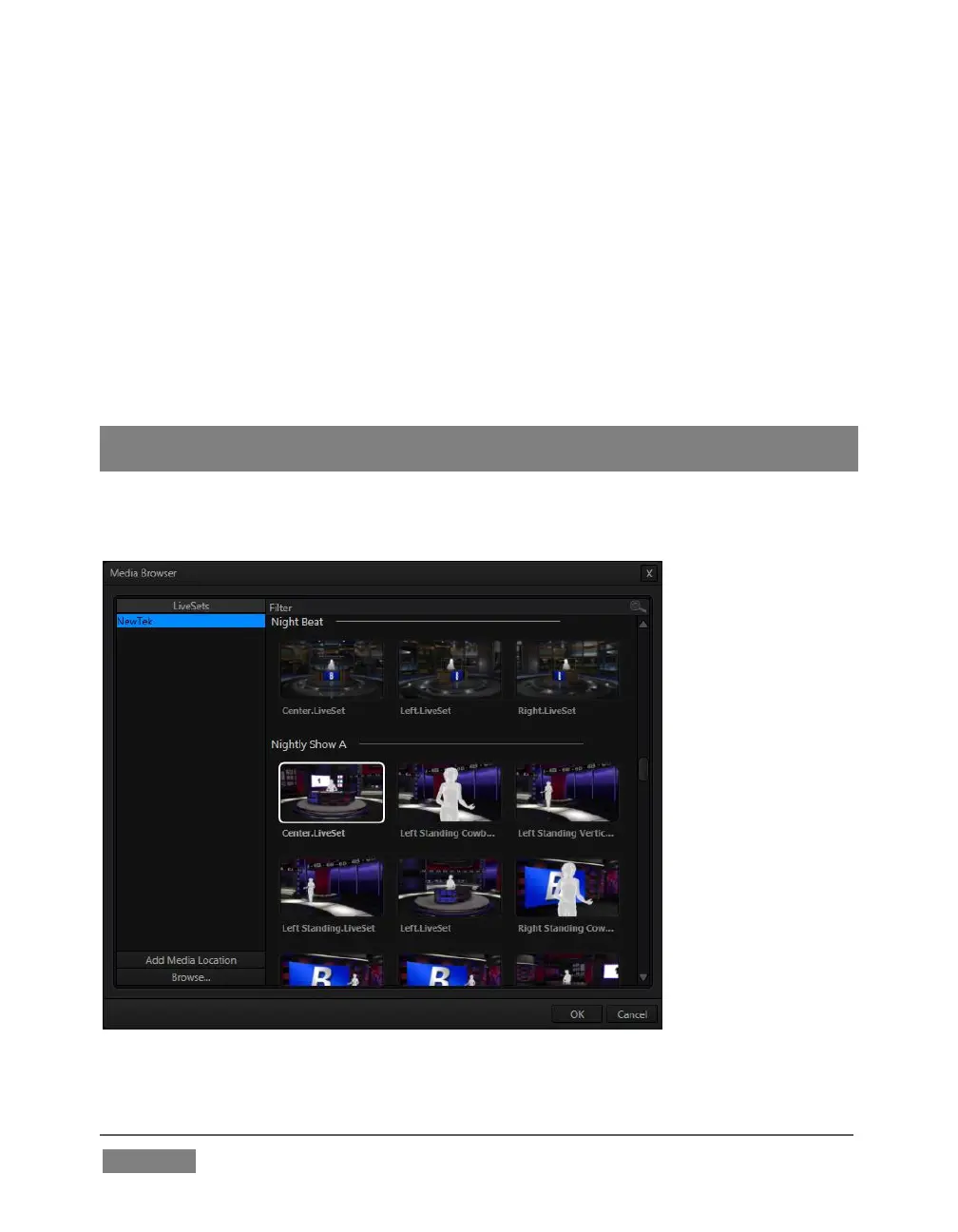
To select a LiveSet, click the label above the effect icon in the M/E to open the Media
Browser (Section 11.2.2).
FIGURE 238









 To Next Page