Page | 289
Use live action to make Overlays and DSKs appear auto-magically, or switch the
video in a virtual monitor by tapping it with a fingertip.
Switch from a seated desk shot to a standup virtual set simply set by walking into
it; then auto-switch to the next shot when you walk back out of the frame.
Load up new DDR MEM slot,
audio configuration and camera
assignments when talent moves
from the desk shot to standup in
a virtual set.
Reveal an over-the-shoulder
Skype® shot and configure
audio for a remote interview,
then close it and restore the
‘local’ sound setup with a wave
of the hand; or trigger a sound –
a drum roll, gong, or the entire
Muppets® anthology.
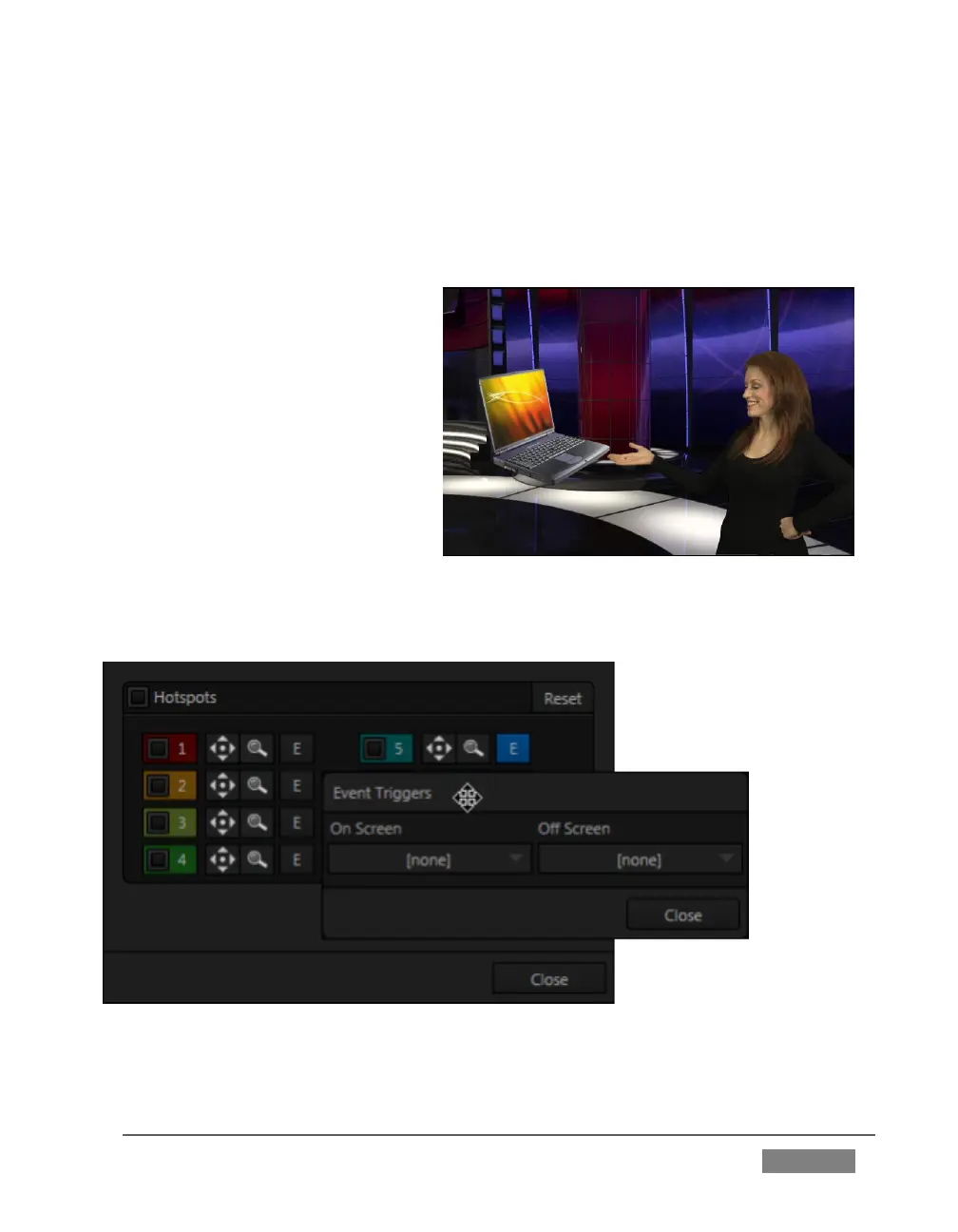
FIGURE 293









 To Next Page