Page | 318
1. Click the Apple icon at upper left on the Desktop, and select About This Mac.
2. Click More info … in the panel which opens.
3. Click Network in the Contents column at left.
4. The IP number for the system will be listed in the right hand pane.
Issuing a Ping
Ping is a command line program, and must be run from a command shell on the
issuing computer. To open a command shell and send a ping, follow the procedure
below that applies.
Windows®
1. Repeat the steps you performed above to re-open a command shell.
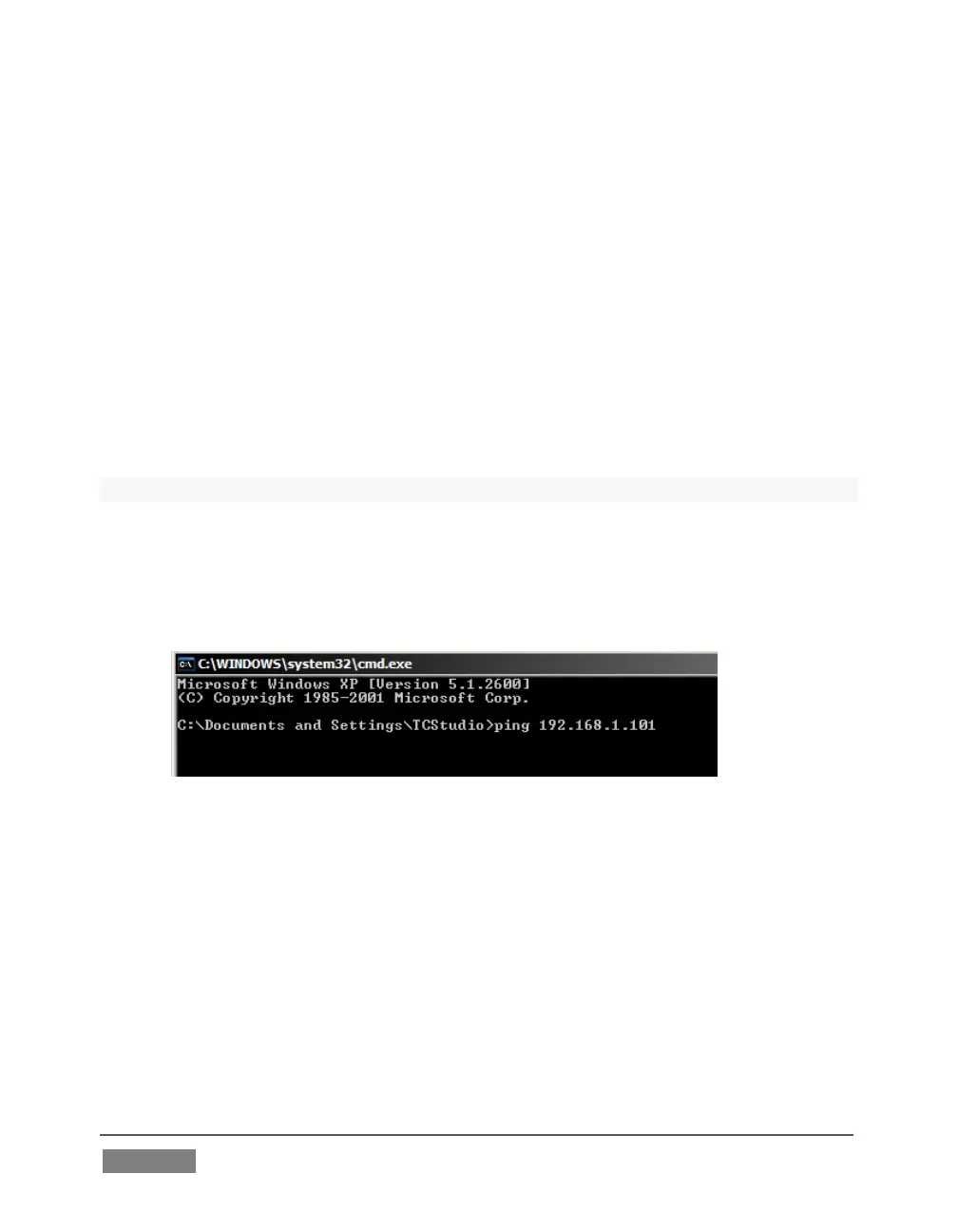
2. Type “ping” (without quotes) followed by a space and the target IP number,
as in the image below – then press Enter.
FIGURE 303
3. Ping will go to work, and in a moment or two begin reporting results. A ping
failure (indicating a network problem) will look like Figure 304. A success
ping will display a report like Figure 305.









 To Next Page