Page | 355
SWITCHER CONTROLS
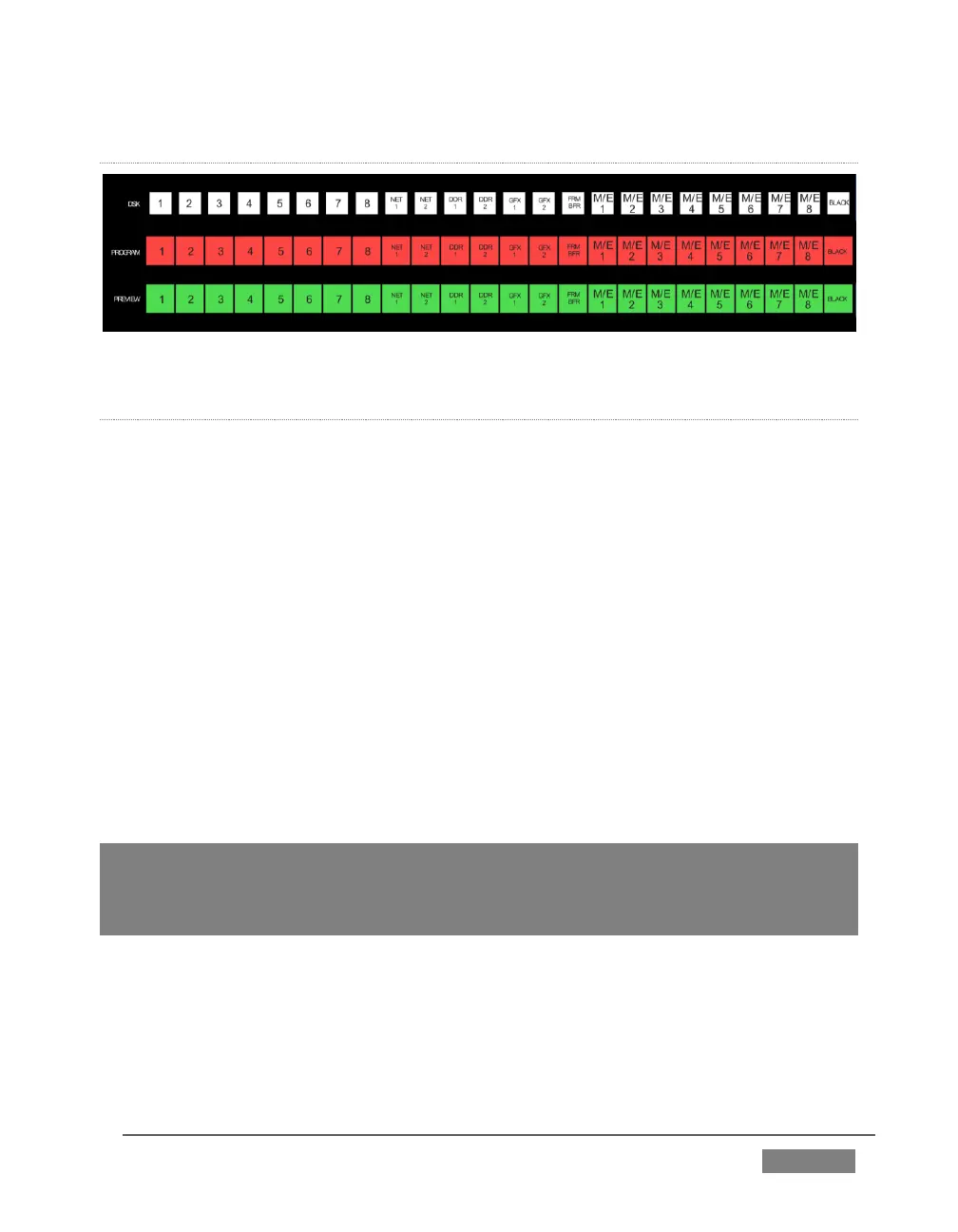
FIGURE 328
DSK, PROGRAM AND PREVIEW
The DSK, PROGRAM and PREVIEW rows each present the following source selection
buttons:
1. 1 – 8, Camera inputs
2. NET 1 and NET 2
3. Media Players:
a. DDR 1 and DDR 2
b. GFX 1and GFX 2
c. BFR (Buffer)
d. M/E 1 - 8
e. BLACK
Switcher row buttons are mutually exclusive, and the active selection button remains
lit. (The subordinate role of the DSK row is subtly reinforced by the use of slightly
smaller buttons.)
Hint: Hold down CTRL when clicking a button on the PREVIEW row to toggle LiveMatte
on/off for that source. Likewise, hold SHIFT while pushing a PREVIEW row button to toggle
its Proc Amp. Note that the source need not be actually selected on the PREVIEW row to
do this, and multi-selections are supported.









 To Next Page