Page | 377
RATE
The RATE knob operates in similar fashion to SELECT. Rotate the knob to modify the
transition Rate for delegated layers. Or press the knob to cycle through the standard
Slow, Medium and Fast presets. Multi-delegate selections are handled the same as for
Select (for both twist and push operations).
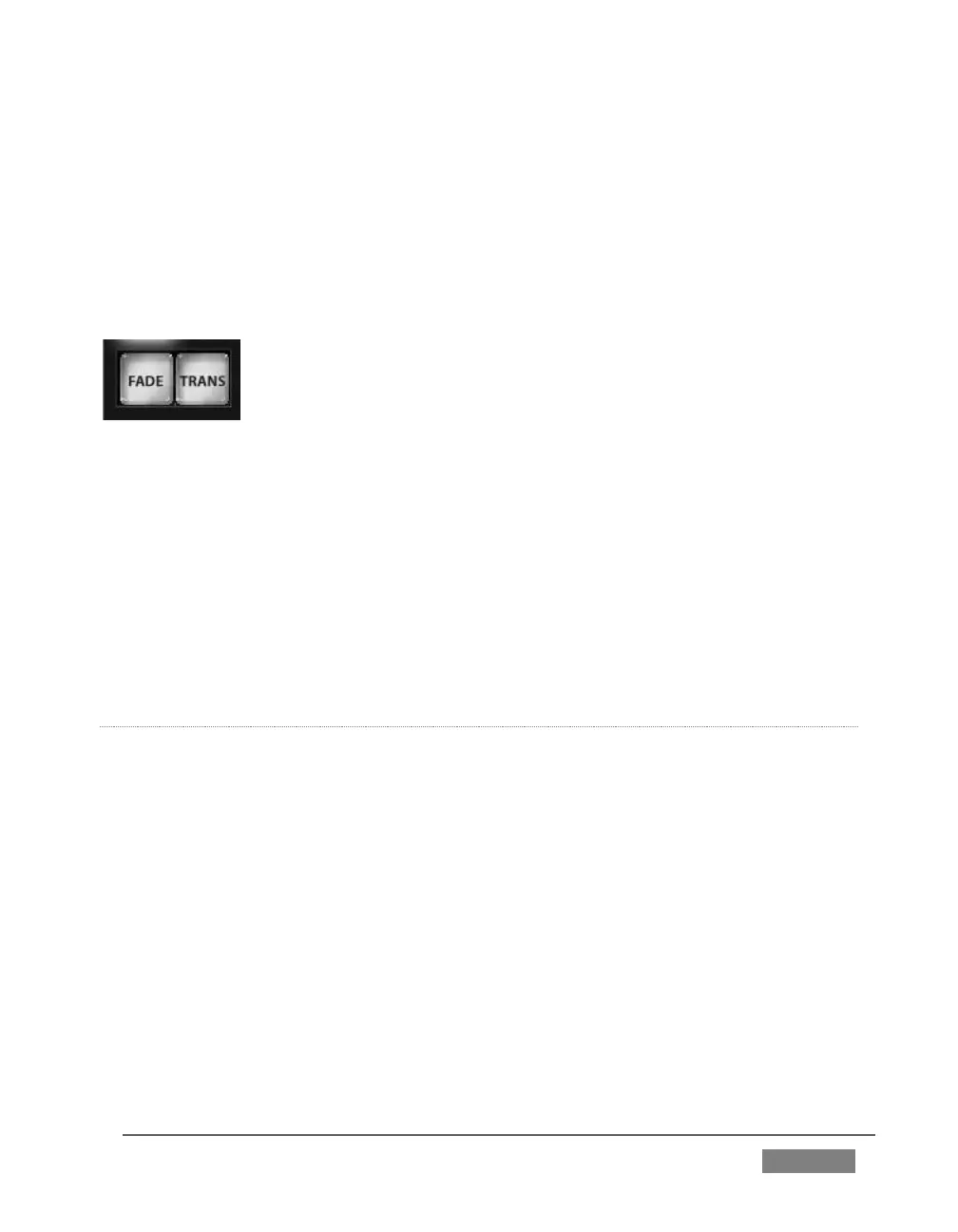
FADE & TRANS
FIGURE 349
These two buttons provide a quick way to control the Transition Bin selection for the
delegated switcher layer(s). The FADE and TRANS (Transition) buttons are mutually
exclusive; selecting either one cancels the other, and only the currently active button
remains lit.
Pushing FADE offers a quick and convenient way to select the Crossfade transition.
Push the TRANS button to activate the last-used transition icons for a video layer (or
layers. For new sessions, TRANS jumps to the first transition in the bin.
PERFORMING TRANSITIONS
Just as in the user interface, the TriCaster control surface provides both local and
main transition controls.
MAIN T-BAR, TAKE AND AUTO
These controls correspond exactly to their Live Desktop counterparts, and affect all
currently delegated video layers (BKGD, DSK 1, DSK 2, or FTB) at the same time.
Note that two small LEDS are situated near the left side of the T-Bar – one at each
extreme of its stroke. When a transition is in progress (or is halted partway), one LED
is illuminated. This LED marks which direction to push the T- to complete the current
transition.









 To Next Page