Page | 39
Often, though, you will want to connect
external monitors or other downstream
devices to the VIDEO OUT connectors on
TriCaster’s backplate (see Section 3.7).
High definition video monitors should
be connected to either SDI or Component
connections.
For standard definition monitoring,
several different connection types
continue in service. These include
Composite, Y/C (also known as ‘S-Video’)
and – at the upper end of the analog
quality range – Component. (SDI
provides a digital output option, and is
the only alternative offered by TriCaster
410.)
To connect an analog standard
definition monitor (not supported by
TriCaster 410), you must specify its
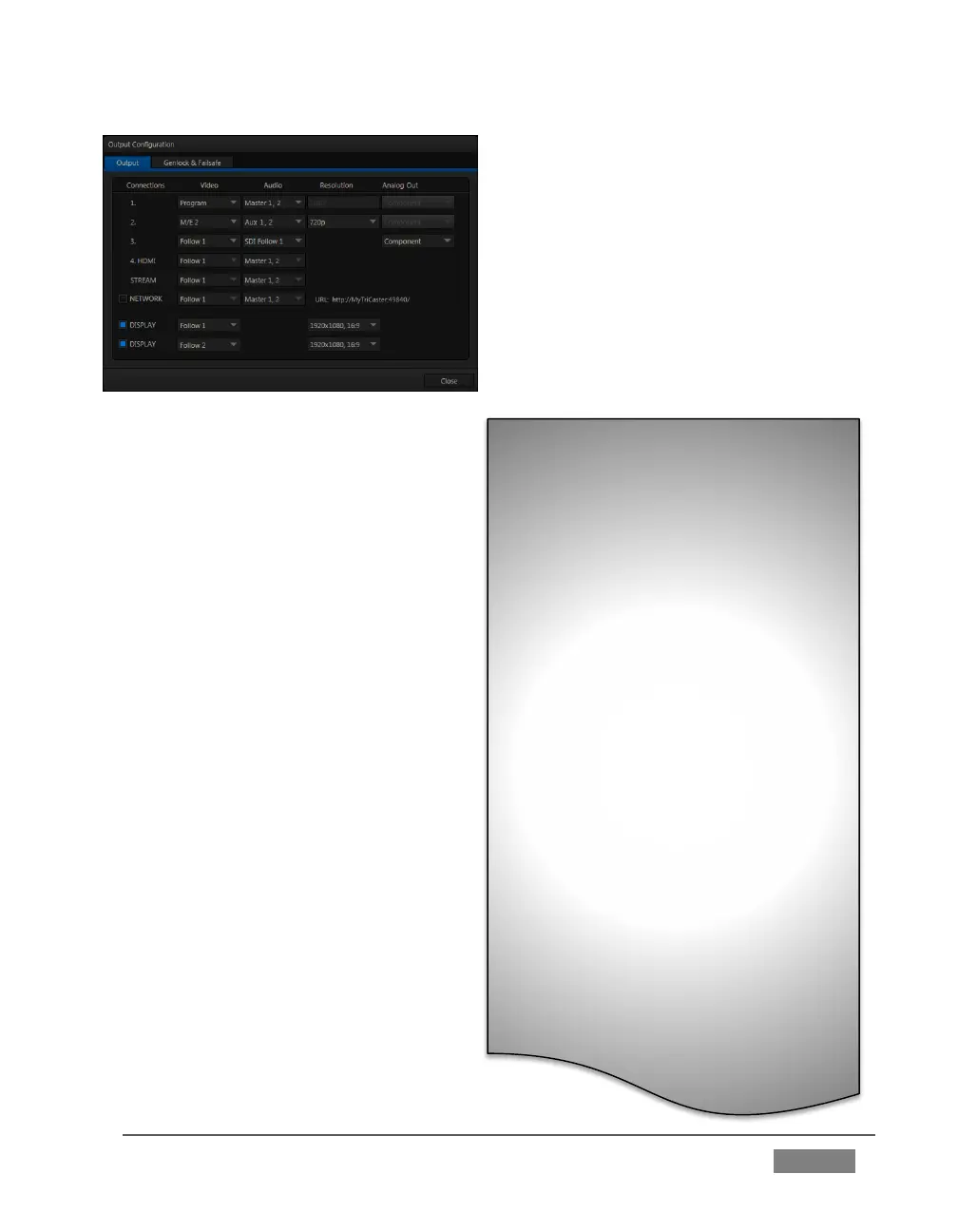
connection type in the Output
Configuration panel.
Note that analog connections for
LiveText™ output (as well as the
SpeedEDIT™ Add-On, when installed)
are pre-defined (see Chapter 21 for
details).
Let’s take a closer look at configuration
options.
Let’s consider an example: An HD
1080i session offers the largest list of
optional output formats. The
controls allow you to select any of a
number of HD or SD formats.
Selecting an HD format sends the
source to TriCaster’s SDI and
Component output connectors
simultaneously.
Selecting an SD format adds a
“Composite + Y/C” option to the
menu. Choosing this option sends
composite video output to the second
BNC connector in a given connector
row (Y), and Y/C to the third and
fourth BNC connectors (labeled Pb
and Pr).
As well, 16:9 or 4:3 screen aspect
alternatives are provided for SD
output selections.
FIGURE 22 (TriCaster 8000 shown)









 To Next Page