Page | 66
Clicking a button in any row selects the active source for that row. Program and
Preview row selections determine the content of the BKGD (Background) video layer,
before the application of any overlays (DSKs).
VIDEO LAYERS
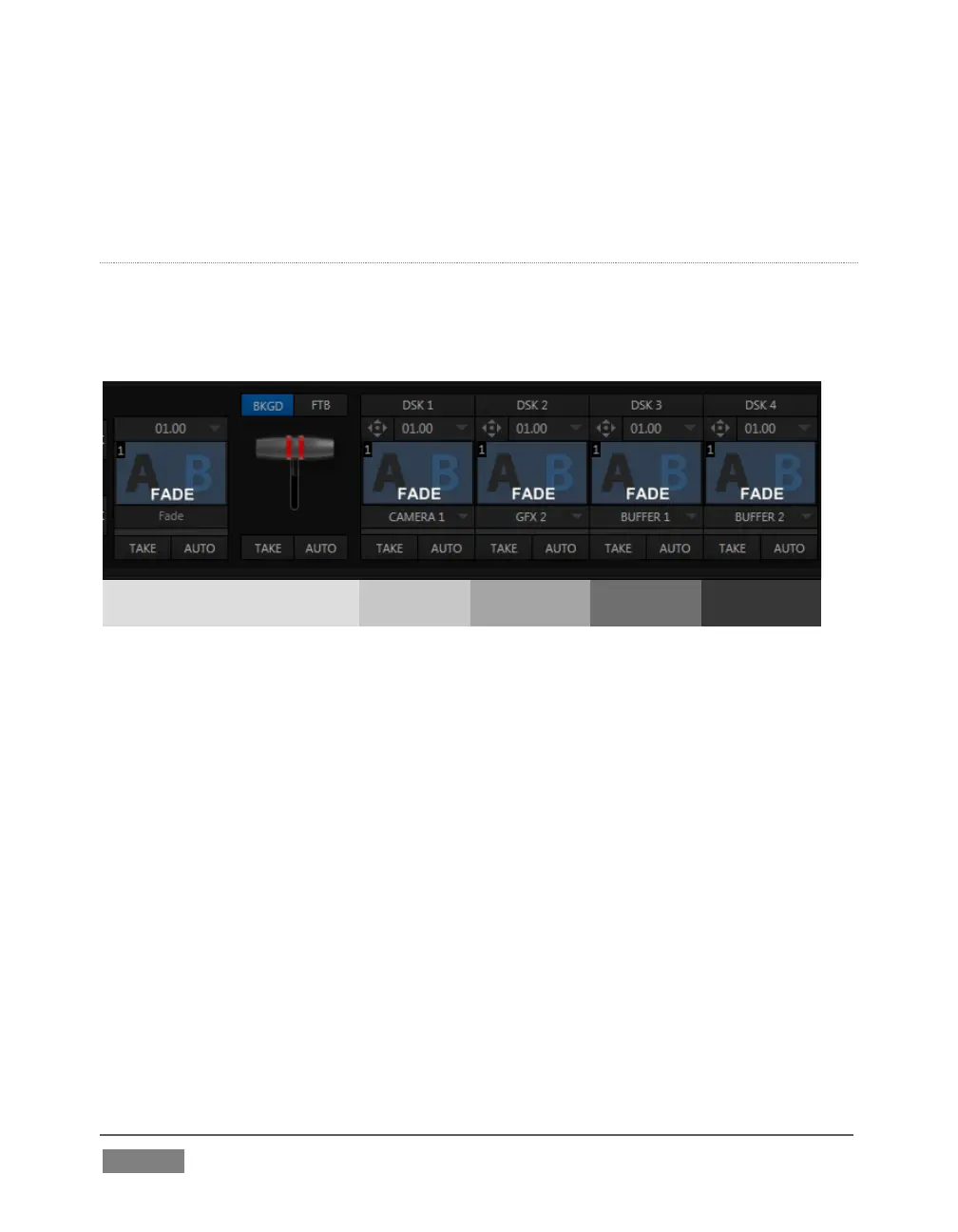
TriCaster video output often consists of multiple sources of imagery, added together
layer on layer to form a composite. The Switcher and Transition controls allow you to
manage these video layers to show the viewer just what you want him to see.
Background layer (and FTB)
The BKGD (Background) video layer constitutes the base of the video composition
ultimately sent to Program Output.
Based on your selections, as many as five more primary video layers may be
superimposed above the BKGD layer on output:
DSK video layers are most commonly used to apply graphics or titles to the
BKGD layer (DSK stands for ‘Down Stream Keyer’). The number of DSK layers
varies by model.
FTB (Fade to Black) constitutes a final video layer prior to output – one that
can obscure all others when called upon to do so.
Again, the Program and Preview row selections determine the content of the BKGD
(Background) video layer. The Preview row selection is normally cued up for the next
Take (cut) or Transition operation. Either operation, once completed, results in the
original Program and Preview row selections exchanging places. Of course during a









 To Next Page