3.
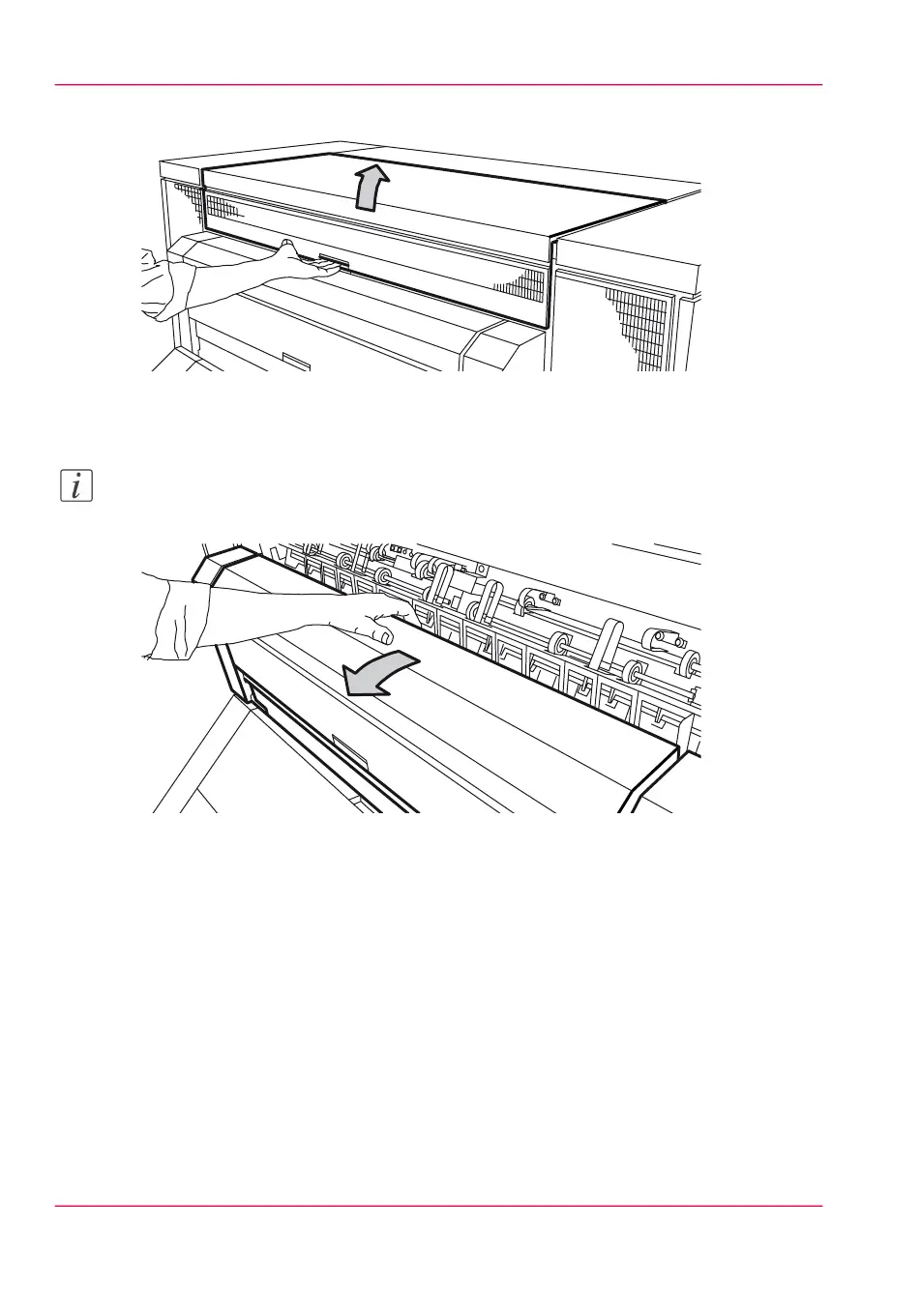
Open the top cover at the back of the printer.
[226] The top cover at the back
4.
Pull the green lever toward you to open the output transport unit.
Note:
If you cannot open the transport unit, you have to cut the paper and remove the paper.
[227] Lower cover
Chapter 12 - Solve problems310
How to clear a media jam in the fuser section



 To Next Page