#
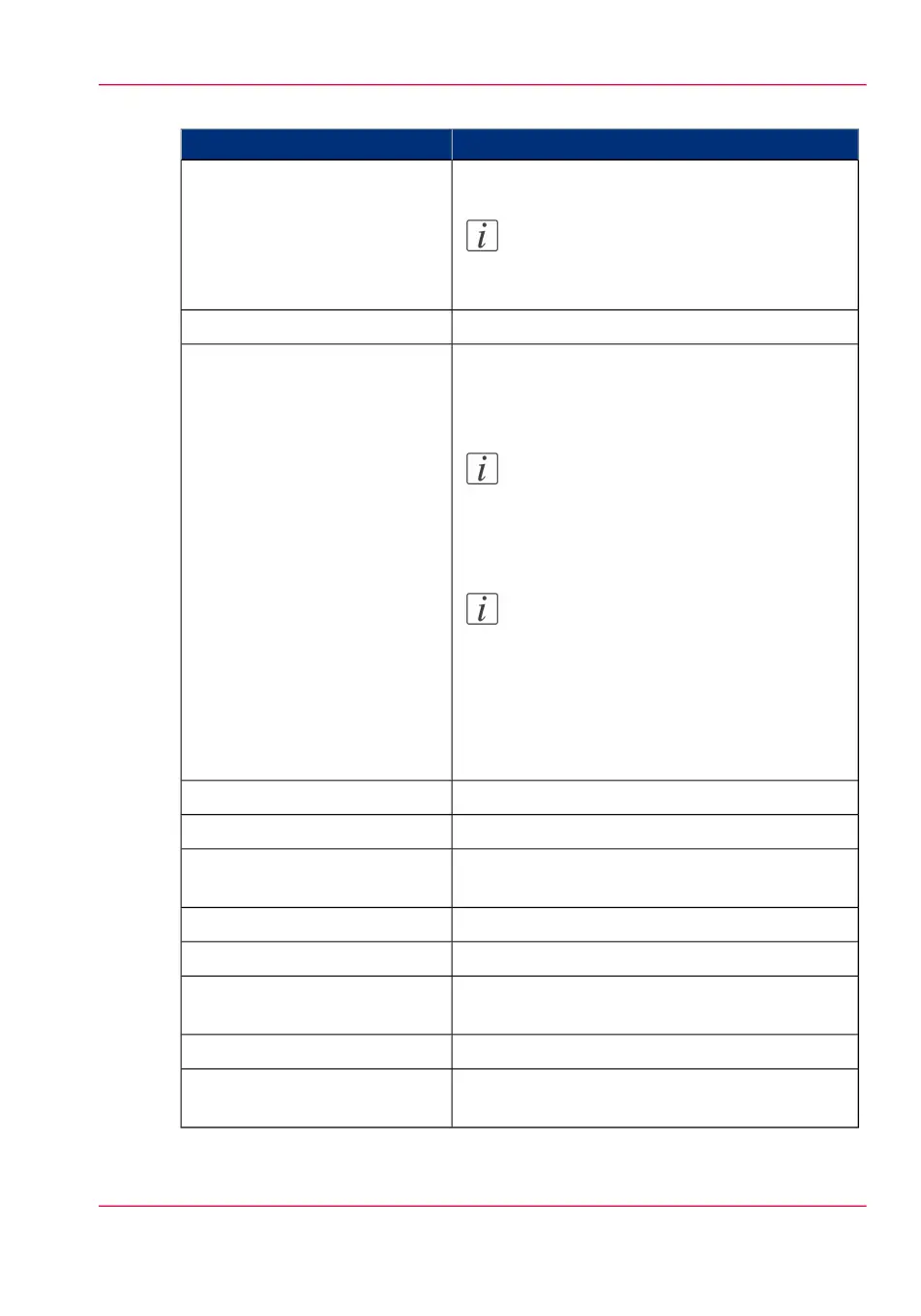
DescriptionSettings group
Contact information for service.
Note:
Only oceservice can login and edit these
settings.
'Service'
Person to contact in case of error.'Contact'
The regional settings are configured during the
installation of your system. Here you can change
the initial configuration.
Note:
You can toggle between the 'First lan-
guage' and the 'Second language' on the
printer or scanner operator panel.
Note:
Every time you change the 'Measurement
unit', the controller recalculates the values
from millimeter to inches and vice versa.
If you reverse to the original value of this
setting a slight calculation difference can
occur due to rounding differences.
'Regional settings'
Define the time zone, date and time of the system.'Current date and time'
Define how jobs are managed in the print queue.'Print queue management'
Define how jobs are managed in the Smart Inbox-
es.
'Smart Inbox management'
Define logging and accounting data.'Logging and accounting'
Define when the system is turned on or off.'System properties'
Define whether a separation sheet is used after
each job or set
'Separation sheet'
Define the general printer behavior.'Printer properties'
Define the general folder behavior. Only available
if a folder is installed.
'Folder properties'
Chapter 3 - Define your workflow with Océ Express WebTools 95
Define the system preferences



 To Next Page