Chapter 4—Configuring the Library Configuring Optional Library Settings
August 2017 User Guide—Spectra T50e Library
126
Change How the Library Reports Barcodes
Note: Ifyouareunsurewhetheryourlabelsincludeachecksum
character,seeDeterminetheBarcodeLabelTypeonpage128.
Ifnecessary,youcanchangethelibrary’sdefaultbarcodereporting
configurationtodisabletheuseofchecksumcharacters,enableordisable
theverificationofthechecksumcharacter,ormodifywhatportionofthe
actualbarcodeisreportedtothehost.
1. Logintothelibraryasauserwithsuperuseroradministrator
privileges.
2. Ifnecessary,clickMENUtodisplaytheMenuscreen.
3. ClickMaintenance todisplaytheMaintenancemenu(seeFigure65on
page117).
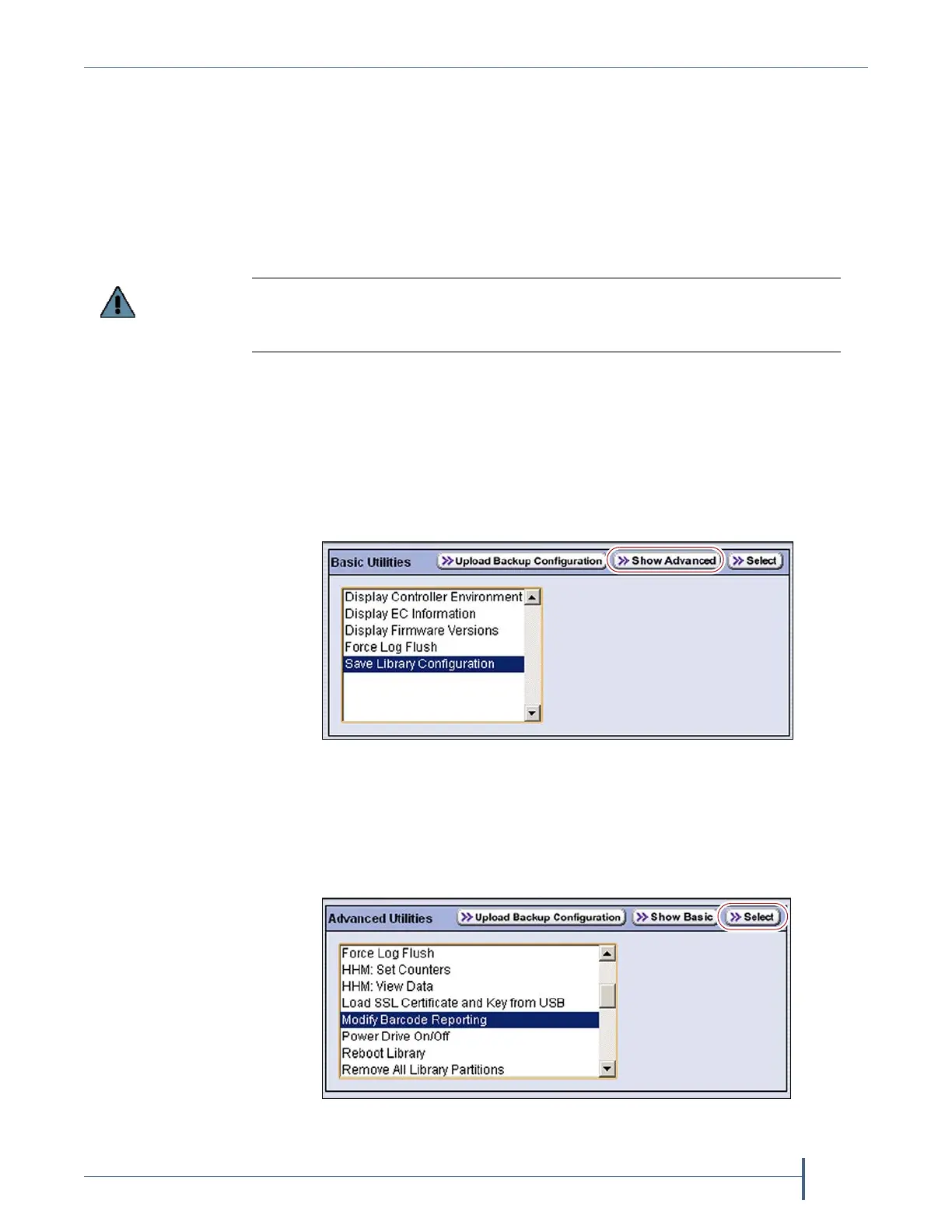
4. ClickUtilities.TheBasicUtilitiesscreendisplays.
5. ClickShow Advanced.TheConfirmationscreendisplays.
6. ClickYestoacknowledgethewarningaboutusingtheadvanced
utilities.TheAdvancedUtilitiesscreendisplaysalistoftheadvanced
utilities.
After the utility completes, the LCM reboots. After the library completes its
initialization, it rescans the barcode labels of all media in the library. This rescan
takes approximately 18 seconds per cartridge.
Figure 71 Click Show Advanced on the Basic Utilities screen.
Figure 72 Select the Modify Barcode Reporting utility and
click Select.



 To Next Page