Chapter 4—Configuring the Library Configuring Optional Library Settings
August 2017 User Guide—Spectra T50e Library
127
7. SelecttheModify Barcode Reportingutilityandclick Select.
8. ReadtheinformationabouttheutilityandthenclickNext.TheEntry1
of3screendisplays.
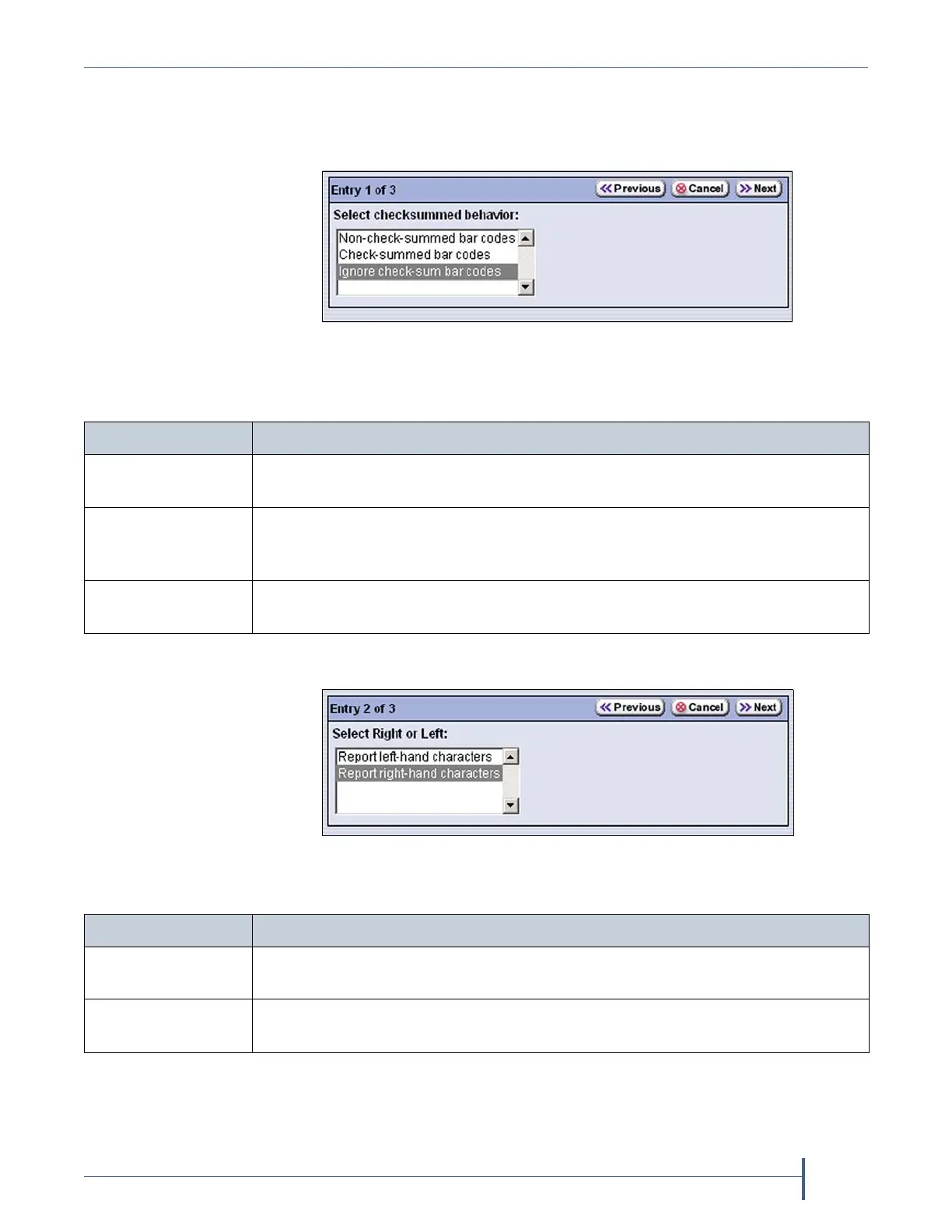
9. Selecthowbarcodechecksumsarehandledasrequiredforyour
environment.
10. ClickNext.TheEntry2of3screendisplays.
11. Changethereportingdirectionasrequiredforyourenvironment.
Figure 73 Select the desired checksum behavior.
Select... If...
Non-check-
summed barcodes
Yourlabelsdonotincludeachecksum.
Check-summed
barcodes
Yourlabelsincludeachecksumandyouwantthebarcodeverifiedagainstthe
checksumwhenitisread.Verificationisnotgenerallyrequired,butaddsextra
confirmationthatthebarcodelabelwasreadcorrectlybythebarcodereader.
Ignore check-sum
barcodes
Yourlabelsincludeachecksumcharacterbutyoudonotwantthebarcode
verifiedagainstthechecksumwhenitisread.Thisisthedefaultsetting.
Figure 74 Change the reporting direction for the barcodes.
Select.... If...
Report left-hand
characters
Youwantthelibrarytoreportonlytheleft‐mostcharactersinthebarcode.
Report right-hand
characters
Youwantthelibrarytoreportonlytheright‐mostxhuman‐readablecharacters
inthebarcode.



 To Next Page