Chapter 4—Configuring the Library Configuring Optional Library Settings
August 2017 User Guide—Spectra T50e Library
128
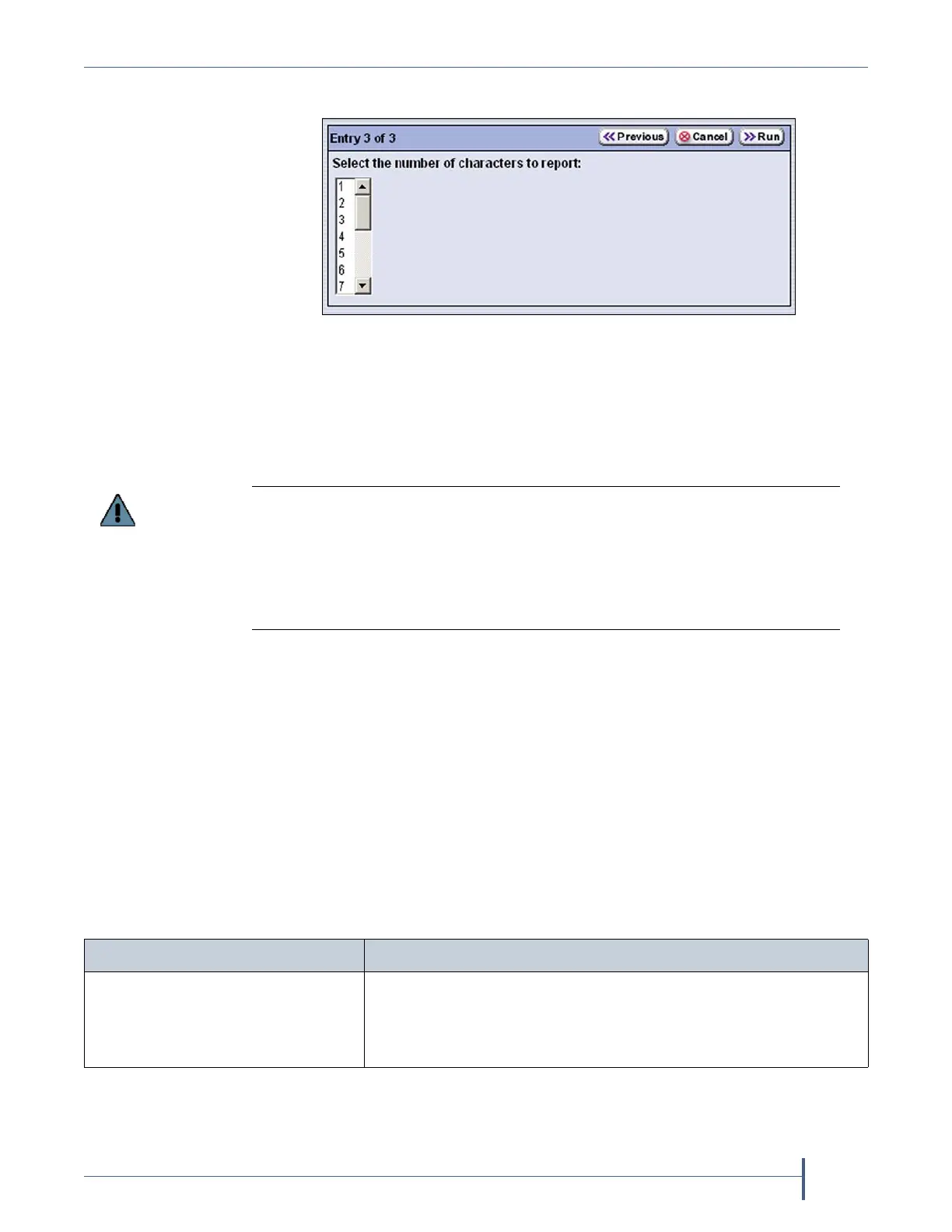
12. ClickNext.TheEntry3of3screendisplays.
13. Scrollandclickonthenumberofhuman‐readablebarcodecharacters
youwantthelibrarytoreport.Ifyourlabelsincludeachecksum,the
numberyouenterincludesthechecksumcharacter.Thedefault
numberofcharactersis16.
14. ClickRun.
Whentheutilitycompletes,theLCMreboots.Afterthelibrary
completesitsinitialization,itrescansthebarcodelabelsofallmediain
thelibrary.Thisrescantakesapproximately18secondspercartridge.
Determine the Barcode Label Type
Achecksumcharacterisan“invisible”character—readablebythebarcode
reader,butnotshowninthehuman‐readabletextonthelabel.Itsfunction
issimilartoaparitycheck.
SeeBarcodeLabelSpecificationsforHalf‐InchMediaonpage505for
informationabouttherequiredphysicalcharacteristicsofbarcodelabels.
Figure 75 Select the number of barcode characters to be
reported.
Be careful when specifying the number of characters to report. You may end up
with duplicate barcodes reported. For example:
If you select to report the four left-most characters 123456L2 and 1234ABL3 are
both reported as 1234.
If you select to report the four right-most characters, 123456L2 and ABCD56L2
are both reported as 56L2.
If you have... The barcode labels...
SpectraCertifieddatacartridges
withstandardbarcodelabels,
Haveabarcodewitheighthuman‐readablecharactersfollowed
byachecksumcharacterthatisnothuman‐readable.Thelast
twohuman‐readablecharactersindicatethemediatype(for
example,L4isLTO‐4mediaandL5isLTO‐5media).



 To Next Page