Chapter 12—Library Troubleshooting Restoring the Library Configuration
August 2017 User Guide—Spectra T50e Library
375
3. Logintothelibraryasauserwithsuperuseroradministrator
privileges.
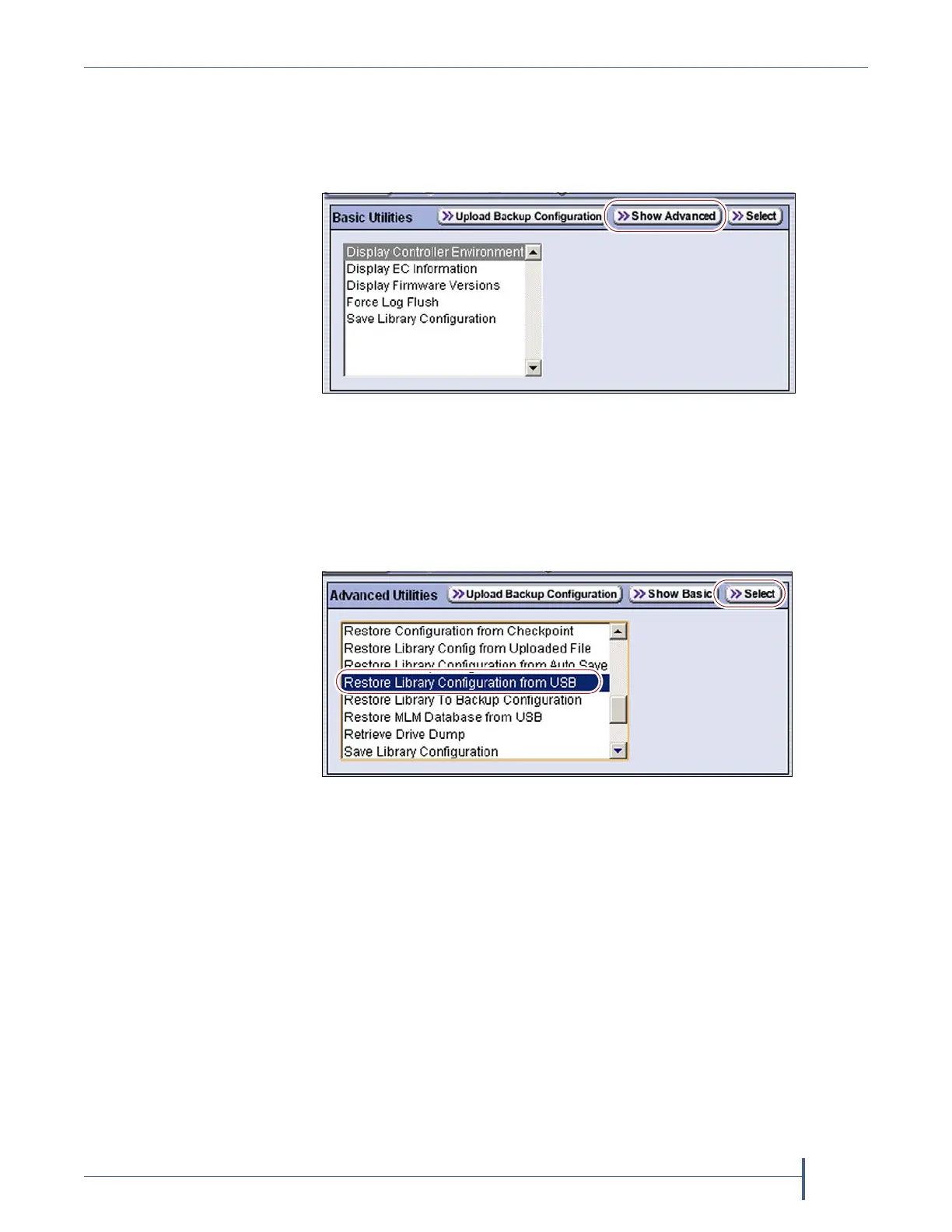
4. ClickMENU,thenselectMaintenance > Utilities.TheBasicUtilities
screendisplays.
5. ClickShow Advanced.AConfirmationscreendisplays.
6. ClickYestoacknowledgethewarningaboutusingtheadvanced
utilities.TheAdvancedUtilitiesscreendisplaysalistoftheadvanced
utilities.
Figure 257 Click Show Advanced on the Basic Utilities
screen.
Figure 258 Select the Restore utility you want to use.



 To Next Page