Chapter 12—Library Troubleshooting Restoring the Library Configuration
August 2017 User Guide—Spectra T50e Library
376
7. Scrollthroughthelistofadvancedutilitiesandselectoneofthe
following,asapplicableforyoursituation.
8. ClickSelect.TheDescriptionscreenfortheselectedutilityshows
informationabouttheutility.
Use this Restore
Option...
To.. .
Upload Backup
Configuration
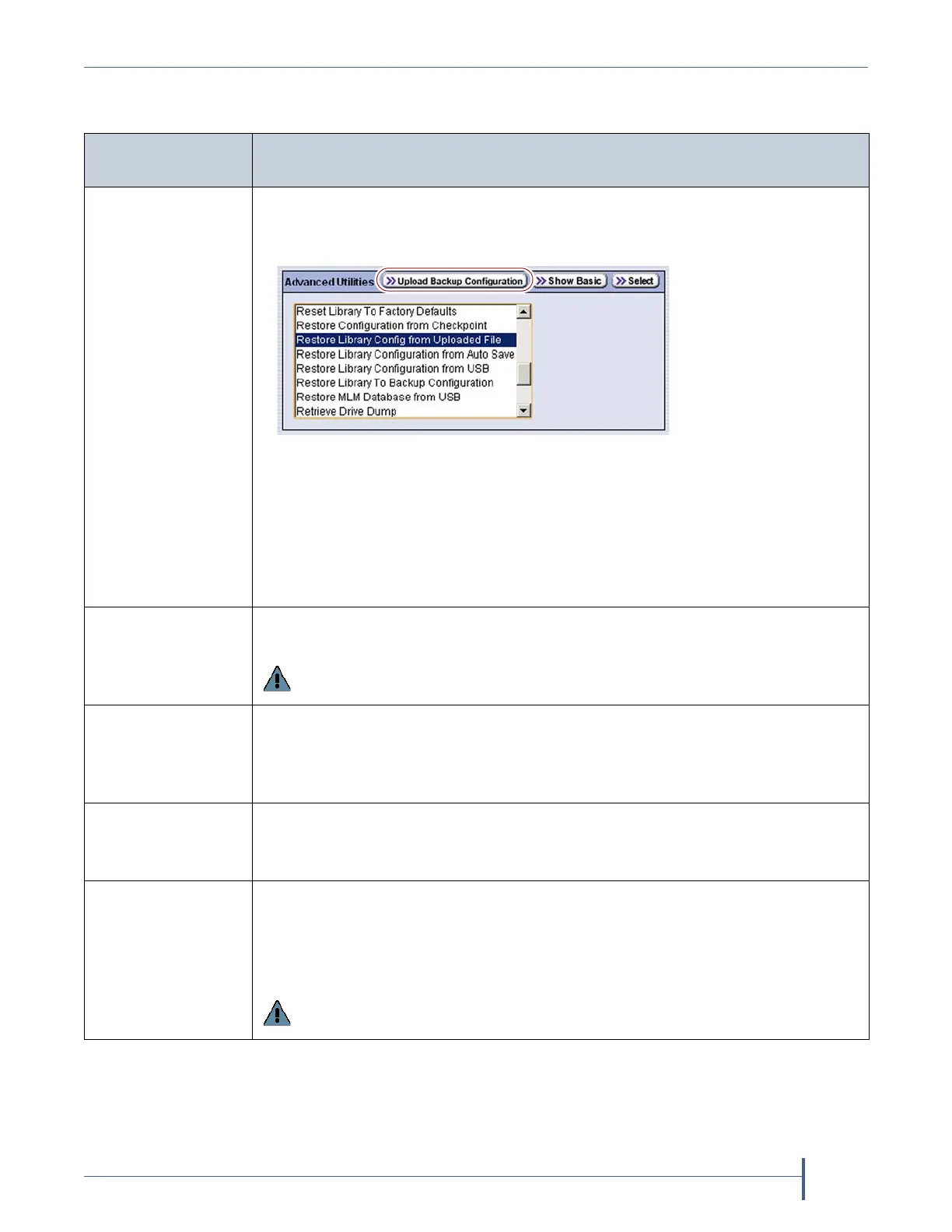
Uploadaconfigurationbackupfiletoatemporarylocationinthelibraryfroma
computerthathasnetworkaccesstothelibrary.
1. ClickUpload Backup Configurationatthetopofthescreen.
2. Whentheuploadiscomplete,youmustthenruntheRestore Library
Configuration from Uploaded Fileutilitytorestorethelibraryconfiguration.
Notes:
TheUpload Backup Configurationbuttonisonlyavailablewhenyouaccess
thelibrarythroughtheBlueScalewebinterface.
ThisoptionisalwaysusedinconjunctionwithRestore Library Configuration
from Uploaded File.
Restore
Configuration from
Checkpoint
Restorethelibraryconfigurationfromthecheckpointmadeduringthelast
packageupgrade.Whenthisutilitycompletes,thelibraryresets.
Important: This utility should only be run under the direction of Spectra Logic
Technical Support.
Restore Library
Configuration from
Uploaded File
CompletetherestoreprocessafterusingUpload Backup Configurationtoupload
asavedconfigurationfilefromacomputer.
Note: ThisoptionisalwaysusedinconjunctionwithUpload Backup
Configuration,whichmustberunfirst.
Restore Library
Configuration from
USB
RestorealibraryconfigurationfilepreviouslystoredonaUSBdevice.
Note: TheUSBdevicemustbepluggedintotheUSBportontheLCMbefore
youcontinue.
Restore Library To
Backup
Configuration
Usethisoptiontorestorethelibraryconfigurationtotheprevious
configuration,whichwasautomaticallystoredontheLCMbeforeeitherthe
“ResetLibrarytoFactoryDefaults”or“RemoveallLibraryPartitions”utility
wasrun.Whenthe“RestoreLibraryToBackupConfiguration”utility
completes,thelibraryresets.
Important: This utility should only be run under the direction of Spectra Logic
Technical Support.



 To Next Page