Chapter 13—Drive Troubleshooting Using a Global Spare Drive
August 2017 User Guide—Spectra T50e Library
406
3. UseyourstoragemanagementsoftwaretopreparetheGlobalSpare
drive.Refertoyourstoragemanagementsoftwaredocumentationfor
information.
a. StopallstoragemanagementsoftwareactivitytotheGlobalSpare
drivethatreplacedthefaileddrive.
b. Ifnecessary,use yourstoragemanagementsoftwaretoejectthe
cartridgefromthedriveandreturnittoitsslot.
c. TaketheGlobalSparedriveoffline.
4. WhentheGlobalSparedriveisemptyandoffline,clickMENU >
Configuration > PartitionstodisplaythePartitionsscreen(see
Figure273onpage404).
5. ClickGlobal Spare forthepartitionthatcontainedthefaileddriveto
displaytheGlobalSpareUsagescreen.
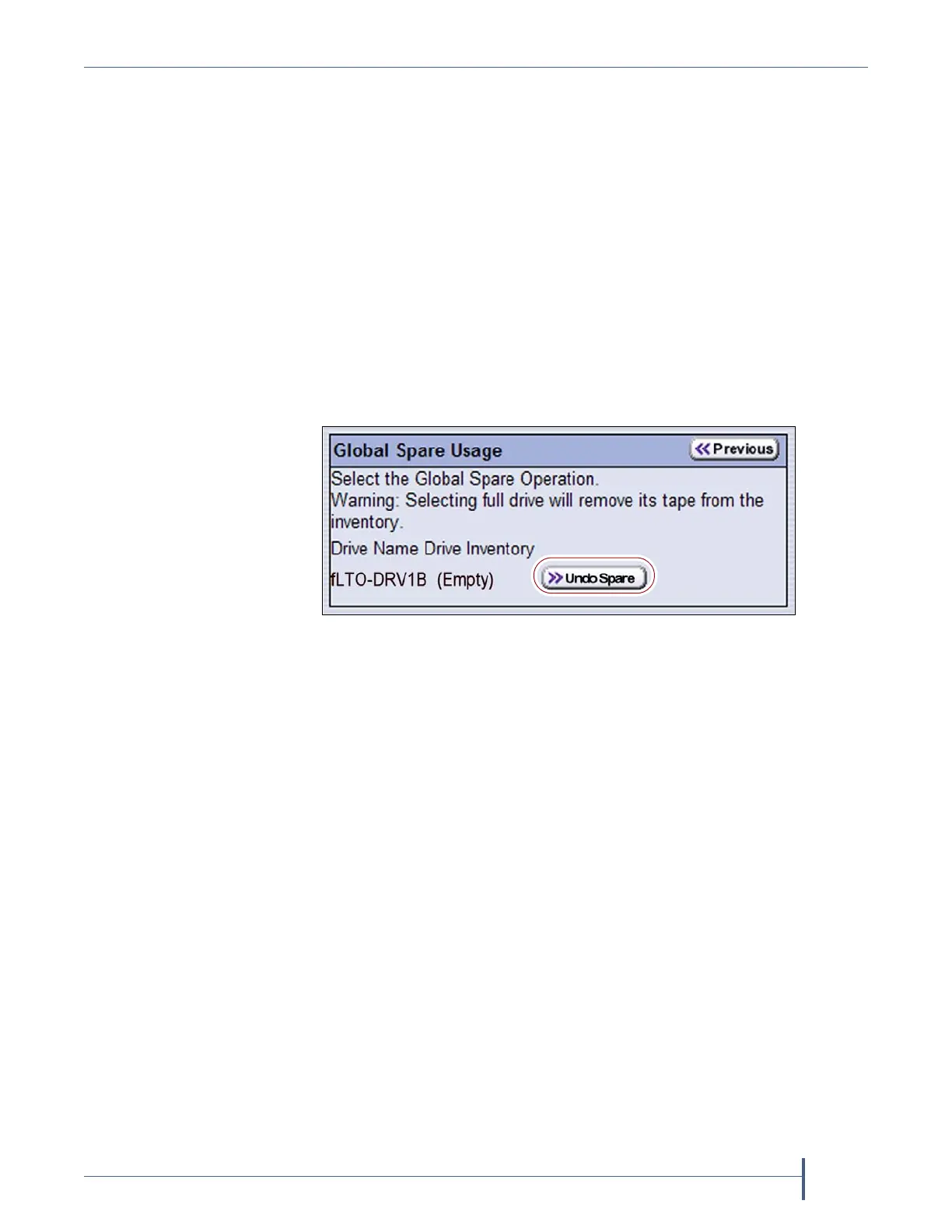
6. ClickUndo Sparenexttothedriveyouphysicallyreplaced.
TheBlueScalesoftwarestopssubstitutingtheGlobalSpareforthedriv e
itreplacedandreconfiguresthe replacementdrivebac k intothe
partition.TheGlobalSpareisthenavailabletobeusedagain,asneeded.
7. Useyourstoragemanagementsoftwaretobringthenewlyinstalled
driveonlineandresumebackupoperations.Refertoyourstorage
managementsoftwaredocumentationforinstructions.
Figure 276 Click Undo Spare to begin using the
replacement drive you installed.



 To Next Page