Chapter 15—Maintaining the Drives Updating Drive Firmware
August 2017 User Guide—Spectra T50e Library
452
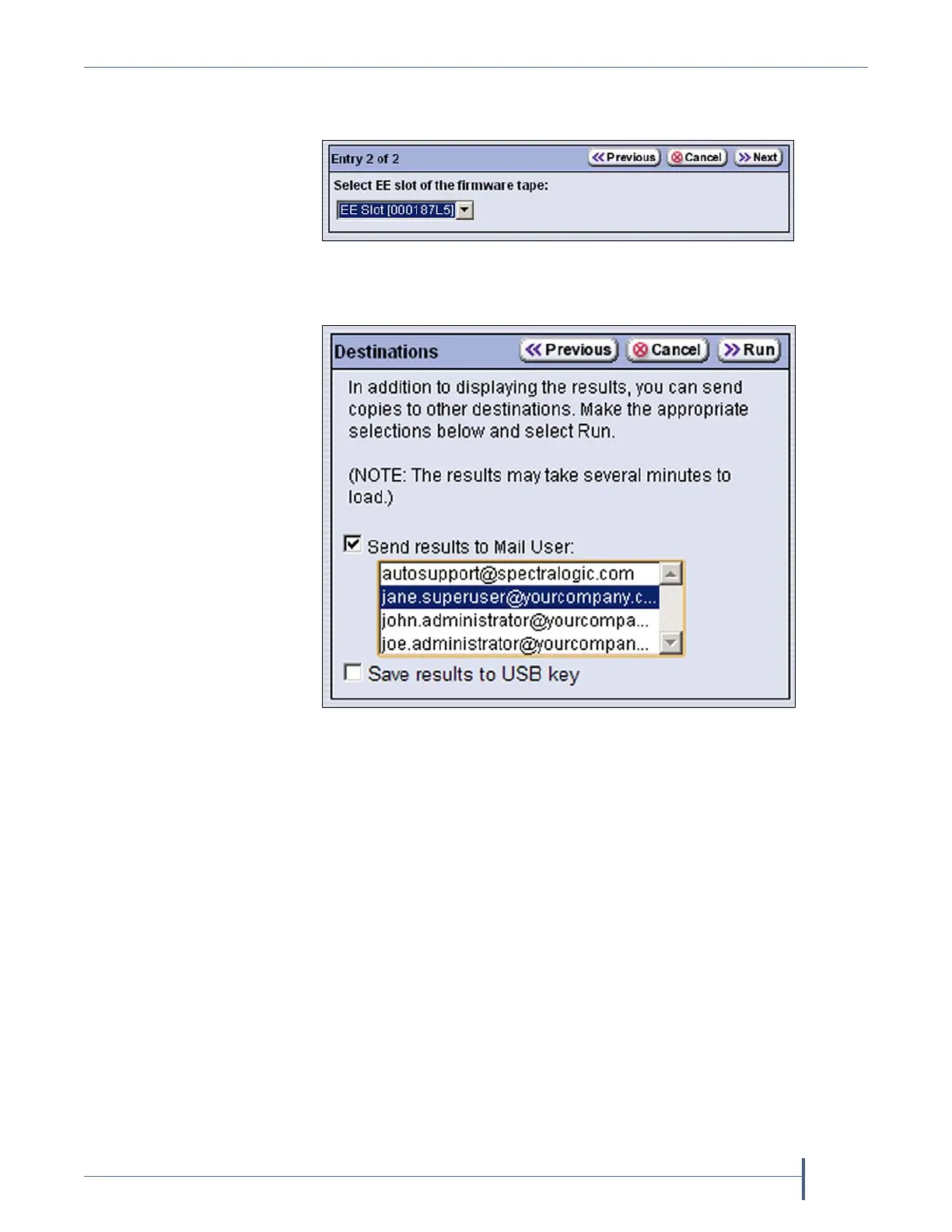
8. ClickNextandusetheSelect EE slot of the firmware tapedrop‐downlist
toselectthefirmwareupdatetapeintheE/Eslot.
9. ClickNext.TheDestinationsscreendisplays.
Figure 312 Select the cartridge in the E/E slot.
Figure 313 Select other destinations for the results of the
firmware update.



 To Next Page