Manual Programming with Guardrails™ Suite MX
BD Alaris
TM
System with Guardrails
TM
Suite MX User Manual 117
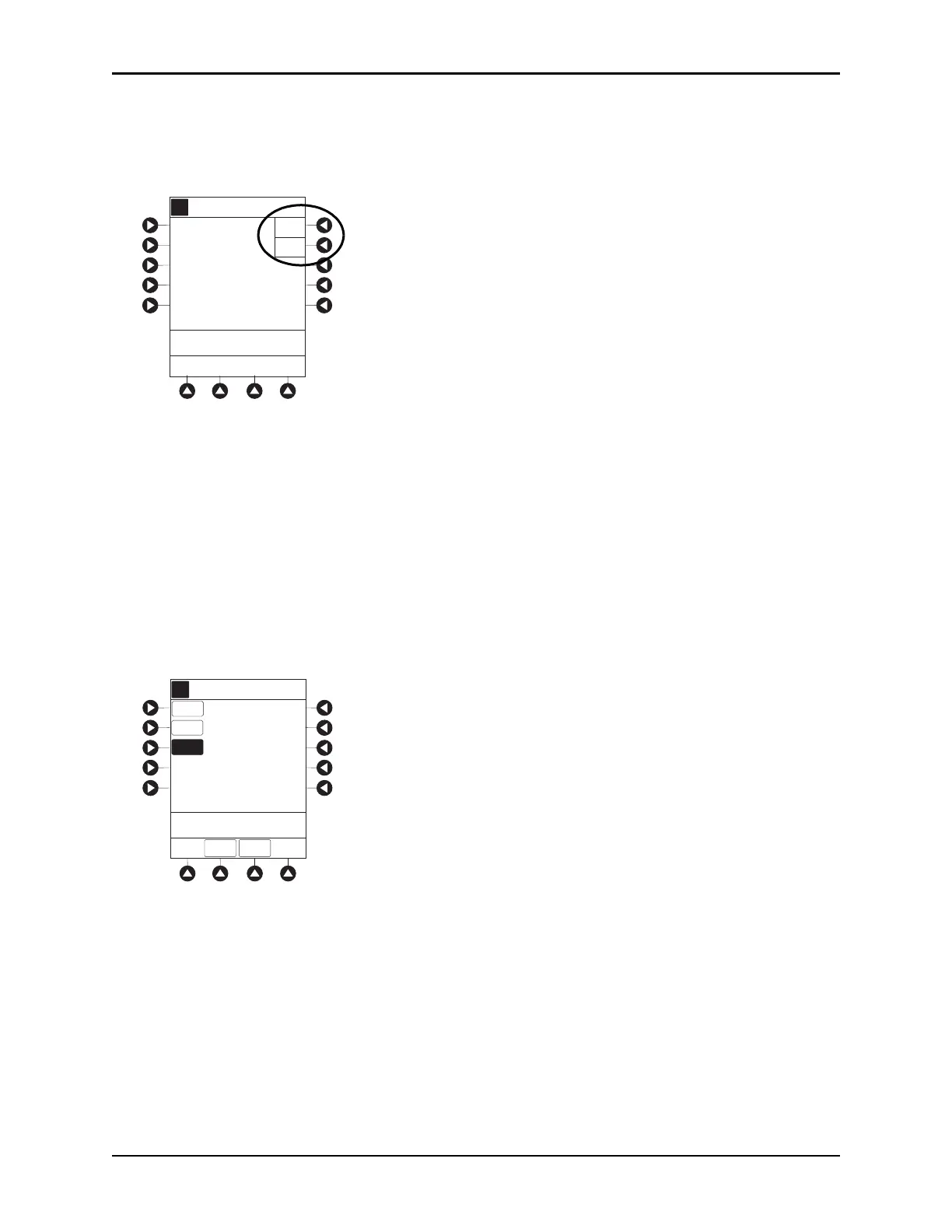
4. To continue programming, press the Yes soft key.
or
To change selection, press the
No soft key.
• If Yes was selected and the facility has defined a Clinical Advisory for that drug, a message
appears. To indicate information has been noted and continue programming, press the
CONFIRM
soft key.
• If
Yes was selected to continue programming, drug amount and diluent volume (if defined in drug
library) are automatically entered for selected drug.
• If selected drug had “_ _ / _ _ mL” concentration, drug amount and diluent volume need to be
entered.
• If selected drug is not weight-based,
Not Used is displayed in PATIENT WEIGHT field.
• If hospital/facility practice guidelines identify selected drug as weight-based, prompt for a patie
nt
weight in kilograms or BSA appear (as in illustrated example, which reflects use of
Methotrexate).
A
>Press Yes or No
Methotrexate
_ _ _ mg/_ _ _mL was
selected.
Is this correct?
Yes
No
mg/m
2
DOSING
UNITS
Guardrails Drug Setup
Peds Oncology
A
DRUG
AMOUNT
DILUENT
VOLUME
6840 mg
20 mL
[Conc]: 1.7 mg/mL
>Enter BSA
DOSE =
___
mg/m
2
Guardrails Drug Setup
Methotrexate
BSA
___m
2
DRUG
LIBRARY
PRIMARY



 To Next Page