General Setup and Operation
BD Alaris
TM
System with Guardrails
TM
Suite MX User Manual 47
Activating a New Data Set:
1. Power down by pressing CHANNEL OFF on each module or by pressing OPTIONS and Power Down All
Channels.
2. Power on by pressing
SYSTEM ON.
3. At
NEW PATIENT prompt, select YES.
The new data set name will appear in the title bar.
NOTE:
If the new data set name does not appear in the title bar, check that the system is connected to the
wireless network.
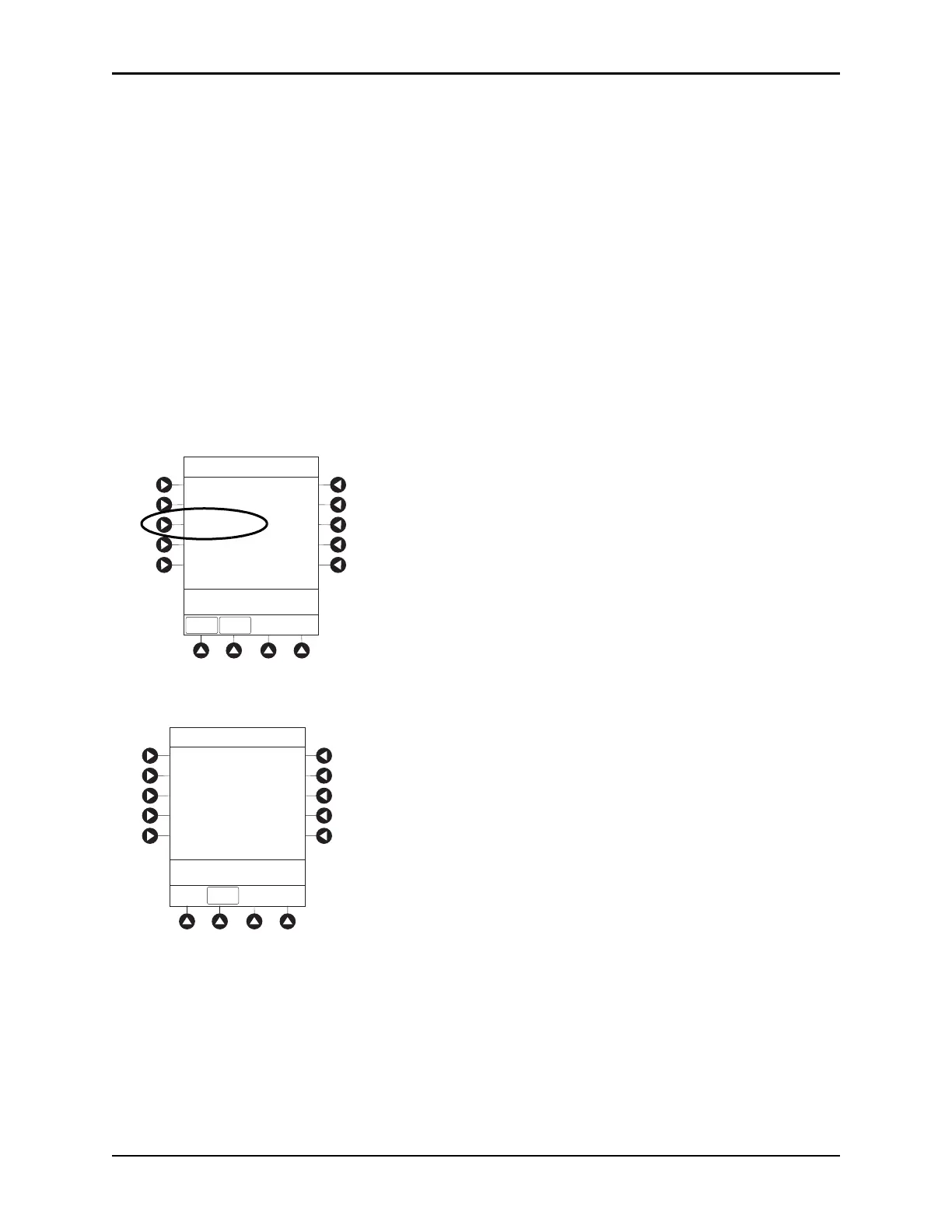
Viewing Data Set Status
1. Press the OPTIONS key.
2. Press the
PAGE DOWN soft key two times.
3. To view data set status, press the
Data Set Status soft key.
A status of Current or Pending is displayed. A Pending status also notes that the data set is Transferring
or
Not Activated.
System Options 3 of 3
>Select an Option or
EXIT
EXIT
Network Status
Maintenance Due Yes
Wireless Connection
Data Set Status
PAGE UP
B
EXIT
Current:
Pending:
(none available)
Midtown Hospital
Dataset ID: 83442BB
Not Activated
ID: 83442BB
Activated: 2005-09-18 08:45
ID: 83442BB
Activated: 2005-09-18 08:45
System Options
>Press EXIT
Data Set Status



 To Next Page