General Information
BD Alaris
TM
System with Guardrails
TM
Suite MX User Manual 277
Displays
The displays illustrated throughout this document are for illustration purposes only. The display content
varies, depending on configuration settings, hospital-defined data set uploaded using the Guardrails suite
MX,
programmed parameters, and many other variables.
Main Display
See the BD Alaris™ PCU Model 8015 and Alaris™ PCU Model 8015 on page 15.
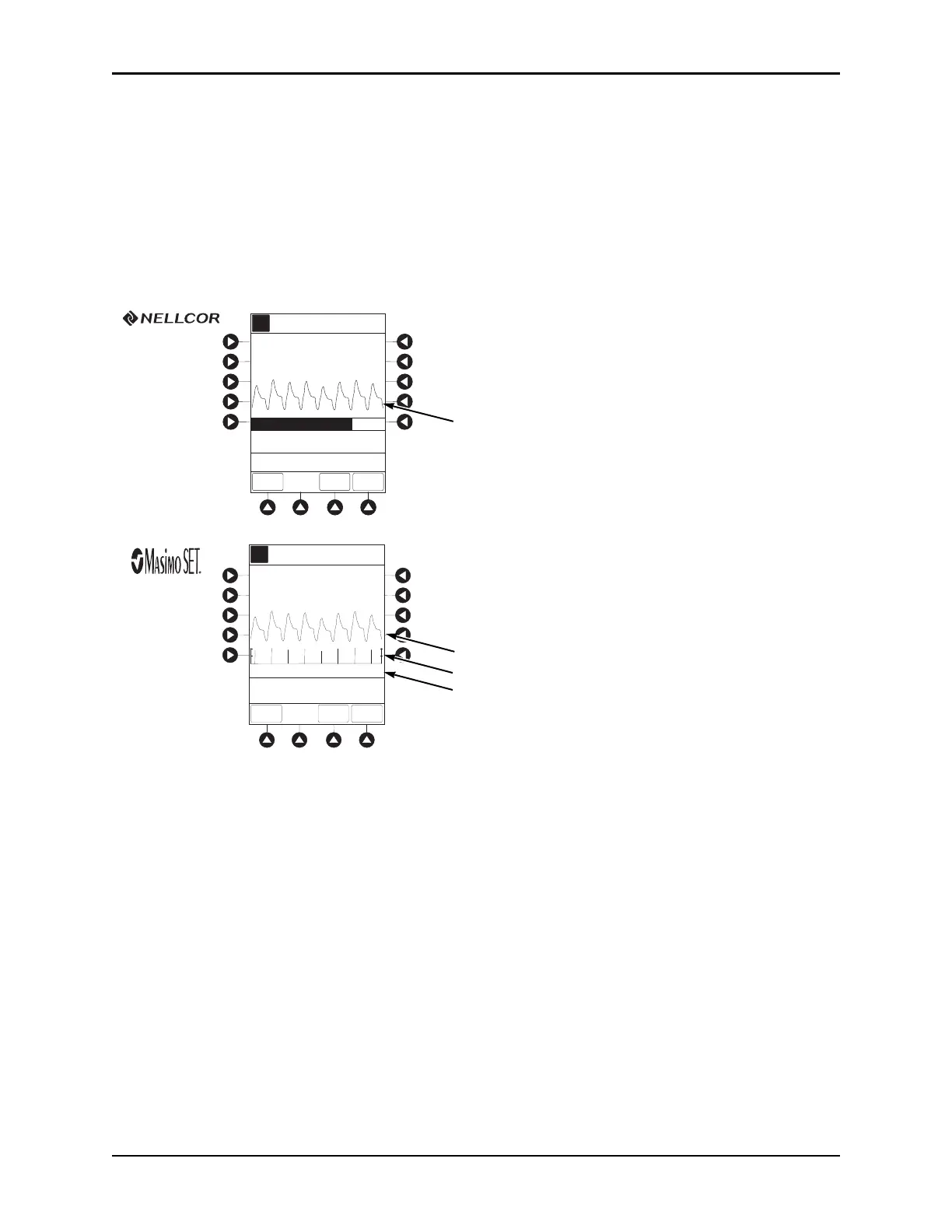
SpO
2
Main Display
Configurable Settings
See the BD Alaris™ PCU Model 8015 and Alaris™ PCU Model 8015 on page 15 for system configurable
settings.
If the configuration settings need to be changed from the Factory
default settings, refer to the applicable
technica
l service manual or contact CareFusion technical support for technical, troubleshooting, and
preventive maintenance information.
With the profiles feature enabled, the settings are configured independently for each profi
le. A
hospital-defined, best practice data set must be uploaded to enable the profiles feature. Date and time is a
system setting and is the same in all profiles.
A
Adult
Mode
82
% SPO2
97
Off
150
90
50
LIMITS
TREND
MAIN
SCREEN
PULSE
RATE
SPO2 Main
SatSeconds (% to Alarm)
0
100
>Press ENTER to Retain
Current View
A
Adult
Mode
82
% SPO2
97
Off
150
90
50
LIMITS
TREND
MAIN
SCREEN
PULSE
RATE
SPO2 Main
PI = 10.56
>Press ENTER to Retain
Current View
Pleth Waveform
Pleth Waveform
Signal I.Q™
PI
(8220)



 To Next Page