Chapter 6—Alaris™ EtCO
2
Module Model 8300
294 BD Alaris
TM
System with Guardrails
TM
Suite MX User Manual
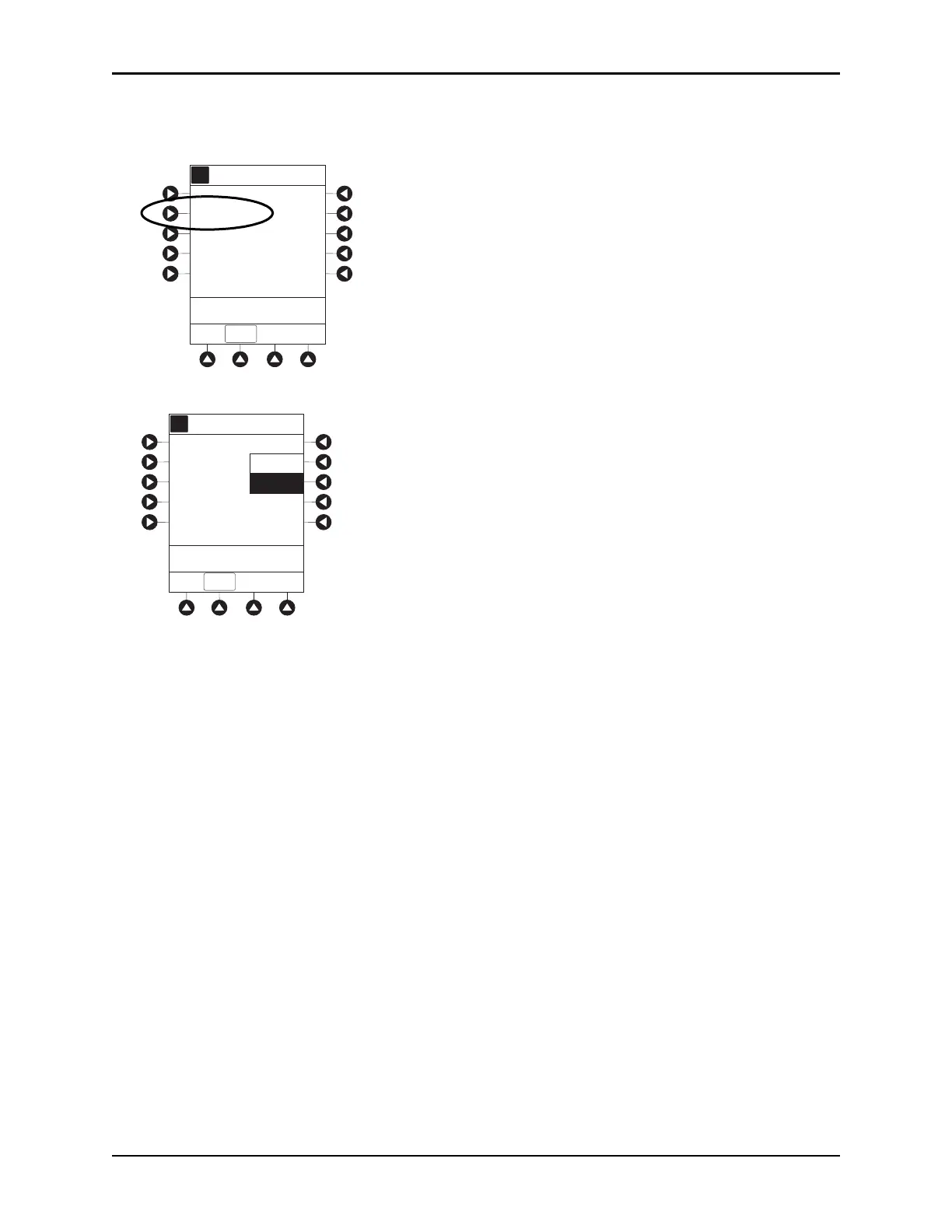
Changing Waveform Height
1. Press Waveform height soft key.
2. To change Waveform Height, select applicable range limit.
• 60 mmHg: Displays a waveform for EtCO
2
values within 0 – 60 mmHg range. If EtCO
2
value
exceeds that range, Waveform Out of Range; Adjust Scaling message is displayed until
waveform falls back into range or 0 – 99 mmHg option is selected.
•
99 mmHg: Displays a waveform for full EtCO
2
value range, 0 – 99 mmHg.
3. To return to
ETCO2 Main display, press EXIT soft key.
A
5 sec
Limit Mode: Adult
Channel Options
EXIT
Waveform height: 80 mmHg
Waveform time scale:
PCA/EtCO2 Trend data
>Select an Option or
EXIT
A
A
60 mmHg
Waveform Height
EXIT
>Select an Option or
EXIT
99 mmHg



 To Next Page