General Setup and Operation
BD Alaris
TM
System with Guardrails
TM
Suite MX User Manual 23
Selecting New Patient and Profile Options
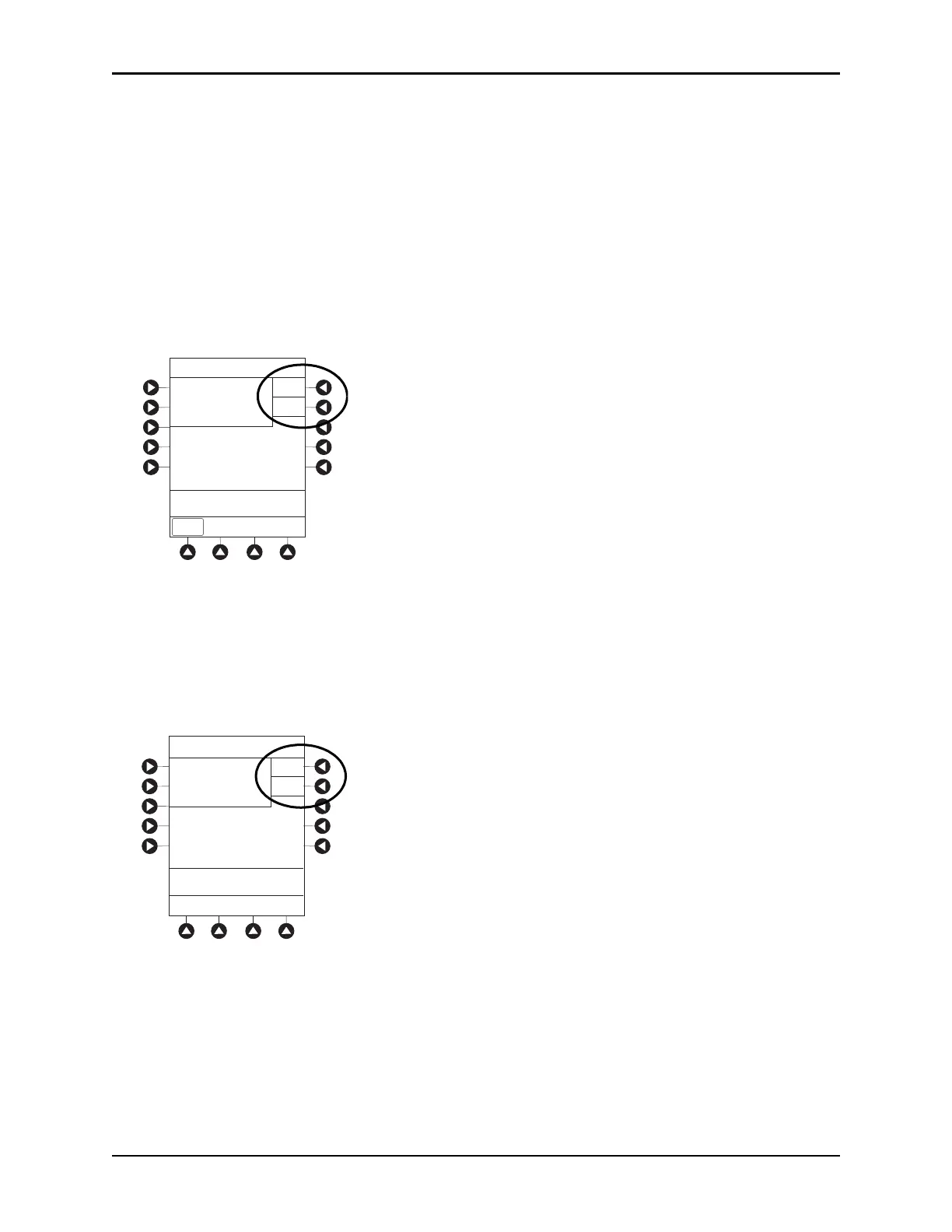
The following procedures assume the profiles feature is enabled.
1. Select required
NEW PATIENT? option.
• To indicate programming is for a new patient and clear all stored patient p
arameters from memory,
press the
Yes soft key.
• To confirm programming is for same patien
t and retain all stored patient parameters, press the
No
soft key.
°
Last used profile is displayed.
°
If profiles feature is disabled, main menu appears.
2. Accept or change current profile:
• To accept current profile, press the
Yes soft key.
Main screen appears.
• To change profile, press the
No soft key and continue with next step.
Profile selection screen appears.
3. To select a profile, press the corresponding left soft key. To view additional choices, press the PAGE
DOWN
soft key.
Midtown Hospital
Yes
No
NEW PATIENT ?
>Select Yes or No
“Yes” Clears Previous
Patient Data
DISPLAY
CONTRST
Midtown Hospital
Adult ICU
Yes
No
>Select Yes or No
Adult ICU ?
“Yes” Confirms Same
Profile



 To Next Page