Programming
BD Alaris
TM
System with Guardrails
TM
Suite MX User Manual 291
Navigating PCA Module/EtCO
2
Module Trend Data
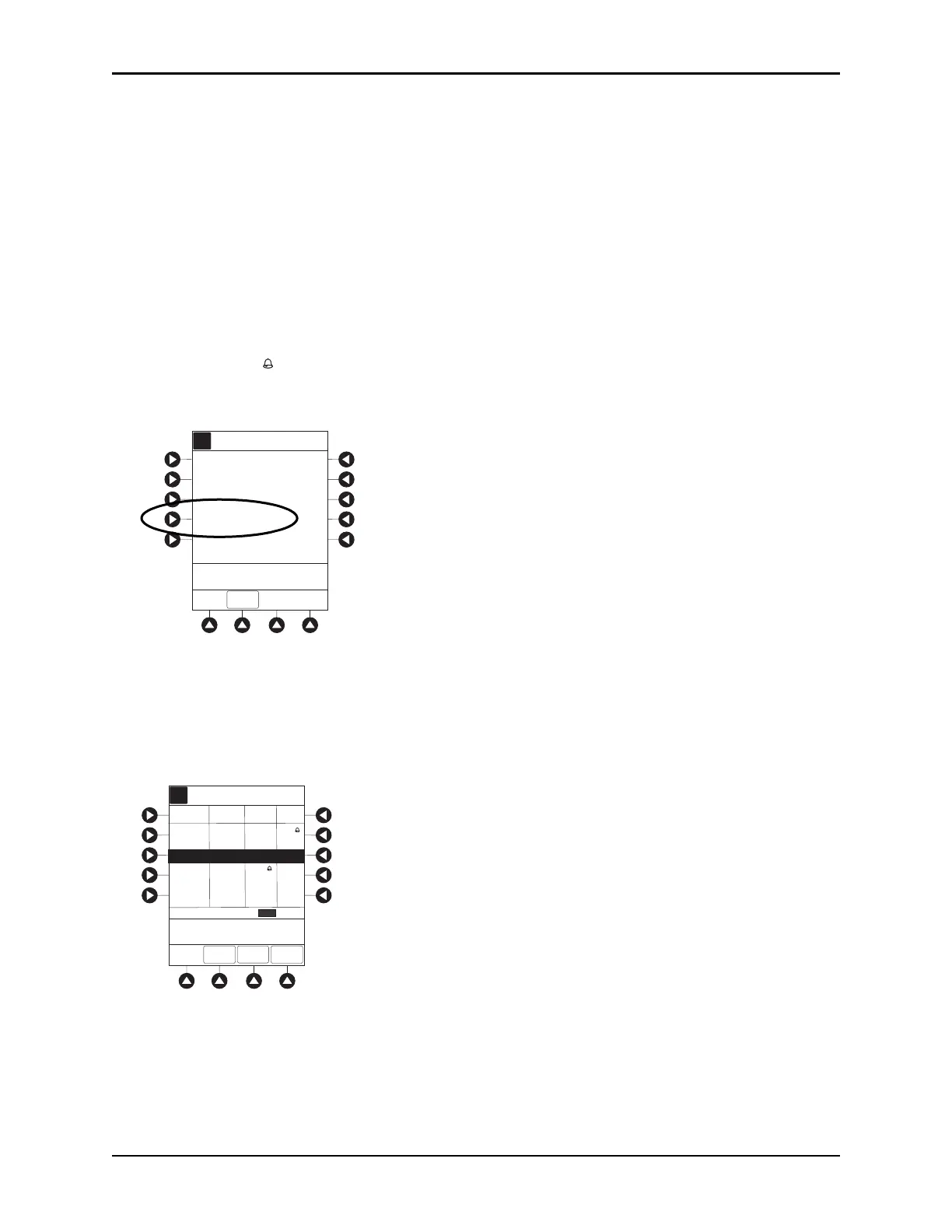
To access and view shared trend data when a PCA module is present, perform the following steps.
1. To view
ETCO2 Main display, press CHANNEL SELECT key.
2. To access option to view trend data, press
OPTIONS key.
3. To view
Trend Data, press PCA/ETCO2 Trend data soft key.
The following information is displayed:
• TIME period for data review
.
•Av
erage EtCO
2
.
• Average respiratory rate (RR).
•Alarm icon ().
•
TOTAL DOSE of medication infused through PCA module (includes continuous Infusion, loading
dose, bolus, and PCA dose).
4. See Navigating Trend Data on page 289 for instructions on how to:
• Navigate from page to page.
•Change TIME increment
s.
•Re
turn to
ETCO2 Main display.
• Return to Main Display.
A
5 sec
Limit Mode: Adult
Channel Options
EXIT
Waveform height: 80 mmHg
Waveform time scale:
PCA/EtCO2 Trend data
>Select an Option or
EXIT
A
>Press UP/DOWN Keys
to Move Cursor.
PAGE
DOWN
ZOOM
ZOOM: minutes
TIME
RRETCO2
TOTAL
DOSE (mg)
AVG
AVG
2003-06-06
08:03
08:04
08:05
------
---
120
08:01
08:02
560 30
ETCO2
MAIN
Morphine
1mg/mL
09:00
1
08:06
40
415.01
392
13
11
12
402.55
12
411.2
13
---



 To Next Page