Chapter 2—BD Alaris™ PCU Model 8015 and Alaris™ PCU Model 8015
28 BD Alaris
TM
System with Guardrails
TM
Suite MX User Manual
Powering Off the System
Press and hold the CHANNEL OFF key until a beep is heard (approximately 1.5 seconds), and then release
the key to initiate power down.
• During power off sequence, the main display flashes
Powering Down.
• To interrupt the power down sequence, quickly press any key (except SYSTEM ON) on the PCU. If a
device needs to be used on a new patient, the system should be completely powered down and then
restarted with the
SYSTEM ON key. When all attached modules are powered off, the PCU automatically
powers down.
System Options
Adjusting Display Contrast
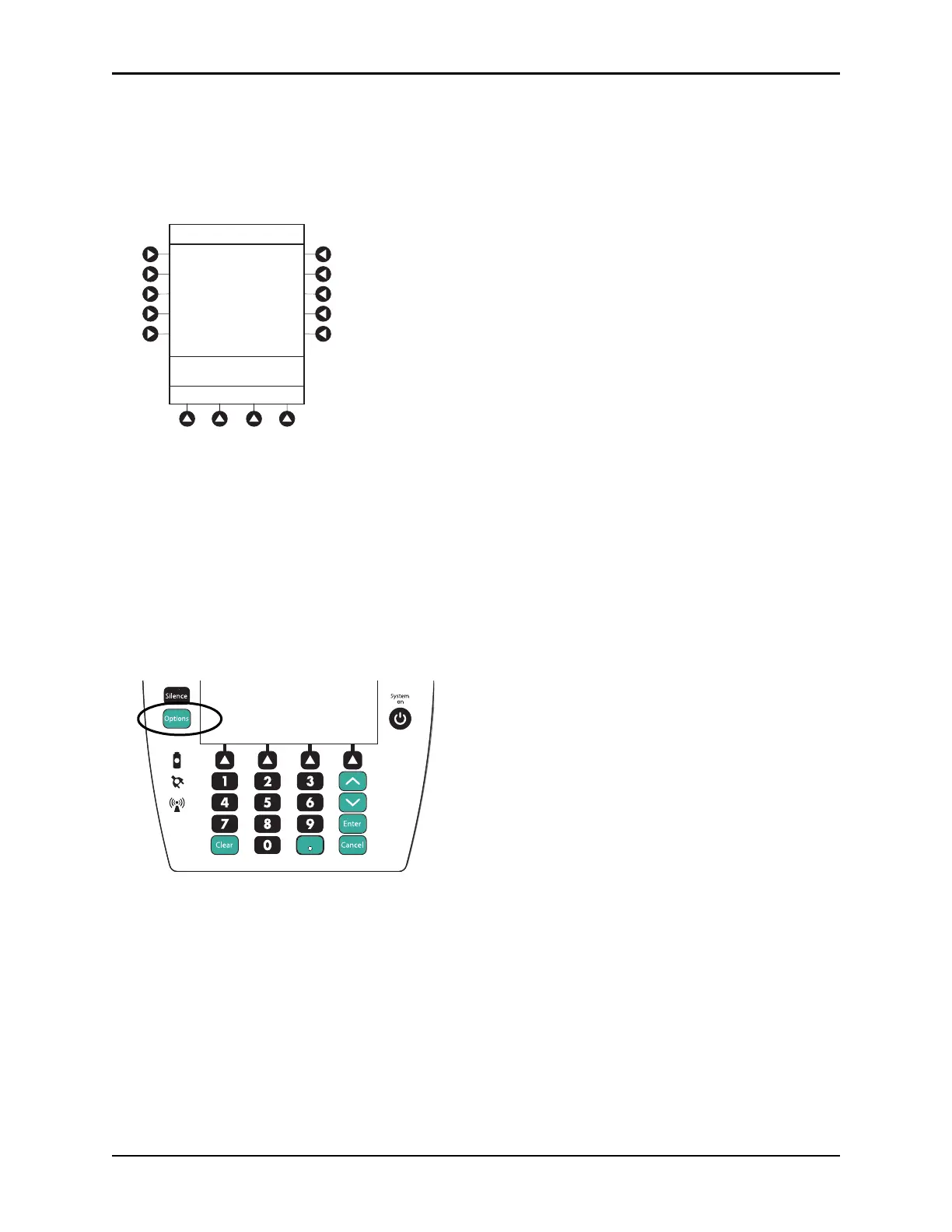
1. Press the OPTIONS key.
Options
Silence
Clear Cancel
Enter
System
on



 To Next Page