Chapter 2—BD Alaris™ PCU Model 8015 and Alaris™ PCU Model 8015
20 BD Alaris
TM
System with Guardrails
TM
Suite MX User Manual
Detaching a Module
1. Ensure that the module is powered off before detaching.
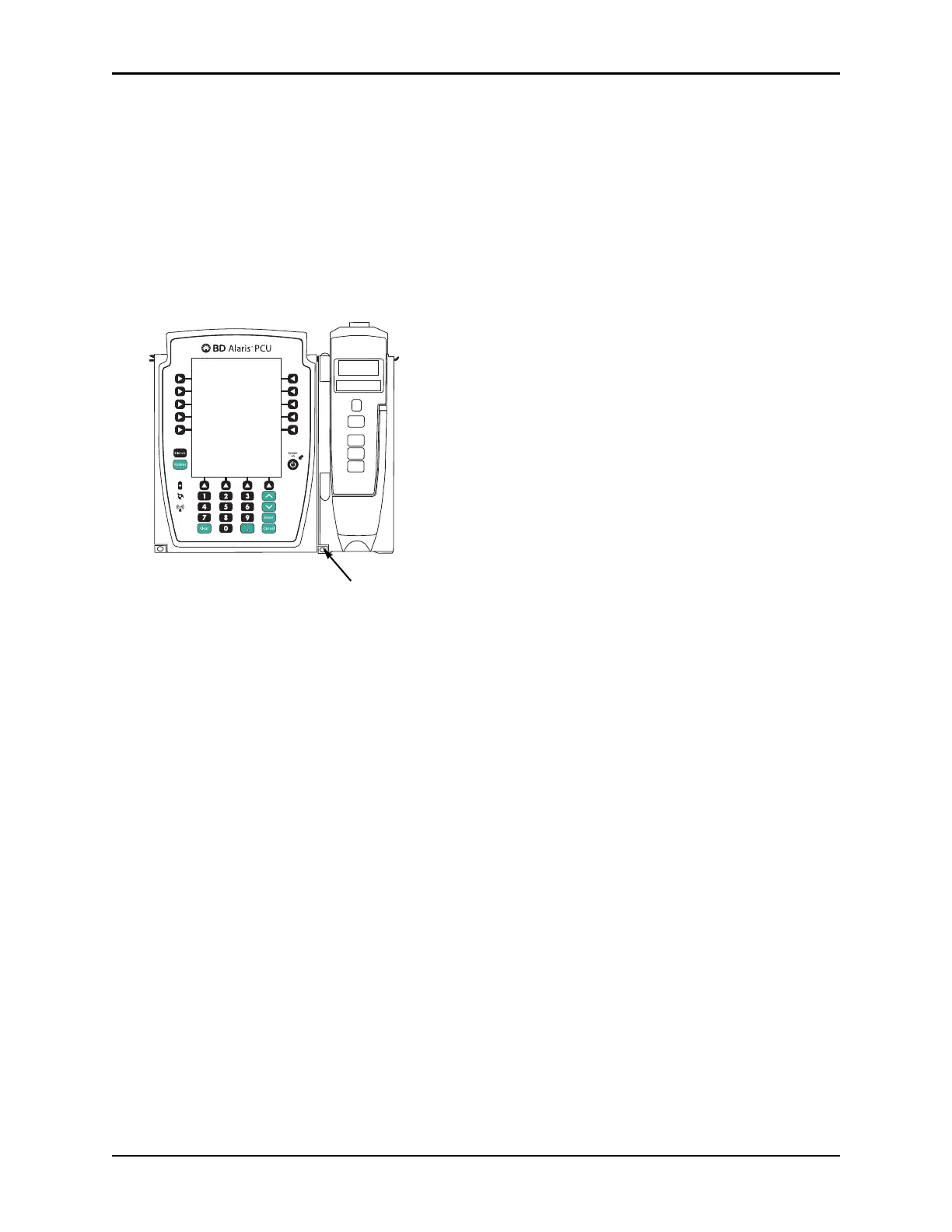
2. Push the module release latch, and then rotate the module up and away from
the PCU or other attached
module (opposite to motion shown in the Attaching a Module on
page 18 procedure) to disengage
connectors.
• The system re-identifies and shows appropriate module identification (A, B, C, or D), from left to
right.
•
Appropriate module position(s) (A, B, or C) for remaining module(s) appear on the main display.
Adding a Module While the System is Powered On
Adding a module is described in Attaching a Module on page 18.
• The system tests the module, causing all LED segments and indicator li
ghts of displays to illuminate
briefly.
• The appropriate module identification display (A, B, C, or D) illuminates.
Modules are always labeled
left to right, so if a module is added to the left of other modules, all modules are reidentified. Module
reidentification does NOT interrupt or affect infusion or monitoring on active modules.
• Module positions (A, B, C, or D) appear on the main display.
•
If any of the following conditions are observed, the affected modu
le must be removed from use and
inspected by qualified personnel:
• LED segments are not illuminated on displays during power-on tes
t.
• Indicator lights do not illuminate.
• Appropriate module identification does not appear.



 To Next Page