General Setup and Operation
BD Alaris
TM
System with Guardrails
TM
Suite MX User Manual 25
Patient ID Entry Feature
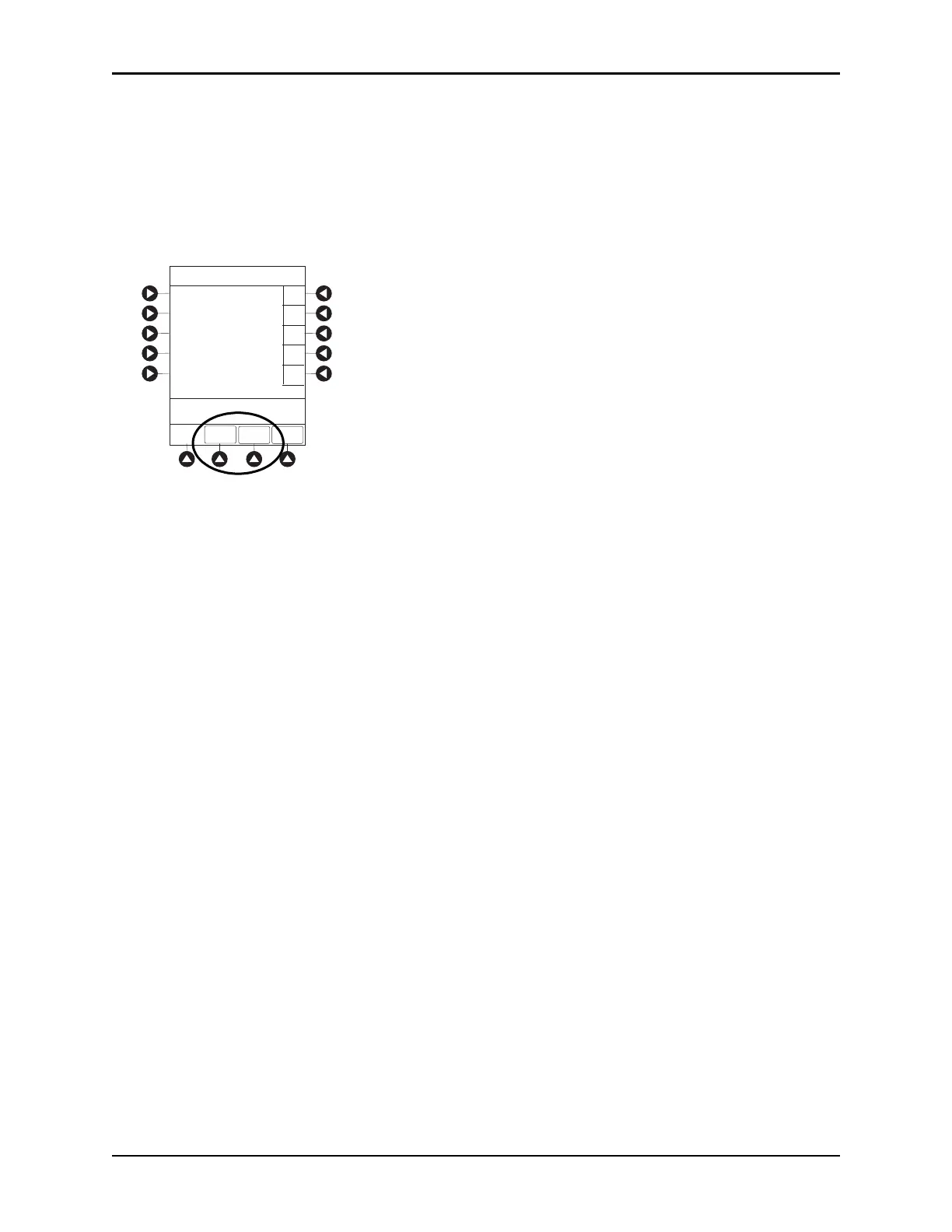
The option to enter and display a 16-character alphanumeric patient identifier is always available. The
instrument can be configured to automatically display the
Patient ID Entry screen during start-up or to
provide access only through the
Systems Options menu (see System Options on page 28).
If
Yes was selected to indicate programming for a new patient, perform one of following steps:
• If patient identifier is not required, press
the CONFIRM or EXIT soft key.
• To manually enter patient identifier, use numeric data entry keys and/or alpha speed keys.
• An alphanumeric identifier, of up to
16 characters, can be entered.
• Press soft key next to a letter group to list
letters in that group. Press soft key next to an individual
letter to enter that letter.
• To access letter “Z” and special characters (hyphen, underscore, s
pace), press the PAGE DOWN soft
key.
• To clear an entire entry, press the
CLEAR key.
• To back up a single character at a time, press the
CANCEL key.
• To scan barcode on patient identification band, see Alaris™ Auto-ID Module Model 8600 on
page 309.
EXIT
A
B
C
D
PAGE
DOWN
>Enter Patient ID and Press
CONFIRM
E
K-O
F-J
P-T
U-Y
A-E
Patient ID Entry
_ _ _ _ _ _ _ _ _ _ _ _ _ _ _ _
CONFIRM



 To Next Page