Programming
BD Alaris
TM
System with Guardrails
TM
Suite MX User Manual 233
5. For restored parameters, verify valid parameters and press CONFIRM soft key.
Changing a restored parameter:
a. Press applicable soft key.
b. Enter desired parameter using numeric data entry keys.
c. Press
CONFIRM soft key.
6. Close and lock security door.
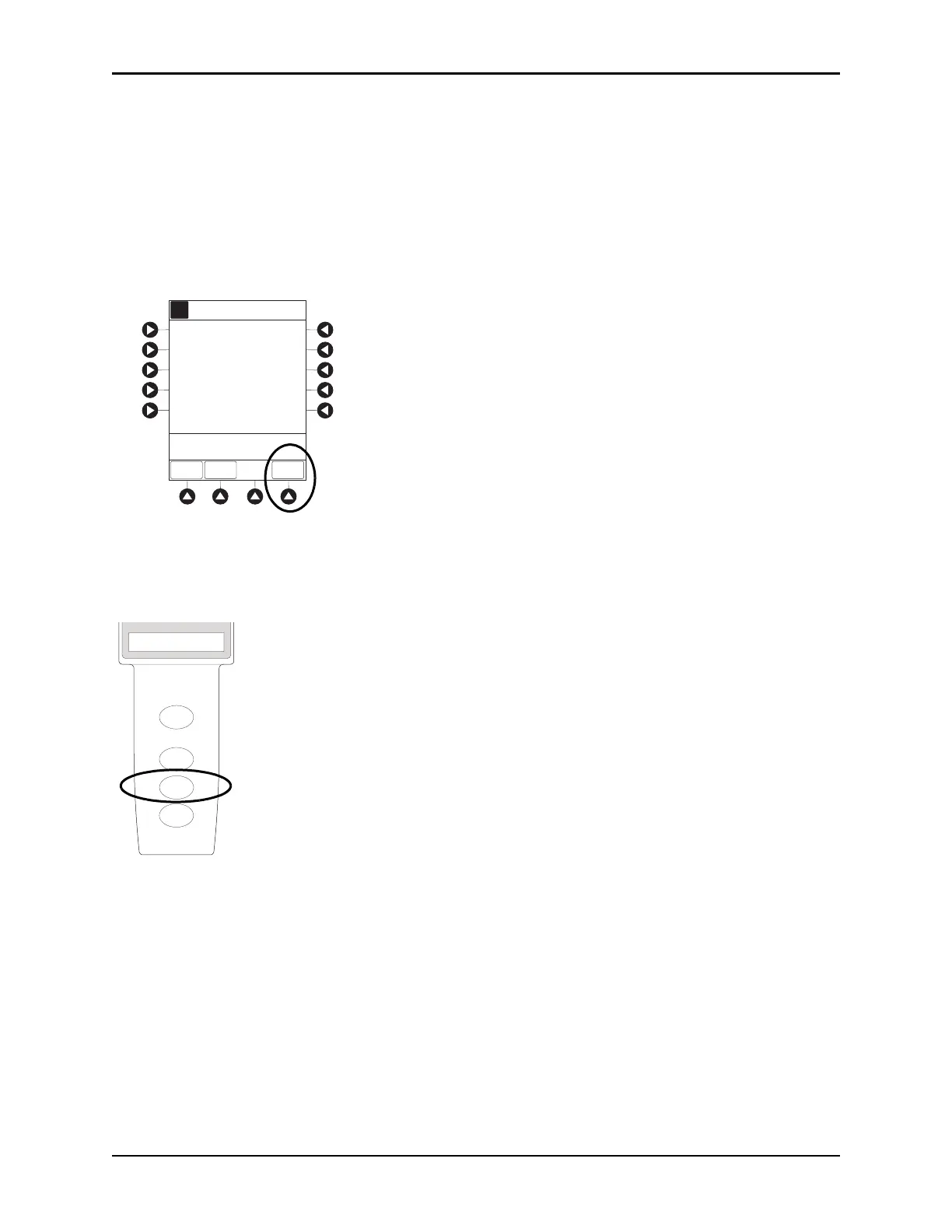
7. Verify correct programming parameters on summary screen and press
START soft key.
Stopping Infusion
Press and hold CHANNEL OFF key until a beep is heard, approximately 1.5 seconds. If no other channel is
active, the
system powers down when the
CHANNEL OFF
key is released.
Selecting Pressure Limit
1. Press CHANNEL SELECT key.
2. Press
OPTIONS key.
[Conc]: 1 mg/mL
Second Nurse Summary
Morphine
A
>Press START
START
PAUSE
PRO-
GRAM
10 minutes
Lockout
Interval:
Max Limit:
2 mg
PCA Dose:
25 mg/4 h
RESTART
CHANNEL
OFF
PAUSE
CHANNEL
SELECT
RATE (mL/h)
PCA Module



 To Next Page