Chapter 4—Alaris™ PCA Module Model 8120
234 BD Alaris
TM
System with Guardrails
TM
Suite MX User Manual
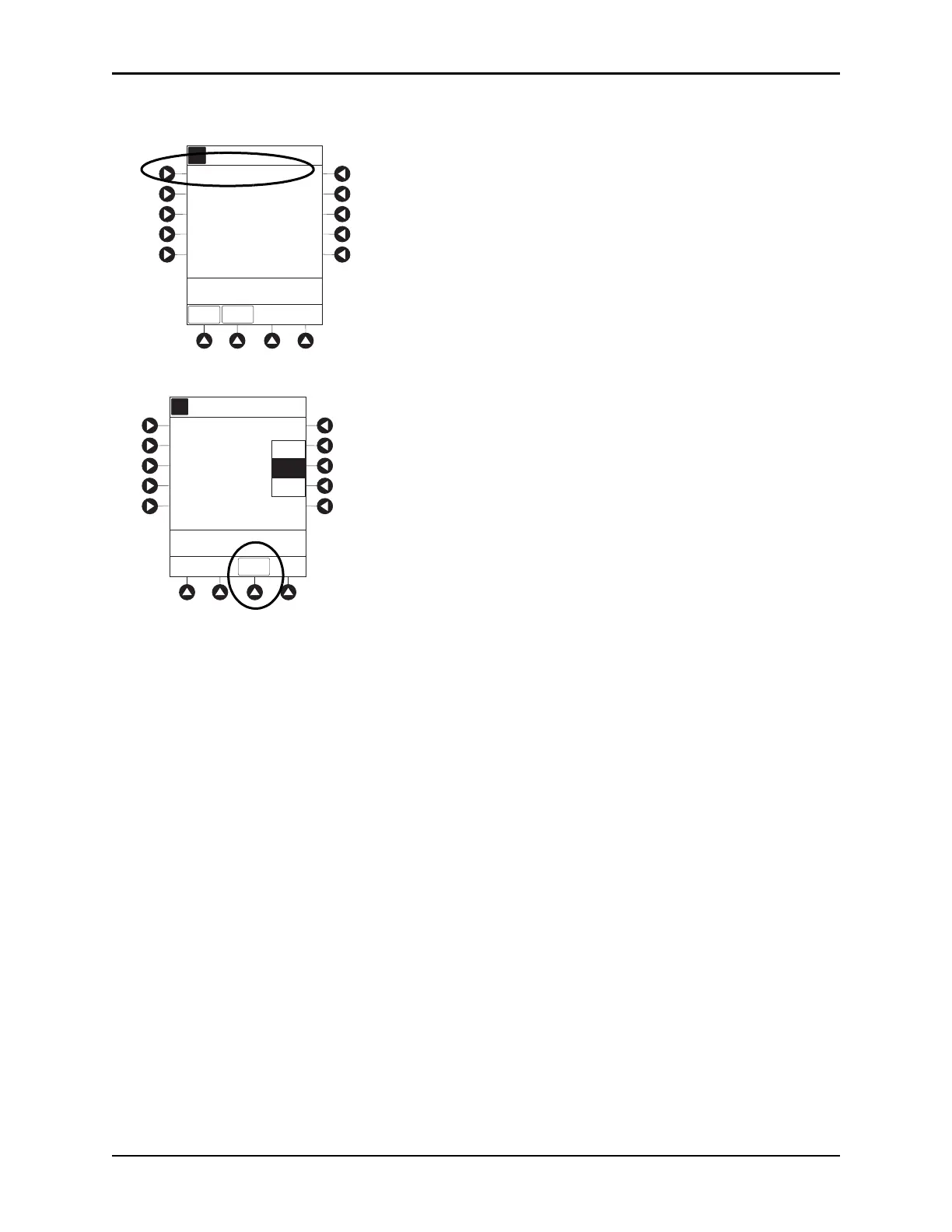
3. Press PRESSURE LIMIT soft key.
4. To select a pressure limit, press appropriate soft key.
5. Press CONFIRM soft key.
NOTE:
Option to change pressure limit can be selected:
• After drug is selected, and before infusion mode is selected and infusion starts, or
• After infusion starts.
A
>Select an Option or
EXIT
EXIT
Pressure Limit - High
Channel Options 2 of 2
Prime Set with Syringe
PAGE
UP
A
Pressure Limit Selection
CONFIRM
Low
High
Med



 To Next Page