Chapter 4—Alaris™ PCA Module Model 8120
226 BD Alaris
TM
System with Guardrails
TM
Suite MX User Manual
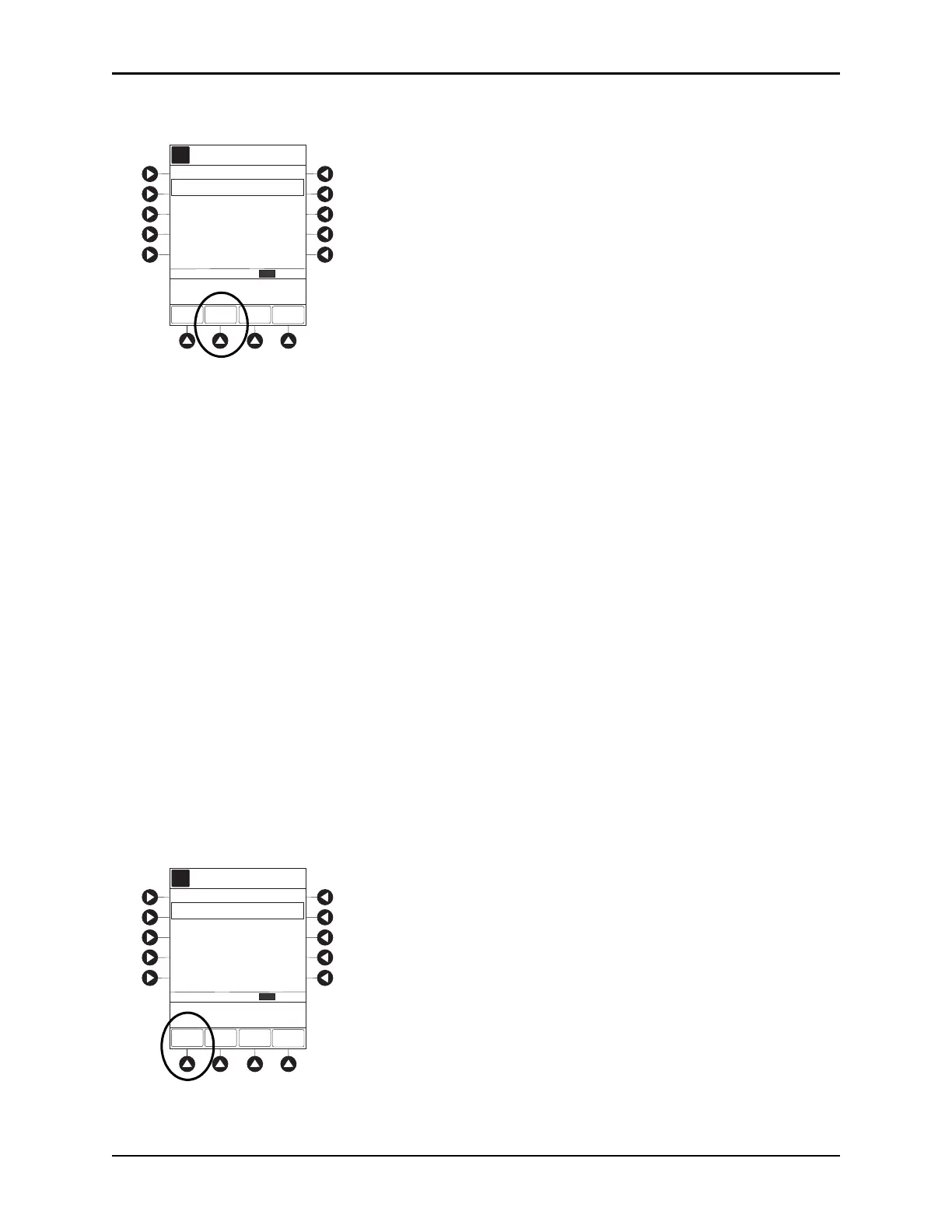
4. To select desired time period, press ZOOM soft key.
5. To view detailed patient history, press DETAIL soft key.
6. To return to main patient history, press MAIN HISTORY soft key.
7. To return to Main Display, press EXIT soft key.
NOTE:
Total drug delivered includes applicable loading dose, PCA dose, continuous dose, and bolus dose.
Total drug delivered does not include priming volume.
Patient History stores a rolling 24-hour log and is automatically cleared when selecting:
• Yes to New Patient? during startup.
• A different drug from the drug library.
• The same drug with different dosing units from the drug library.
•A new Therapy for an mL-based drug.
• Same patient with a new profile.
The patient history defaults to the 8 hour view.
Clearing Patient History
1. Press CHANNEL SELECT key.
2. From Main Display, press
OPTIONS key.
3. Press
Patient History soft key.
4. Press
CLEAR HISTORY soft key.
A confirmation screen appears.
Total Demands:
Total Drug:
A
ZOOM EXIT
Delivered:
>Press ZOOM to Change
Time Scale
DETAIL
Patient History
09:01
CLEAR
HISTORY
LAST
CLEARED
07:00
2003-6-10
History from 07:01 - 09:01
ZOOM: 24 12 8 4 1 hours2
SHIFT TOTALS
22 mg
5
2
Total Demands:
Total Drug:
A
ZOOM EXIT
Delivered:
>Press ZOOM to Change
Time Scale
DETAIL
Patient History
09:01
CLEAR
HISTORY
LAST
CLEARED
07:00
2003-6-10
History from 07:01 - 09:01
ZOOM: 24 12 8 4 1 hours2
SHIFT TOTALS
22 mg
5
2



 To Next Page