Channel Options
BD Alaris
TM
System with Guardrails
TM
Suite MX User Manual 269
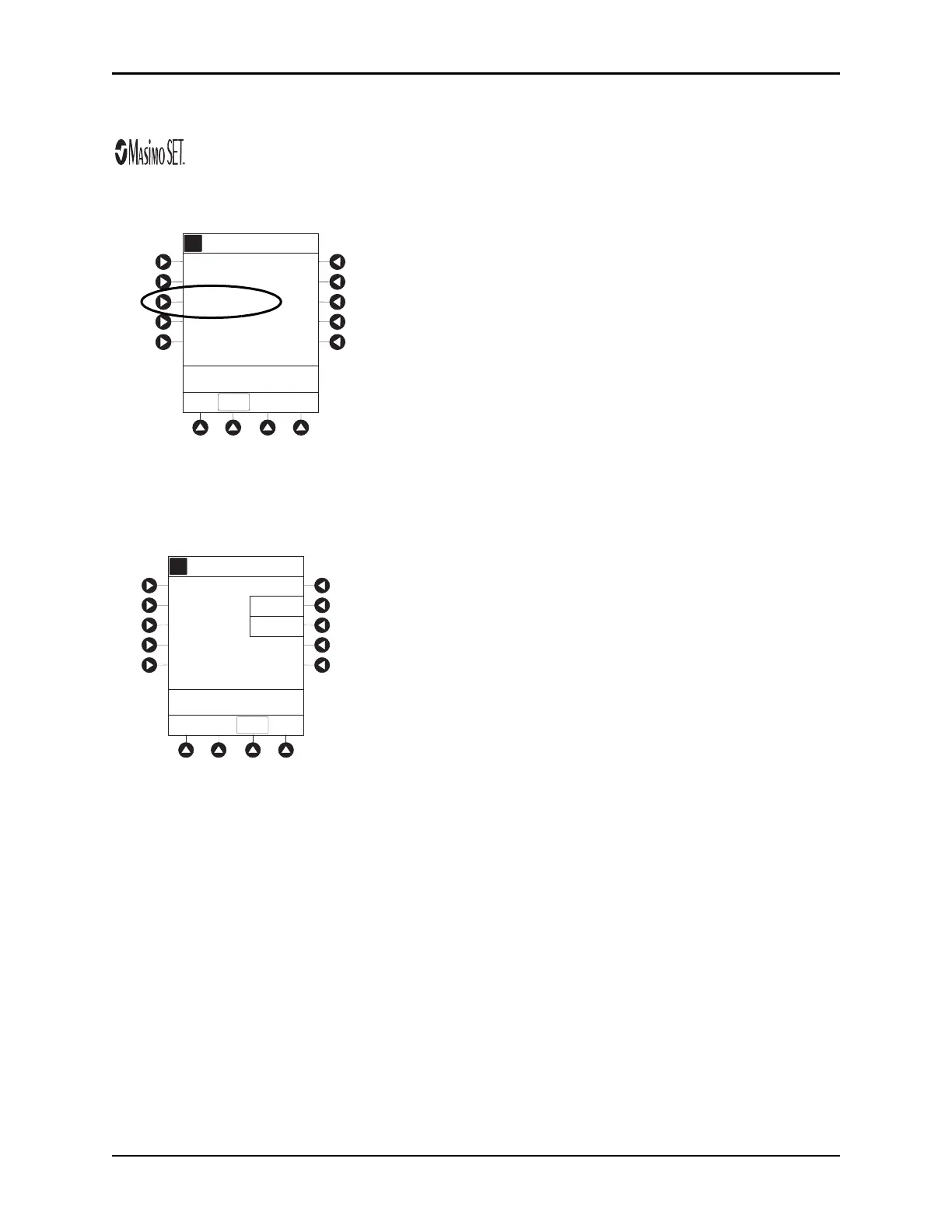
Changing Saturation Averaging Time
1. Press Saturation Averaging Time soft key.
2. To change Saturation Averaging Time, press applicable soft key. Selectable options are 2, 4, 8, 10, 12,
14, and 16 seconds.
FAST SAT is enabled when 2 or 4 seconds is selected.
3. To return
SPO2 Main display, press CONFIRM soft key.
A
Pulse Beep Volume: Off
Sat. Averaging Time: 8
Limit Mode: Adult
Channel Options
>Select an Option or
EXIT
EXIT
Sensitivity Mode: Normal
A
A
Increase
Decrease
Saturation Averaging
Time
4 Seconds
CONFIRM
>Press CONFIRM
with
Fast SAT



 To Next Page