General Programming
BD Alaris
TM
System with Guardrails
TM
Suite MX User Manual 153
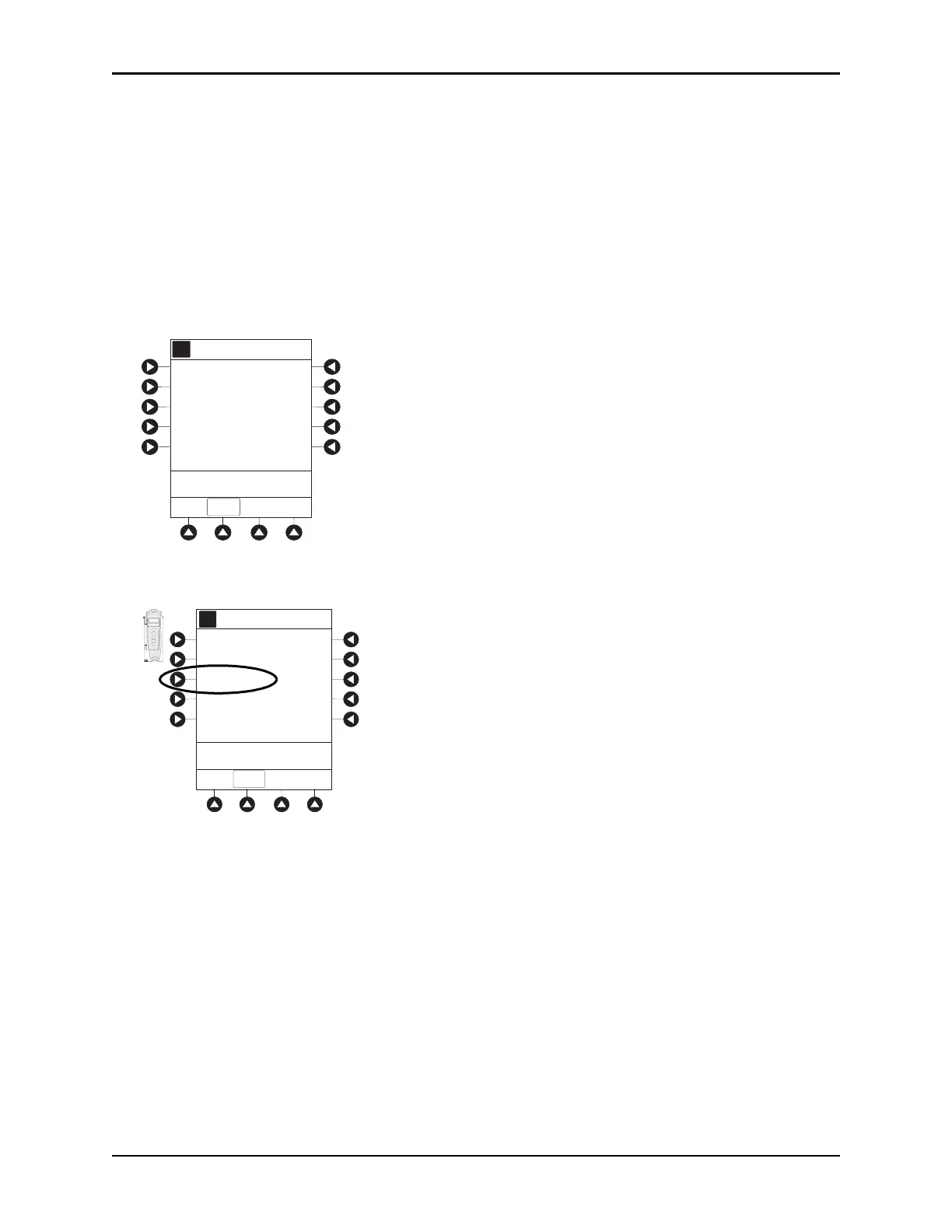
Channel Labels
The Channel Labels option is not available if a Guardrails IV fluids or Guardrails drugs infusion is running
on the module. A channel label is removed when the No Guardrails - Basic Infusion is promoted to a
Guardrails IV fluids or Guardrails Drugs infusion.
Selecting
1. Press the CHANNEL SELECT key.
2. Press the
OPTIONS key.
3. Syringe module: Press the PAGE DOWN soft key.
4. Press the Channel Labels soft key.
Channel Options
A
>Select an Option or
EXIT
EXIT
Guardrails Drugs
Pressure Limit - High
Channel Labels
Prime Set with Syringe
Guardrails IV Fluids
Channel Options
Guardrails Drugs
Pressure Limit - P
A
>Select an Option or EXIT
EXIT
Channel Labels
Guardrails IV Fluids
CHANNEL
SELECT
CHANNEL
OFF
RESTART
PAUSE
A
L
A
R
M
I
N
FU
S
E
S
T
A
N
D
B
Y
RATE(mL/h)



 To Next Page