Programming
BD Alaris
TM
System with Guardrails
TM
Suite MX User Manual 227
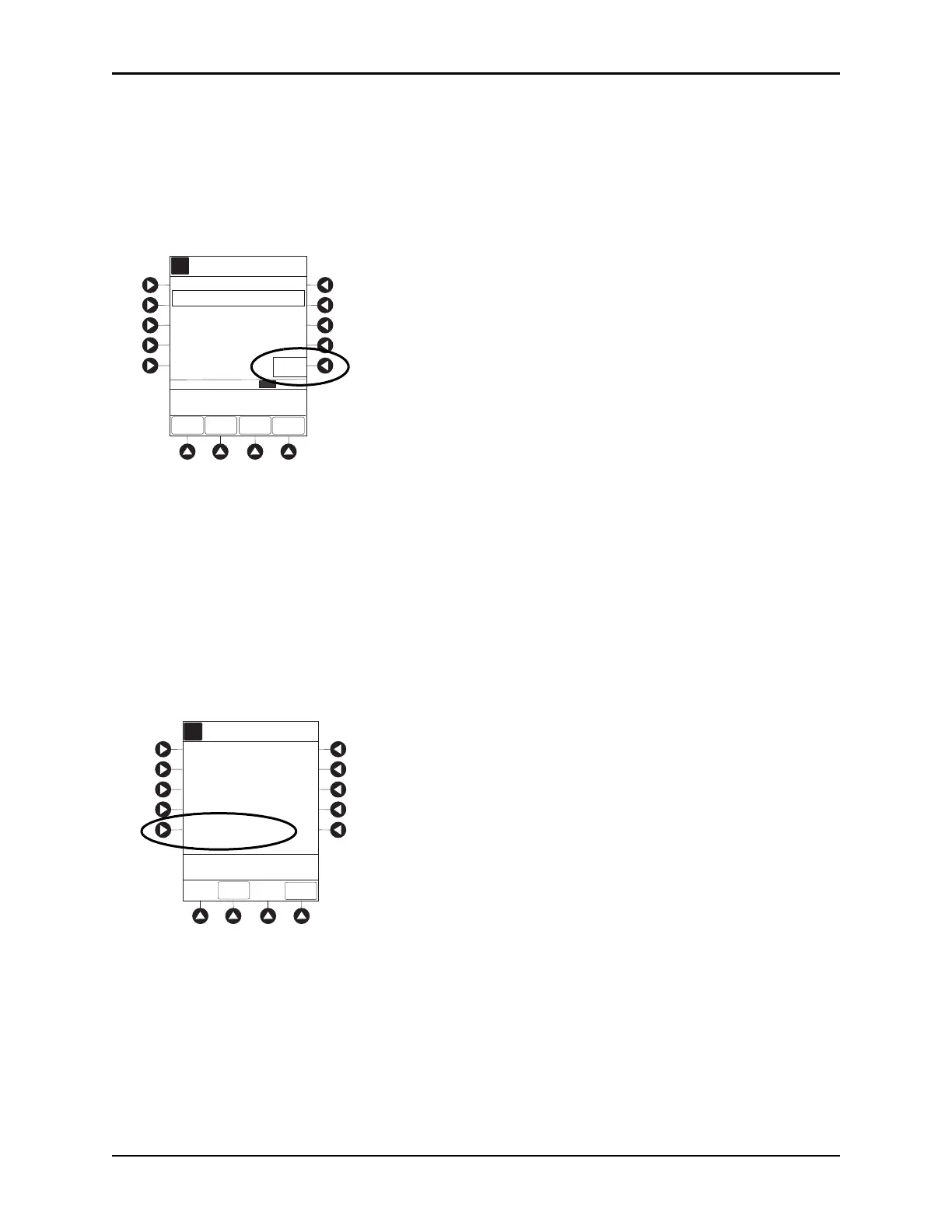
5. To continue and clear patient history, press Yes soft key. To cancel and return to patient history, press
No soft key.
6. Once patient history is cleared, the last 24 hours of patient history data can be retrieved and viewed. To
retrieve last 24 hours, press
24 h Totals soft key from Patient History screen.
24 h Totals soft key appears only if shift total is cleared and additional patient history information
exists (up to previous 24 hours).
NOTE:
24 h Totals displays a rolling 24 hour history regardless of how ma
ny times the patient history has been
cleared.
7. To return to Patient History screen, press SHIFT TOTALS soft key.
Viewing Drug Event History
1. Press CHANNEL SELECT key.
2. From Main Display, press
OPTIONS key.
3. Press Drug Event History soft key.
4. To scroll through history, press PAGE DOWN soft key.
Morphine
1mg/mL
History from 07:01 - 09:01
A
ZOOM EXIT
>Press ZOOM to Change
Time Scale
DETAIL
CLEAR
HISTORY
ZOOM: 24 12 8 4 1 hours2
24 h
Totals
Total Demands:
Total Drug:
Delivered:
LAST
CLEARED
09:01
2003-6-10
SHIFT TOTALS
0 mg
0
0
A
>Select an Option or
EXIT
EXIT
Dose
Request Setup
Infusion
Modes
Patient History
PCA Pause Limits
Drug Event
History
Channel Options
1 of 2
PAGE
DOWN



 To Next Page