Chapter 3—BD Alaris™ Pump Module Model 8100, Alaris™ Pump Module Model 8100, and Alaris™
Syringe Module Model 8110
116 BD Alaris
TM
System with Guardrails
TM
Suite MX User Manual
Infusion
The following procedure should be used only when:
• drug to be infused is listed in drug library
,
• primary infusion is running, and
• a check valve administration set is being used.
T
o program a primary infusion, see Fluid Infusion on page 10
8. To program a No Guardrails - Basic
Infusion, see Manual Programming — No Guardrails™ Selections on pa
ge 142.
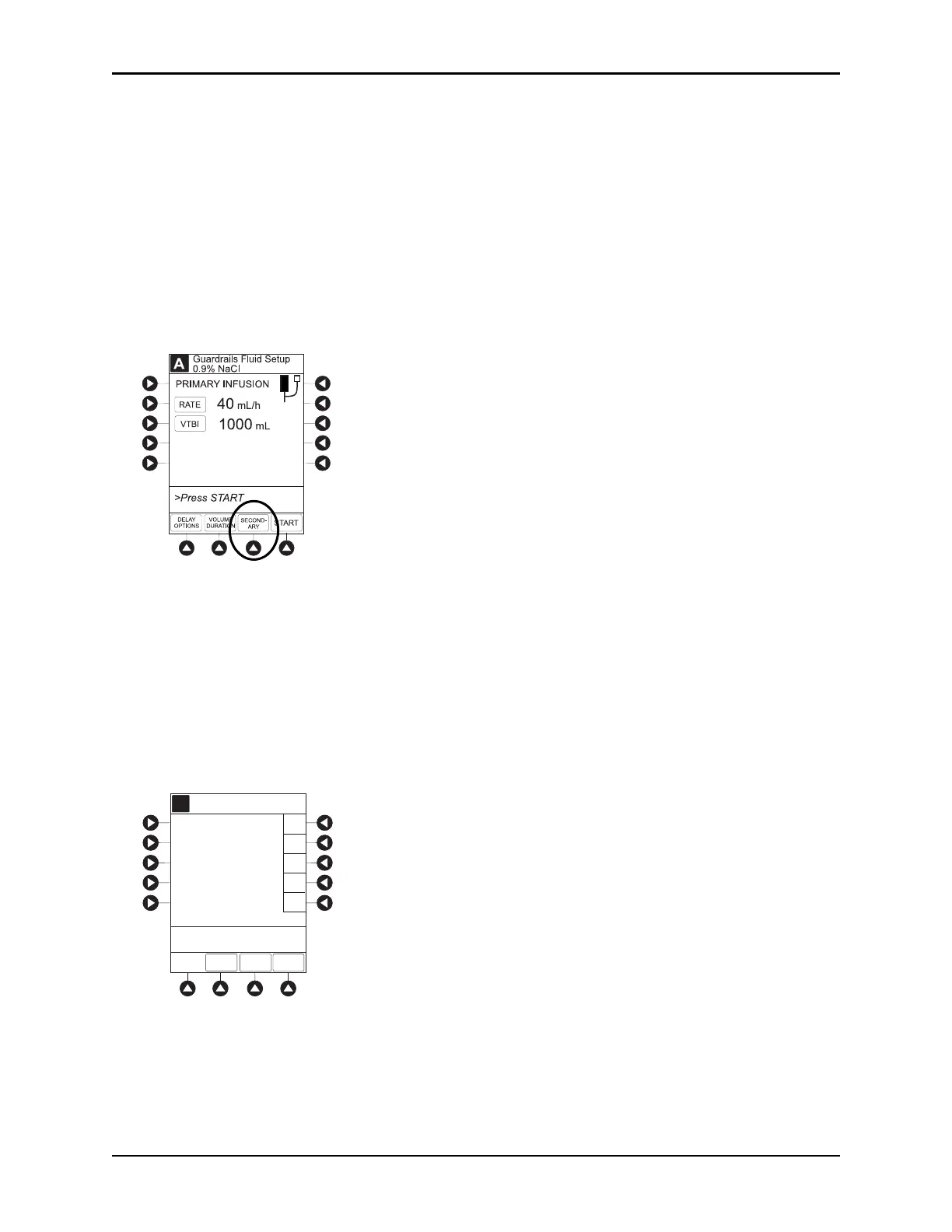
1. Press the
CHANNEL SELECT key.
2. Press the SECONDARY soft key.
3. Press soft key next to desired drug.
• To view additional drugs, press the a soft key next to a letter grou
p to navigate through alphabet,
and/or
PAGE UP and PAGE DOWN soft keys.
• If applicable, an optional hospital-defined therapy or clinical indication for delivery of this
infusion could appear. Dif
ferent limits can be defined for same drug with different therapeutic
indications.
• If applicable, a weight-based, non weight-based, or
BSA-based option for delivery of this infusion
could appear.
• If applicable, multiple concentration listings for delivery of this infusion could appear
.
BASIC
SEC
A
PAGE
DOWN
A
>Select Drug
Amifostine
Bleomycin
Cytarabine
Daunorbicin
K-O
F-J
P-T
U-Z
A-E
Guardrails Drugs
Peds Oncology
Azathioprine
PRIMARY



 To Next Page