Chapter 2—BD Alaris™ PCU Model 8015 and Alaris™ PCU Model 8015
40 BD Alaris
TM
System with Guardrails
TM
Suite MX User Manual
Viewing Software Versions
The software versions screens display the active running software components on the PCU and the
attached modules that are available on the PCU.
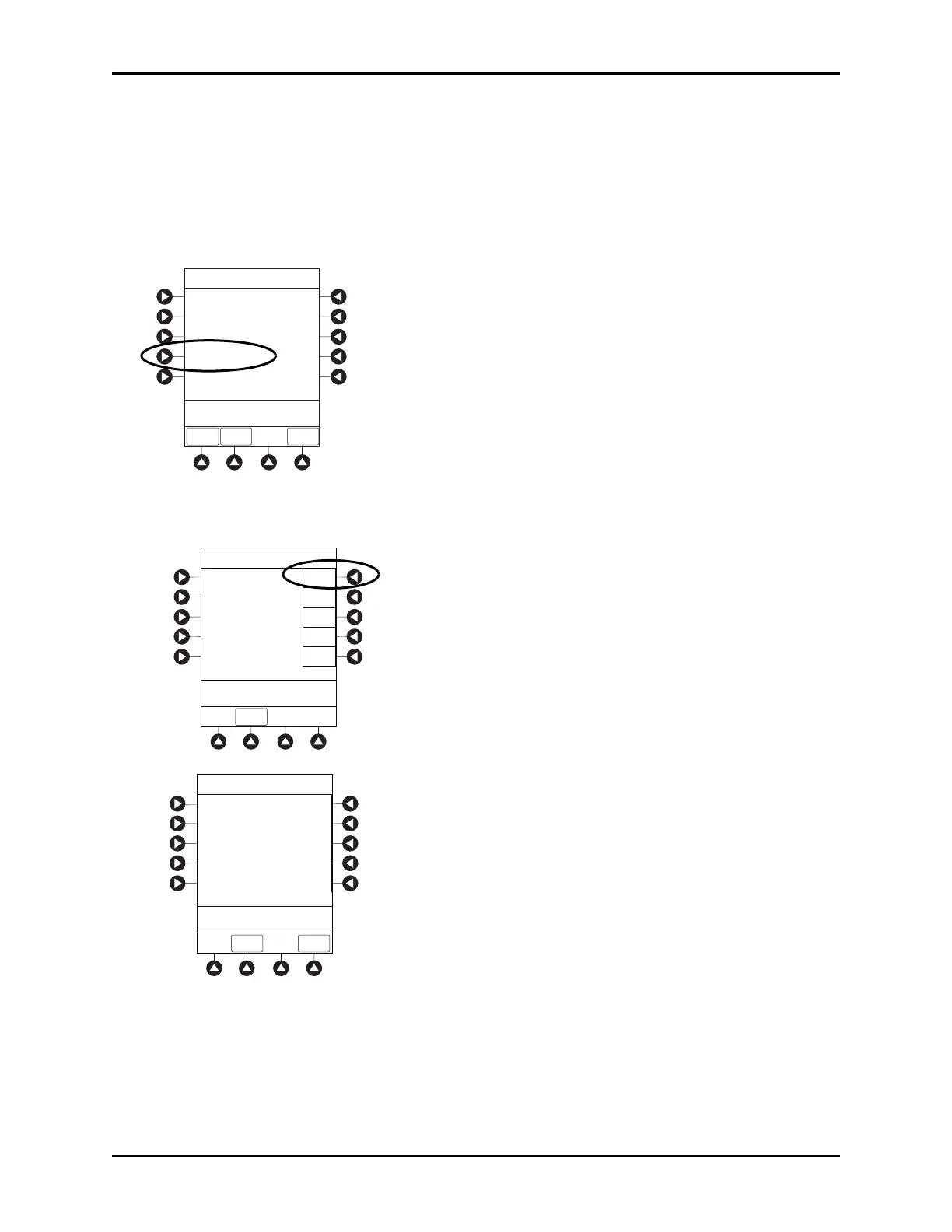
1. Press the
OPTIONS key.
2. Press the
PAGE DOWN soft key.
3. Press the
Software Versions soft key to display the Software Versions menu.
4. Do one of the following:
• To view software components and configurations on the PCU, press the
View soft key for the PCU.
The PCU Software screen appears.
System Configurations
>Select an Option or
EXIT
EXIT
Software Versions
Serial Numbers
Battery Runtime
PAGE
DOWN
Time of Day
PAGE UP
System Options 2 of 3
Software Versions
PCU:
Module A:
Module B:
Module C:
Module D:
View
View
View
View
View
>Select an Option or
EXI T
EXIT
Software Versions
PCU Software:
>Press AVAIL UPDATE or
EXIT
Exit
Main processor:
Main boot block:
PCU keyboard:
Power supply:
Wireless Device:
Data Set:
Network settings:
Auto-ID settings:
Pump SW available:
12.0.0.10
9.13.0.54
9.12.41.2
8.15.6.0
WB40NBT\20190122
01165f133-R
11ba322aa
c1faeed1
None
AVAIL
UPDATE



 To Next Page