Chapter 4—Alaris™ PCA Module Model 8120
232 BD Alaris
TM
System with Guardrails
TM
Suite MX User Manual
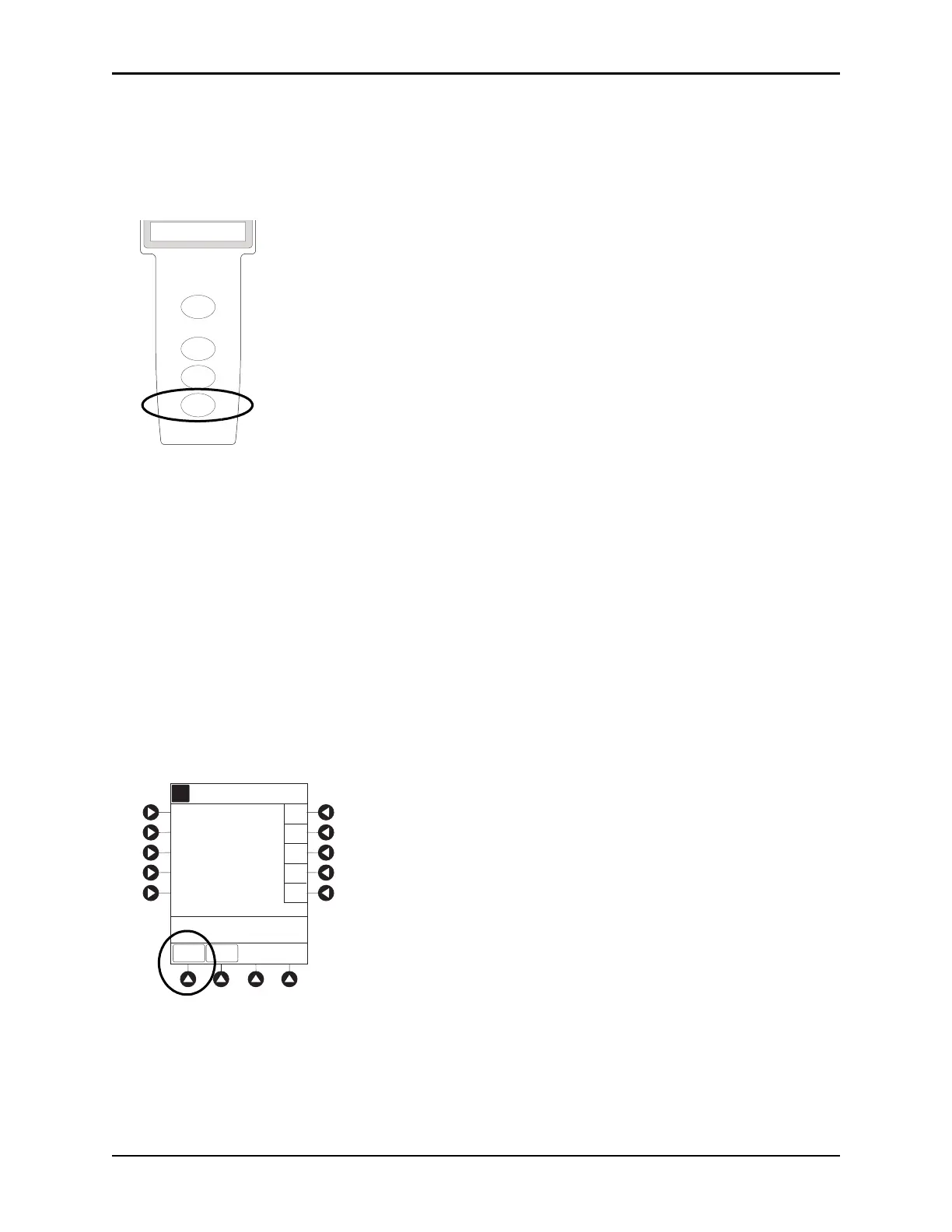
2. To reinitiate infusion:
Press
RESTART key.
or
Press
CHANNEL SELECT key and then press START soft key on Main Display.
Changing Syringe and Restore Infusion
1. If syringe requires replacement:
a. Unlock security door.
b. Remove existing syringe and prepare new syringe (see Preparing Syringe and Administration Set
on page 204 and Loading Syringe and Administration Set o
n pa
ge 204).
If drug and/or drug concentration is different from previous syringe, attach and p
rime new
administration set.
c. Load syringe and administration set (see Loading Syringe and Administration Set on
page 204).
d. Select syringe type and size (see Selecting Syringe Type and Size on pa
ge 208).
2. To restart infusion using restored parameters, press the
RESTORE soft key and continue with next step.
or
To start a new infusion, select drug from drug library and follow s
teps for Infusion Modes on page 212.
3. Verify restored drug/concentration. Press the NEXT soft key.
4. Prime administration set (see Priming on page 209
).
RESTART
CHANNEL
OFF
PAUSE
CHANNEL
SELECT
PCA Module
EXIT
>Select Drug
A
Morphine
Meperidine
Guardrails Drugs
Med Surg
K-O
F-J
P-T
U-Z
A-E
RESTORE



 To Next Page