Programming
BD Alaris
TM
System with Guardrails
TM
Suite MX User Manual 263
Navigating Trend Data
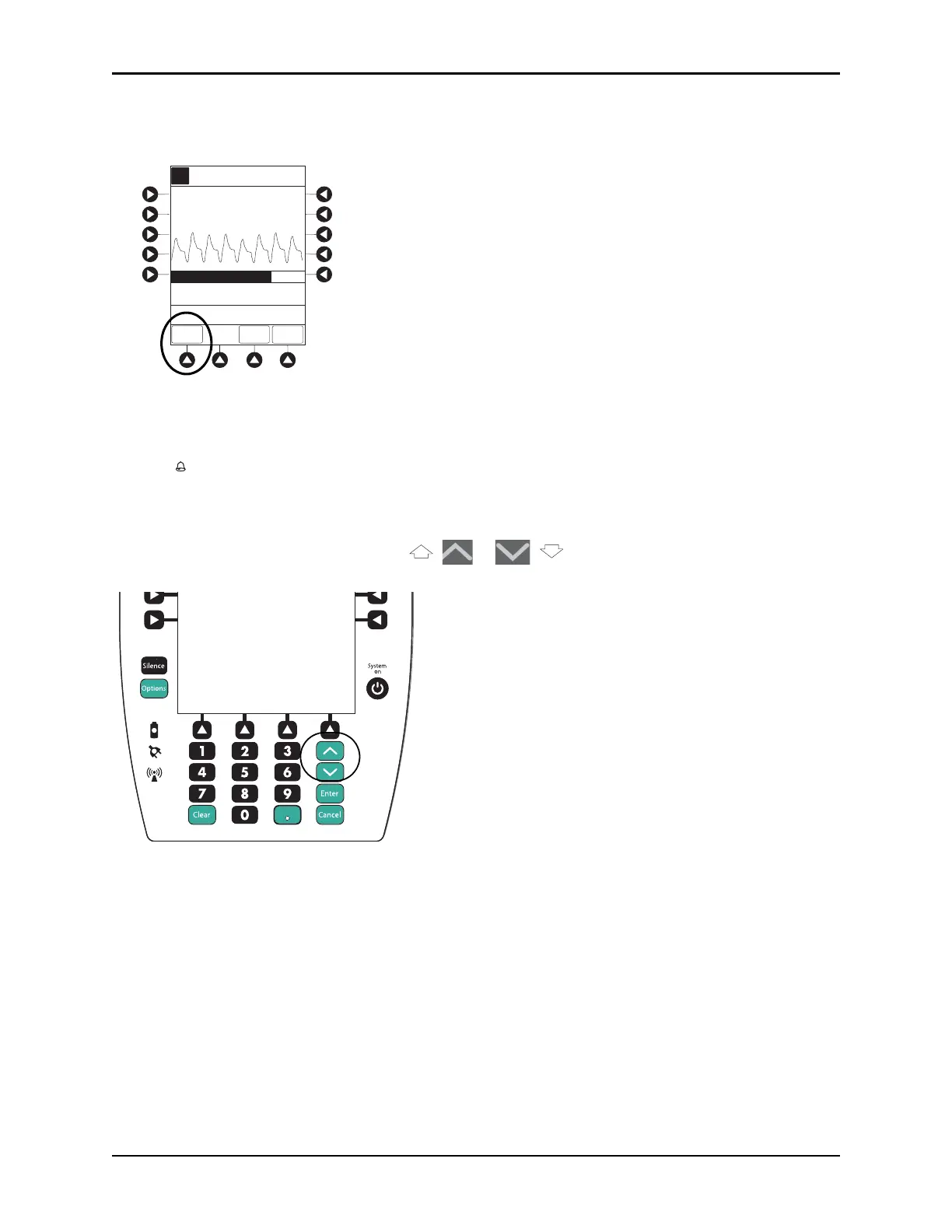
1. To view Trend Data, press TREND soft key.
• Tabular information is not updated while Trend Data view is displayed. Tabular data is updated,
using new trend data stored in SpO
2
module, after leaving Trend Data view. To view latest data,
return to
Trend Data view.
• is displayed if an alarm limit is reached.
• If no
SPO2 or PULSE rate values are available for time period displayed, dashes (---) are displayed.
2. To navigate from page to page, press
PAGE UP and PAGE DOWN soft keys.
3. To scroll data one row at a time, press or key.
A
Adult
Mode
82
% SPO2
97
Off
150
90
50
LIMITS
TREND
MAIN
SCREEN
PULSE
RATE
SPO2 Main
SatSeconds (% to Alarm)
0
100
>Press ENTER to Retain
Current View
Options
Silence
Clear Cancel
Enter
System
on



 To Next Page