Chapter 6—Alaris™ EtCO
2
Module Model 8300
288 BD Alaris
TM
System with Guardrails
TM
Suite MX User Manual
4. Alarm limits:
• To change settings, see Setting Alarm Limits on
page 288.
• To accept settings and begin monitoring, press
ENTER key.
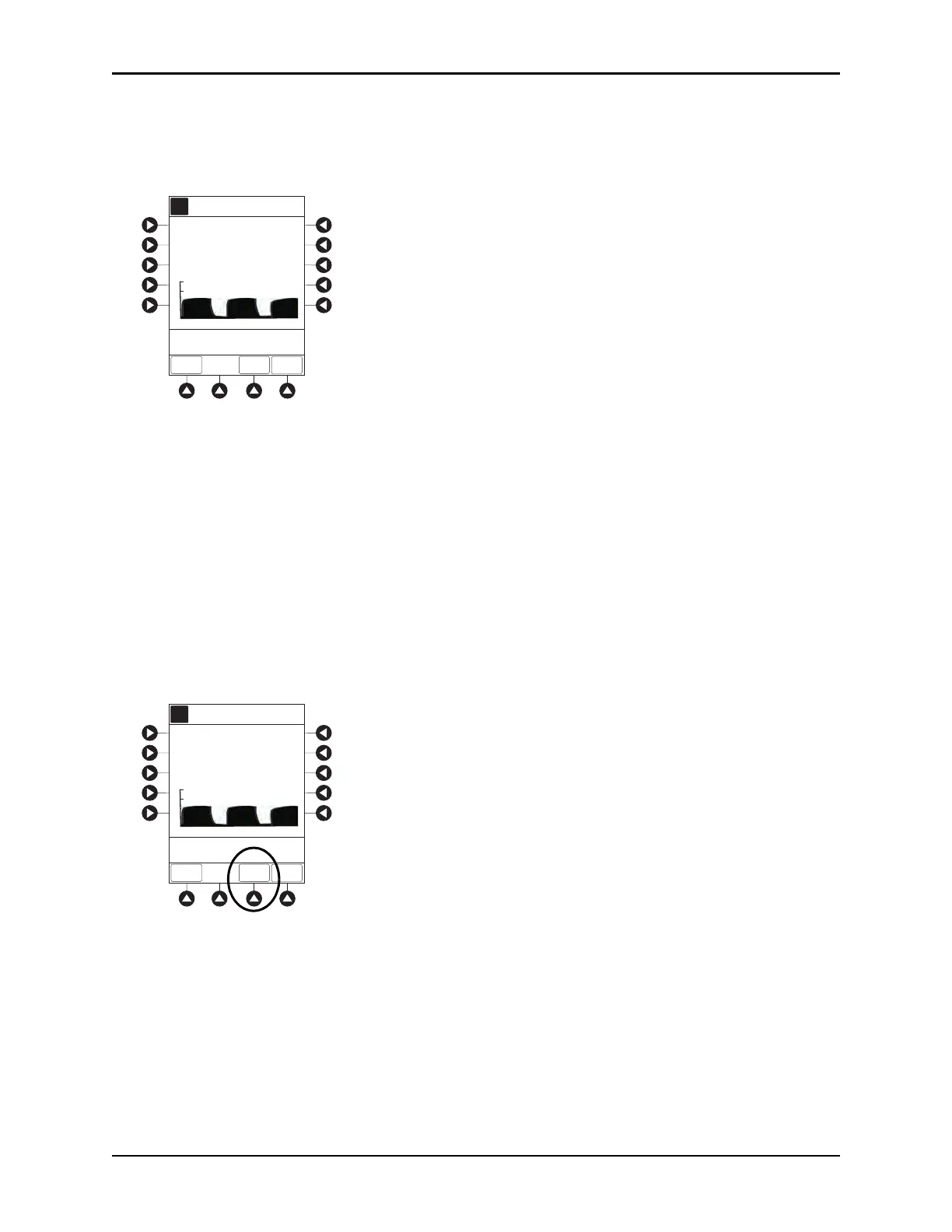
ETCO2 Main screen displays following information:
°
Capnography waveform (scale adjustable).
°
EtCO
2
value, as well as minimum and maximum EtCO
2
alarm limits.
°
Limit Mode (Adult or Neonatal).
°
Respiratory rate (RR, breaths/min), as well as minimum and maximum RR alarm limits.
NOTE
PC unit display response time is approximately ½ second longer than the EtCO
2
module response
time.
Setting Alarm Limits
1. Press LIMITS soft key.
2. To change a limit setting, press soft key next to applicable parameter.
3. Enter a numeric value for selected alarm limit.
4. To move to next limit, press
ENTER key.
A
Adult
Mode
13
ETCO2
34
LIMITS
TREND
MAIN
SCREEN
RR
ETCO2 Main
mmHg
breaths/min
mmHg
60
25
10
5
>Press ENTER to Retain
Current View
Time (sec)
0
5421
80
0
40
20
20
60
A
Adult
Mode
13
ETCO2
34
LIMITS
TREND
MAIN
SCREEN
RR
ETCO2 Main
mmHg
breaths/min
mmHg
60
25
10
5
>Press ENTER to Retain
Current View
Time (sec)
0
5421
80
0
40
20
20
60



 To Next Page