Chapter 4—Alaris™ PCA Module Model 8120
208 BD Alaris
TM
System with Guardrails
TM
Suite MX User Manual
Programming
References throughout this procedure to specific drugs and drug doses are for illustration purposes only.
Refer to specific drug product labeling for information concerning appropriate administration techniques
and dosages.
See Features and Displays on page 24
5 and BD Alaris™ PCU Model 8015 and Alaris™ PCU Model 8015
on page 15 for information about the following:
•Displays
• Operating Features, Controls, Indicators
Preparing Infusion
Selecting Syringe Type and Size
At the start of an infusion program, the system prompts the user to select and confirm the syringe type and
size. The system automatically detects the syringe size, and lists syringe types and sizes that most closely
match the installed syringe. If the syringe is not recognized,
Syringe not recognized is displayed.
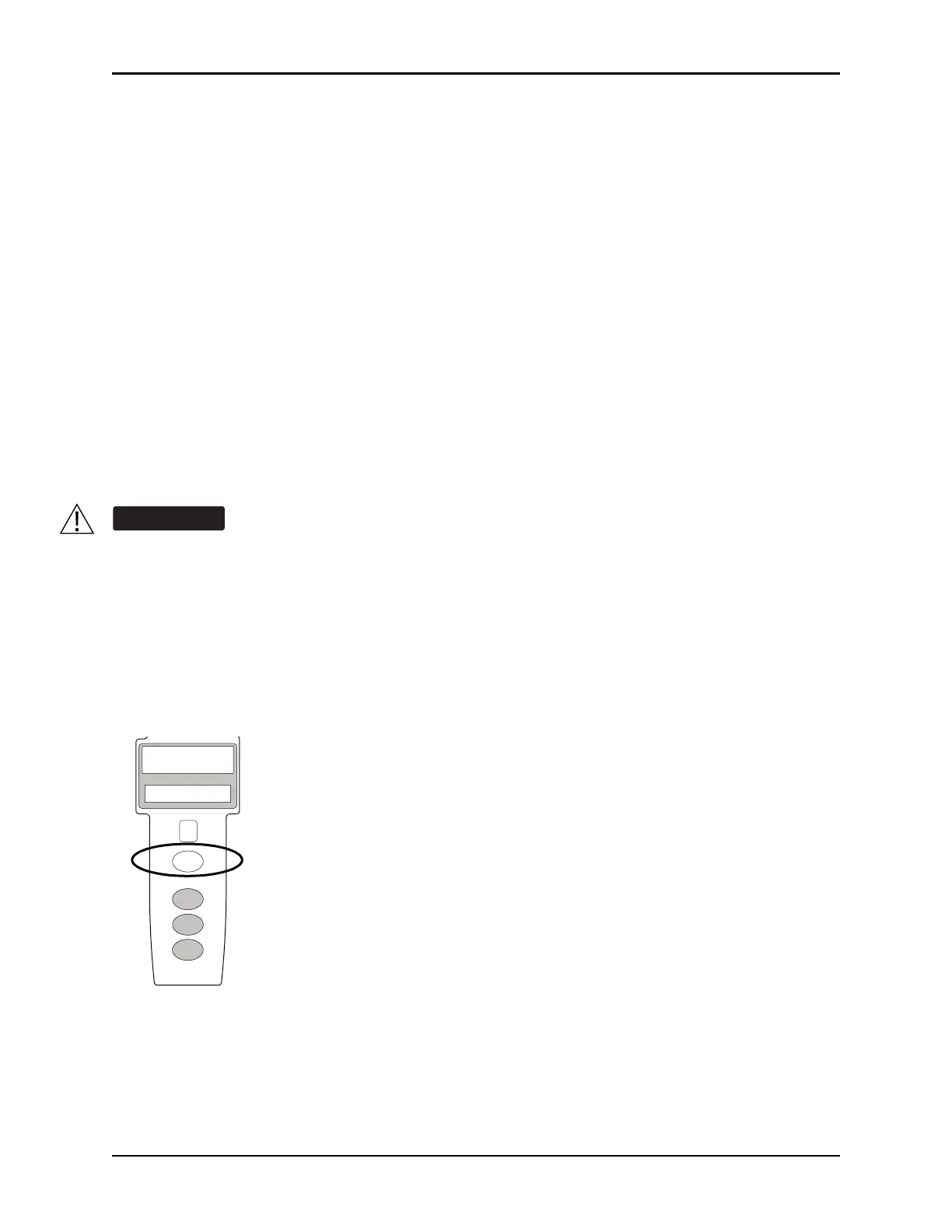
1. Press the
CHANNEL SELECT key. Key must be in the PROGRAM position.
Ensure that the displayed syringe manufacturer and size correctly identifies the installed
syringe. Mismatches can cause an under- infusion or over-infusion to the patient that could
result in serious injury and/or death. For a list of compatible syringes, see General Information
on page 241, Compatible Syringes on page 244. For a listing of administration sets, refer to the
Alaris™ Pump Module Set Compatibility Card and the Alaris
TM
Pump Module Set Compatibility
Card.
RESTART
CHANNEL
OFF
PAUSE
CHANNEL
SELECT
RATE (mL/h)



 To Next Page