General Setup and Operation
BD Alaris
TM
System with Guardrails
TM
Suite MX User Manual 295
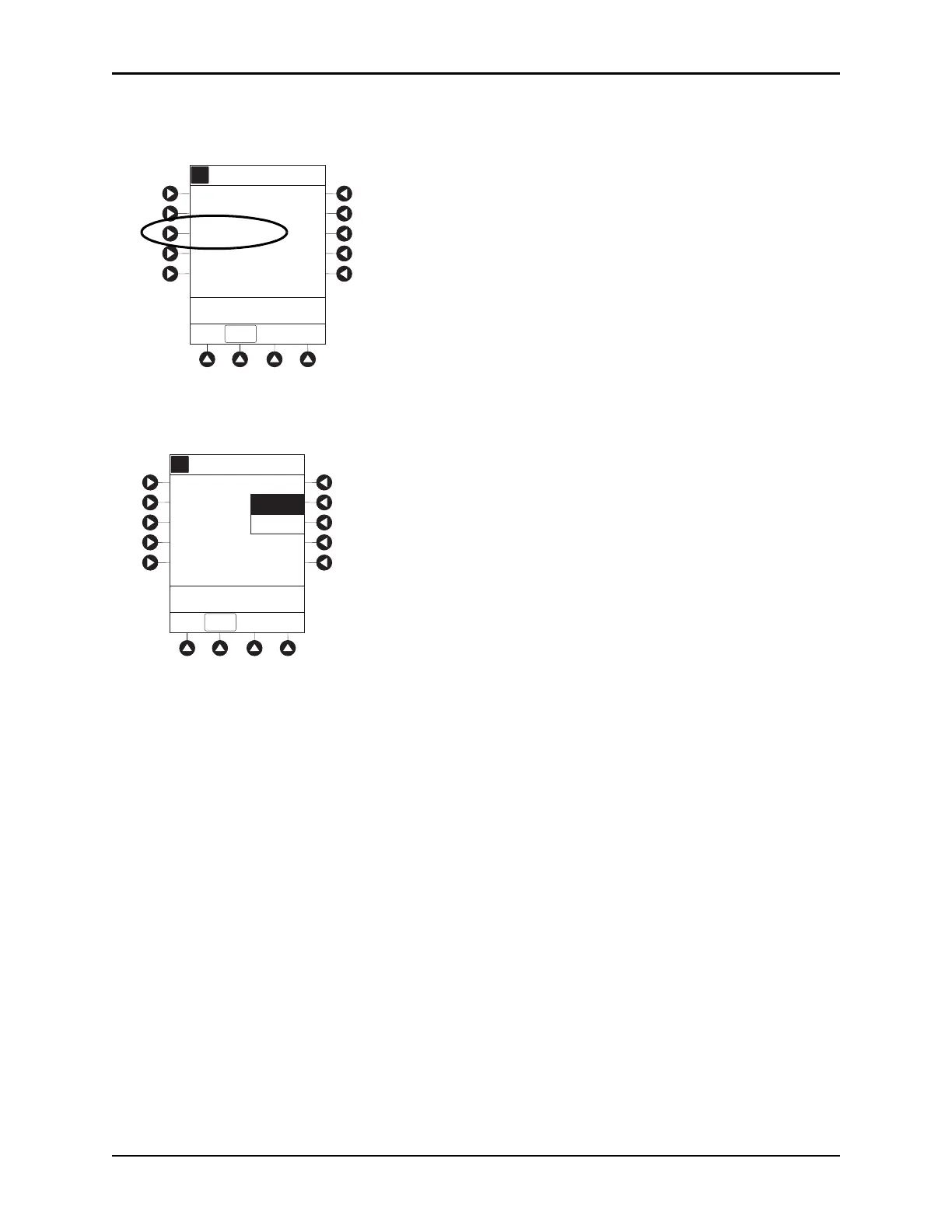
Changing Waveform Time Scale
1. Press Waveform time scale soft key.
2. To change Waveform Time Scale, select applicable time scale.
OR
To leave Waveform Time Scale unchang
ed and return to
ETCO2 Main display, press EXIT soft key.
General Setup and Operation
System Start-Up/Setup
See the BD Alaris™ PCU Model 8015 and Alaris™ PCU Model 8015 on page 15 and General
Information on page 49 for various system s
tart-up and setup procedures.
A
5 sec
Limit Mode: Adult
Channel Options
EXIT
Waveform height: 80 mmHg
Waveform time scale:
PCA/EtCO2 Trend data
>Select an Option or
EXIT
A
A
10 sec
Waveform Time Scale
EXIT
>Select an Option or
EXIT
5 sec



 To Next Page