Programming with Interoperability and Guardrails™ Suite MX
BD Alaris
TM
System with Guardrails
TM
Suite MX User Manual 133
4. From the Infusion Setup screen:
• Select
Yes to accept the rate change and start the infusion.
or
• Select
NO to return the infusion to its current infusion rate and change the VTBI to the volume to
be infused contained in the automated programming request.
5. Review and verify that all parameters pre-populated on the system are correct prior to starting the
infusion.
6. Press the
START soft key.
Fluid Infusion
The following workflow assumes that the pump module has already been programmed with an Initial
Primary Fluid Infusion and that the Patient's ID band, medication/fluid barcode label, and the module
barcode labels have been scanned, see Programming with Interoperability — Initial P
rimary Infusion on
page 123.
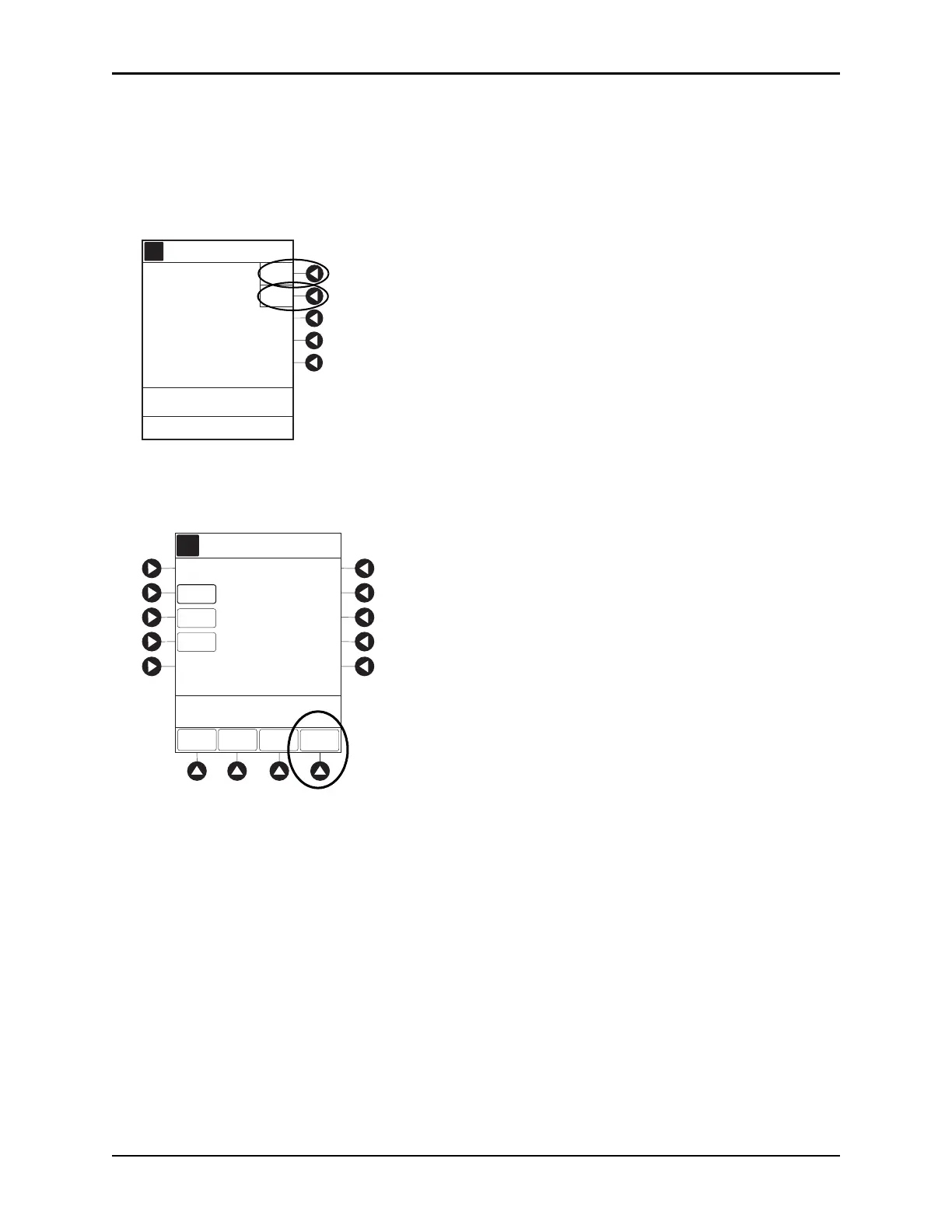
1. Review and verify that all parameters pre-pop
ulated on the system are correct.
The rate and VTBI are pre-populated from the automated prog
ramming request. If the subsequent
automated programming request contains an infusion parameter (rate) that changes the current
infusion rate, a message appears with a recalculation of the rate notification.
A
Yes
No
Infusion Setup
>Press Yes or No
New bag scan results
in a recalculation of the
rate to 45 mL/h
Accept rate change?
AA
A
RATE
VTBI
CONTINUOUS INFUSION
DOSE
0.81
mg/kg/h
[Conc]: 1 mg/mL
SETUP
BOLUS
100
mL
START
PAUSE
>Press START
56.7
mL/h
Alteplase
Stroke



 To Next Page