Chapter 4—Alaris™ PCA Module Model 8120
230 BD Alaris
TM
System with Guardrails
TM
Suite MX User Manual
Disabling Security Access Code
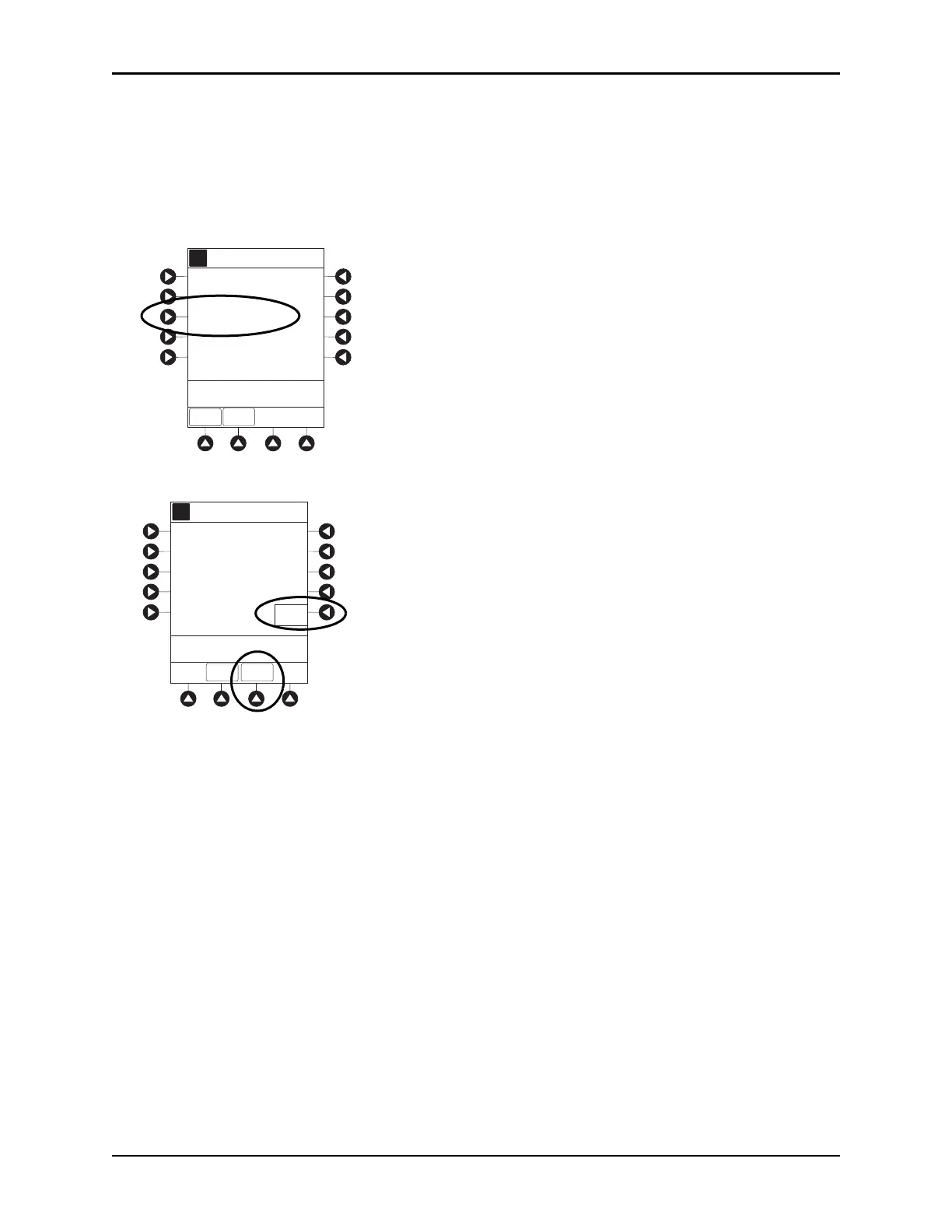
The security code can be disabled for a specific infusion by using the following procedure.
1. Press
CHANNEL SELECT key.
2. From Main Display, press
OPTIONS key.
3. Press
Security Code Access soft key.
4. Press DISABLE CODE soft key.
5. Press CONFIRM soft key.
Security access code remains disabled until
New Patient?, Yes is selected in infusion startup or when
instrument remains powered off for more than 8 hours.
A
>Select an Option or
EXIT
EXIT
Pressure Limit - High
Channel Options 2 of 2
Prime Set with Syringe
Security Code Access
PAGE
UP
A
Security Code Access
>Press DISABLE CODE or
EXIT
Press DISABLE CODE to
temporarily turn off code access
capabilities for current patient.
EXIT
Disable
Code
CONFIRM



 To Next Page