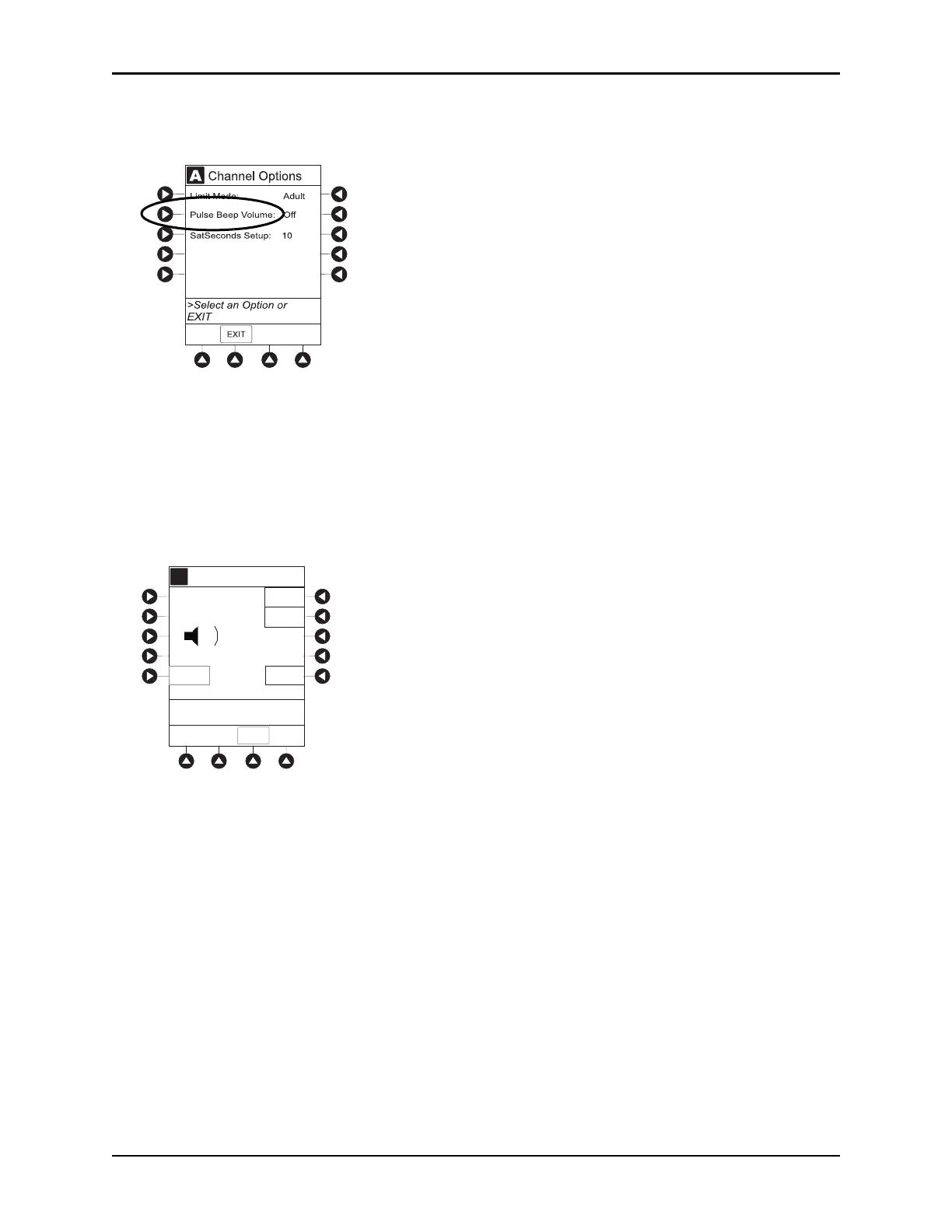
Channel Options
BD Alaris
TM
System with Guardrails
TM
Suite MX User Manual 267
Changing Pulse Beep Volume
1. Press Pulse Beep Volume soft key.
2. To test or change:
a. To test volume level (when not attached to patient), press
Test soft key.
Pulse beep must be on to test volume level. To turn pulse beep on, press
Louder soft key and adjust
as needed.
b. To increase volume, press
Louder soft key until desired volume level is attained (1, 2, or 3).
c. To decrease volume, press
Softer soft key until desired volume level is attained.
d. To turn off pulse beep, press
Off soft key.
3. To return to SPO2 Main display, press CONFIRM soft key.
A
Pulse Beep Volume
>Press CONFIRM
Louder
Softer
A
Test
Off
1
A
A
1
CONFIRM



 To Next Page