Chapter 3—BD Alaris™ Pump Module Model 8100, Alaris™ Pump Module Model 8100, and Alaris™
Syringe Module Model 8110
154 BD Alaris
TM
System with Guardrails
TM
Suite MX User Manual
5. Press the soft key for desired label.
• Selected label is highlighted and scrolls in Message Display.
6. To continue infusion, press the START soft key.
or
Program infusion as previously described.
NOTE:
To view additional labels, press the a soft key next to a letter group to navigate through the alphabet,
and/or
PAGE UP and PAGE DOWN soft keys.
Removing
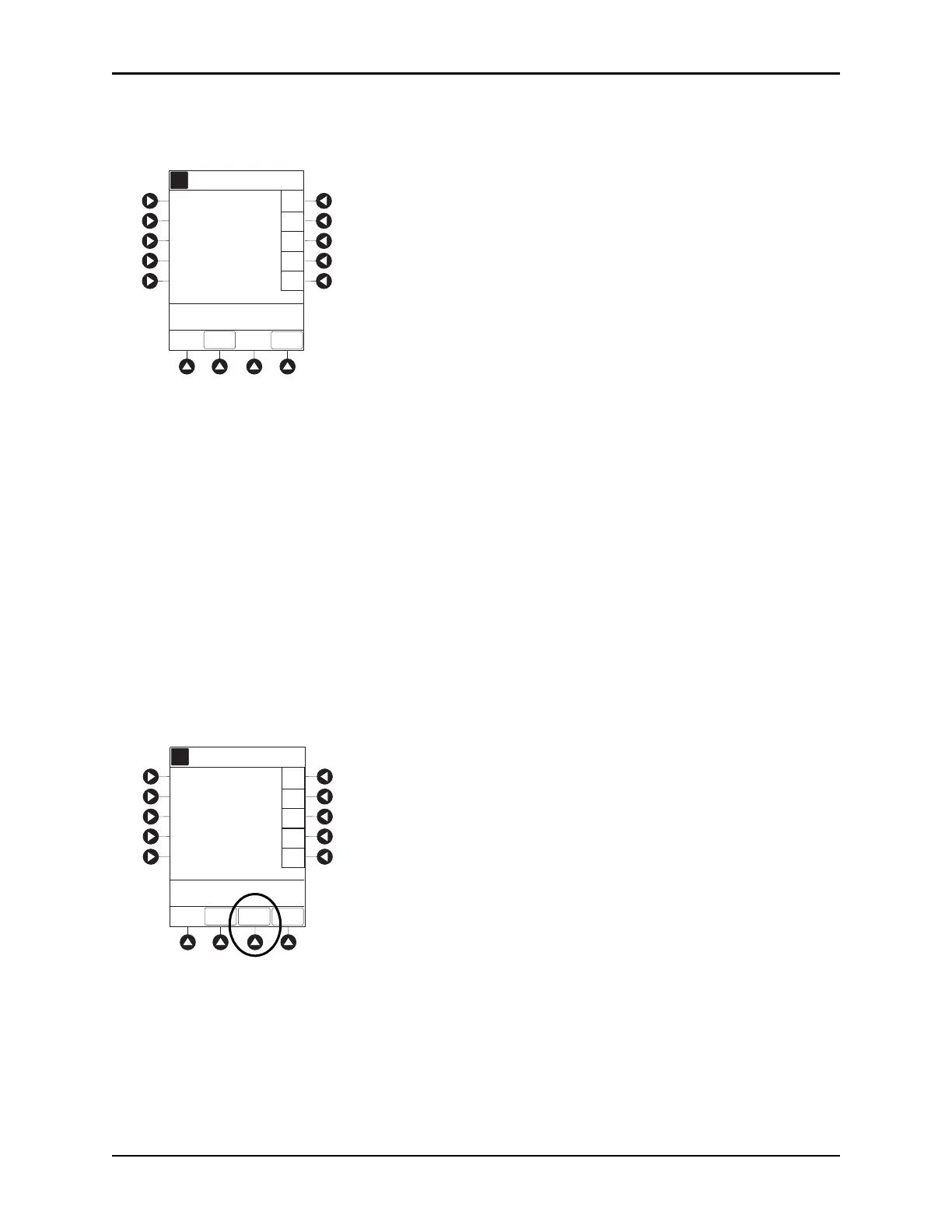
1. Press the CHANNEL SELECT key.
2. Press the
OPTIONS key.
3. Syringe module: Press the
PAGE DOWN soft key.
4. Press the
CHANNEL LABELS soft key.
5. Press the
CLEAR LABEL soft key.
Label stops scrolling in Message Display.
6. To begin infusion, press the START soft key.
or
Program infusion as previously described.
A
>Select Channel Label
PAGE
DOWN
F-J
K-O
P-T
U-Z
A-E
EXIT
Channel Label Display
NICU
Broviac
PICC
UAC
UVC
White Port
A
>Select Channel Label
PAGE
DOWN
EXIT
Channel Label Display
NICU
CLEAR
LABEL
F-J
K-O
P-T
U-Z
A-E
Broviac
PICC
UAC
UVC
White Port



 To Next Page