Programming with Interoperability and Guardrails™ Suite MX
BD Alaris
TM
System with Guardrails
TM
Suite MX User Manual 123
Programming with Interoperability — Initial Primary Infusion
1. Perform the following steps on the PCU (see General Setup and Operation on page 18 and Start-Up
on page 21):
a. Power on system. (Scanning the module will not power on the device.)
b.
Select
Yes or No to New Patient?
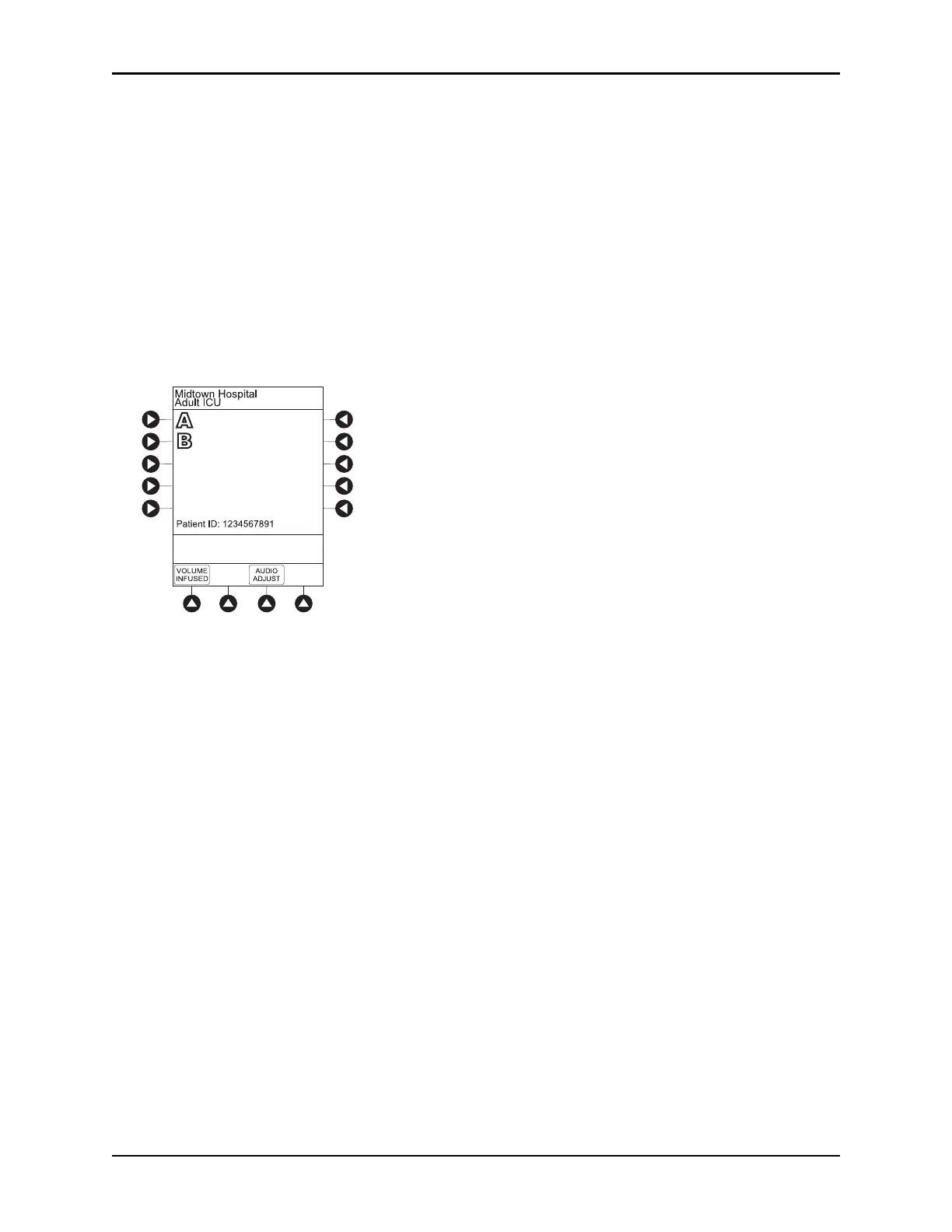
c. Confirm current profile or select a new profile. This places the module in an idle state (not
infusing or in the process of being programmed as illustrated Channels A and B).
2. Prepare the Administration Set for the pump module, see Prep
aring an Administration Set (Pump
Module) on page 64.
3.
Prime the Administration Set, see Preparing Syringe and Administration Set (Syringe Module) on
page 71.



 To Next Page