General Programming
BD Alaris
TM
System with Guardrails
TM
Suite MX User Manual 151
Restoring Infusion
1. To restart infusion using stored parameters, press the RESTORE soft key.
2. Verify correct parameters and press the START soft key.
NOTE:
To restore a bolus dose, see Bolus Dose on page 98.
The restore option is only available if the system is powered up within 8 hours of the last use and when
the prompt for
New Patient? is selected as No.
Viewing and Clearing Volume Infused
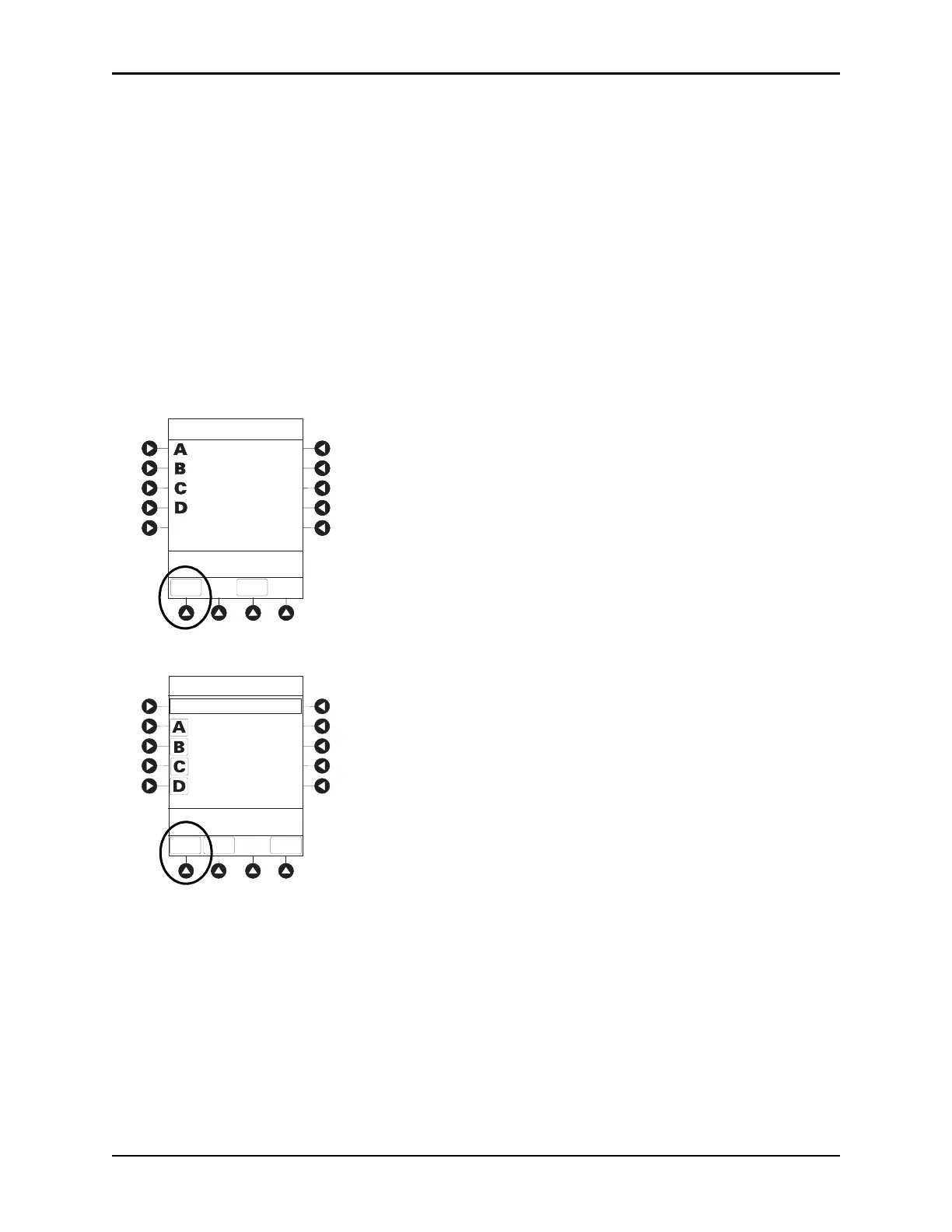
1. To view volume infused, press the VOLUME INFUSED soft key.
• Total volume infused (primary + second
ary), and time and date volume infused was last cleared,
display for each module.
2. Pump module: To view primary and secondary volume(s) infused, press the PRI/SEC VOLUME soft key.
VTBI = 497.0 mL
VTBI = 57.0 mL
VTBI = 249.0 mL
PAUSED
VOLUME
INFUSED
AUDIO
ADJUST
Midtown Hospital
Adult ICU
VTBI = 497.0 mL
VTBI = 57.0 mL
VTBI = 249.0 mL
PAUSED
VOLUME
INFUSED
AUDIO
ADJUST
Midtown Hospital
Adult ICU
Volume Infused
TOTAL VOLUME (mL)
LAST
CLEARED
>Select Channels to Clear
or Press CLEAR ALL
PRI/SEC
VOLUME
CLEAR
ALL
MAIN
SCREEN
401.1
42.5
478.1
789.1
08:00
08:00
2002-03-10
2002-03-10
2002-03-11
2002-03-10
07:30
12:00



 To Next Page