General Setup and Operation
BD Alaris
TM
System with Guardrails
TM
Suite MX User Manual 41
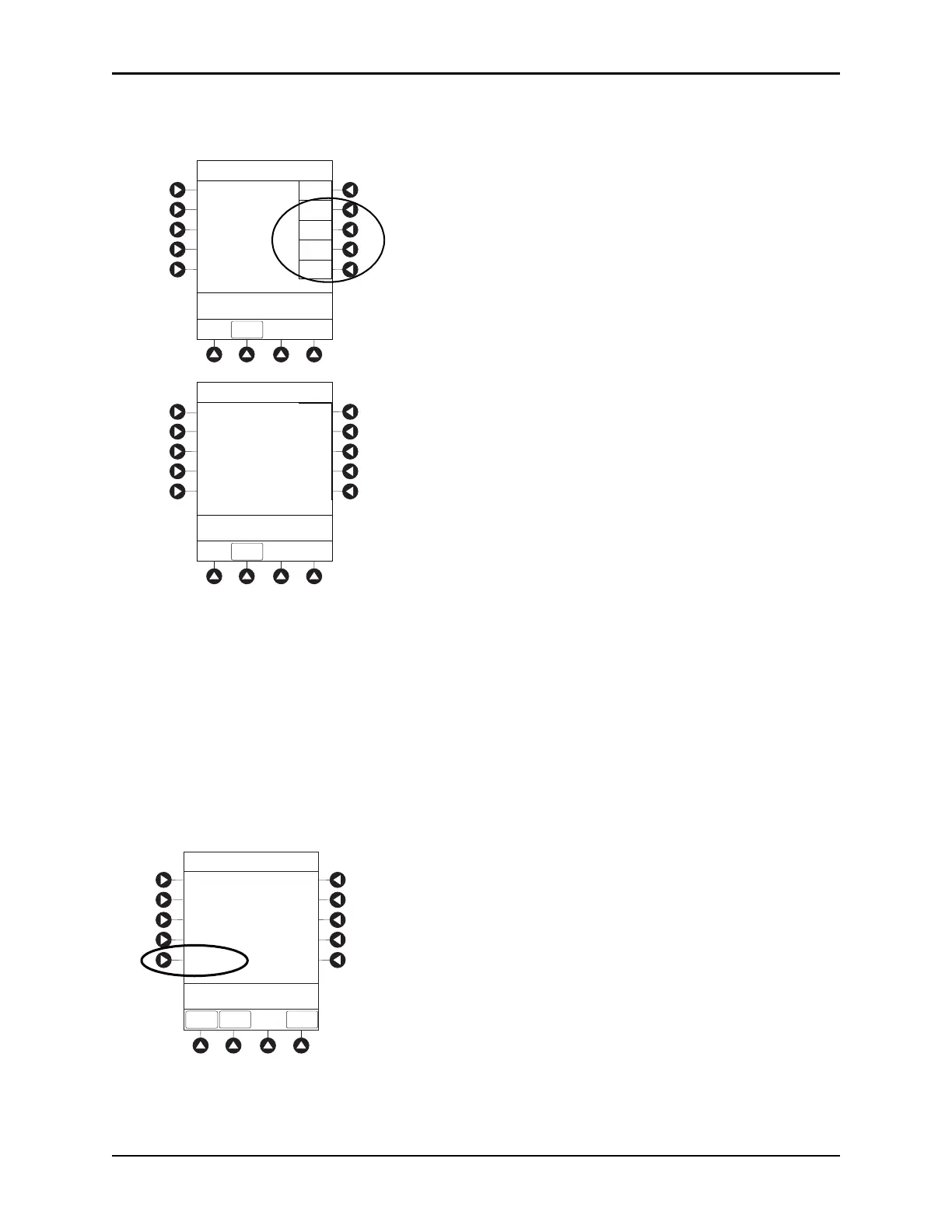
• To view the active software components for the desired module, press the View soft key for the
module.
The Module Software screen appears.
• To return to main screen, press the
EXIT soft key.
NOTE:
The illustrations shown are examples and may not reflect the software versions or configuration IDs on
your device.
Setting Time of Day
1. Press the OPTIONS key.
2. Press the
PAGE DOWN soft key.
3. Press the
Time Of Day soft key.
Software Versions
PCU:
Module A:
Module B:
Module C:
Module D:
View
View
View
View
View
>Select an Option or
EXI T
EXIT
Software Versions
Module Software: A
>Press CANCEL or EXIT
EXIT
Main processor:
Main boot block:
Keyboard:
Safety:
12.1.0.32
12.0.0.18
1.1.1.0
1.1.1.0
System Configurations
>Select an Option or
EXIT
EXIT
Software Versions
Serial Numbers
Battery Runtime
PAGE
DOWN
Time of Day
PAGE UP
System Options 2 of 3



 To Next Page