Chapter 2—BD Alaris™ PCU Model 8015 and Alaris™ PCU Model 8015
42 BD Alaris
TM
System with Guardrails
TM
Suite MX User Manual
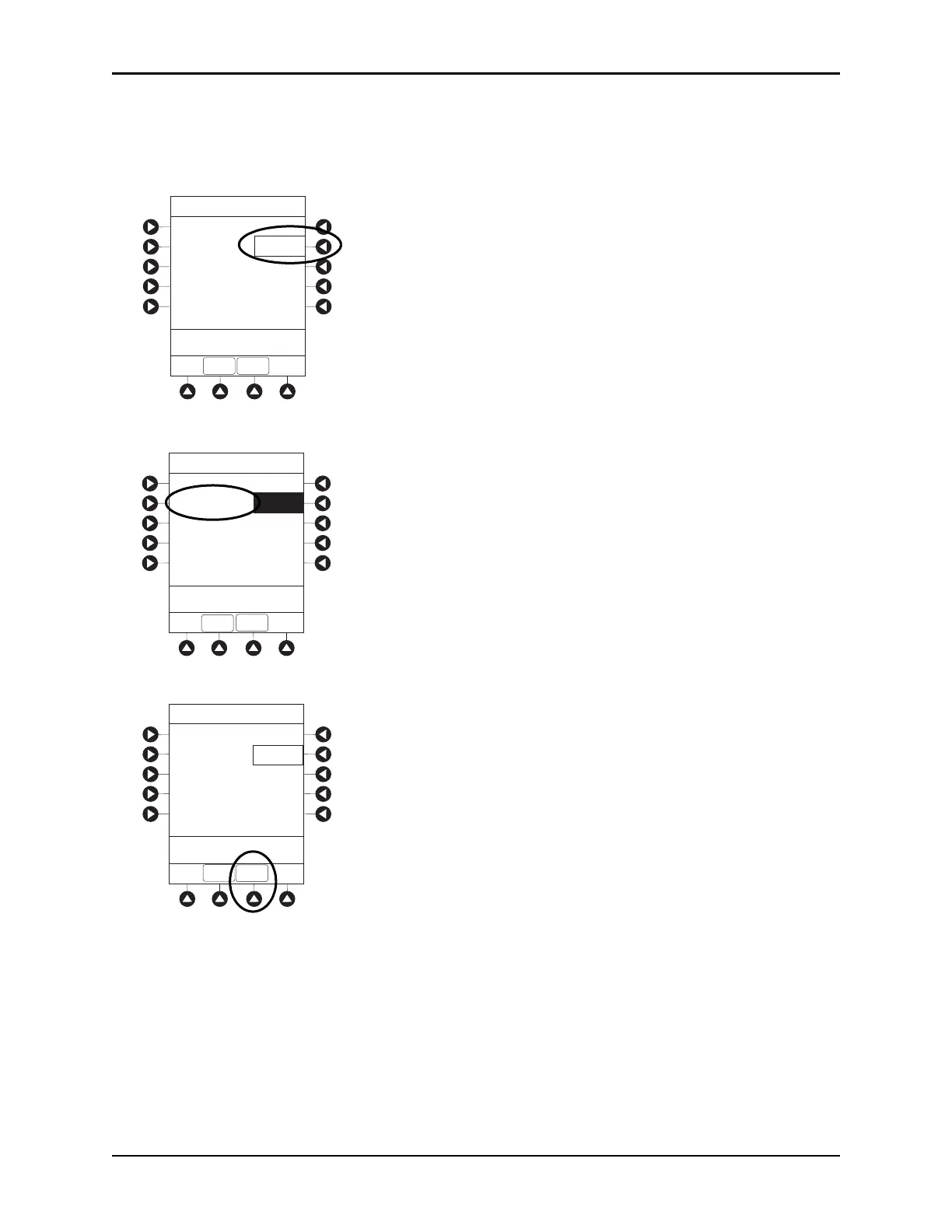
4. If time is correct, press the CONFIRM soft key.
or
To change time, press the
Change Time soft key.
5. Enter the current time of day.
6. Press the CONFIRM soft key.
NOTE:
The format is a 24-hour clock (military time).
Time of Day
System Options
Current time:
09:00
Change
Time
CONFIRM
>CONFIRM Time-of-Day
EXIT
Time of Day
System Options
Current time:
__:__
Change
Time
CONFIRM
>Enter Current Time
EXIT
Time of Day
System Options
Current time:
14:30
Change
Time
CONFIRM
>Press CONFIRM
EXIT



 To Next Page