Getting Started
BD Alaris
TM
System with Guardrails
TM
Suite MX User Manual 259
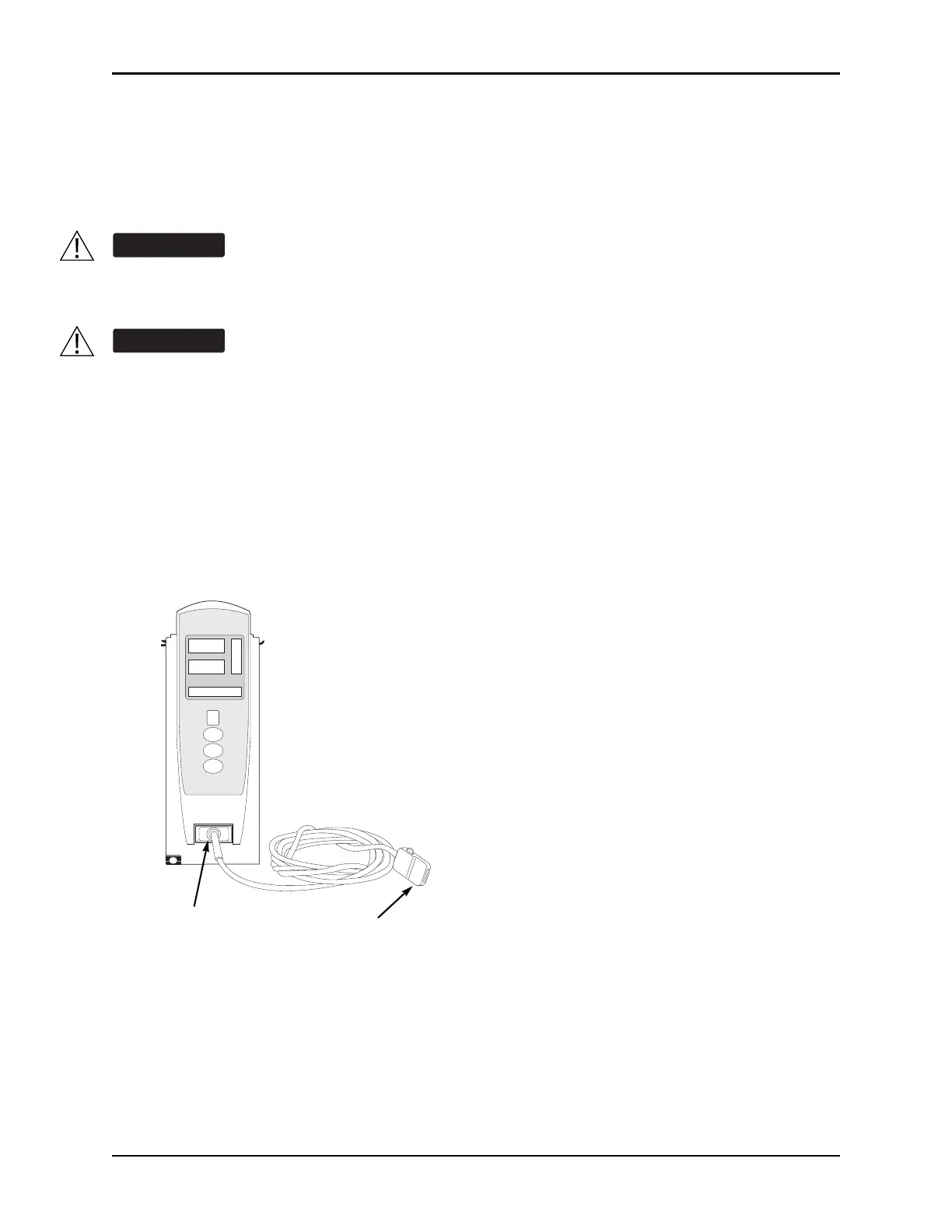
Attaching Cable and Sensor
The operator is responsible for checking the compatibility of the monitor, probe, and cable before use.
1. Attach applicable patient cable to SpO
2
module. Ensure a secure connection and that patient cable is
not twisted, sliced, or frayed.
2. Attach applicable sensor to patient cable. Refer to sensor’s user
manual for detailed instructions.
3. Attach sensor to patient. Refer to sensor’s user manual for detailed instructions.
The misapplication of a sensors and patient cables with excessive pressure for prolonged
periods can induce pressure injury.
Model 8210:
Use only approved Nellcor sensors and pulse oximetry cables.
Model 8220:
Use only approved Masimo sensors and patient cables.
Use of sensors, transducers, cables, and accessories other than those specified can cause
improper SpO
2
module performance resulting in inaccurate readings, increased emission,
and/or decreased immunity, and degraded electromagnetic compatibility performance of the
SpO
2
module. For a list of compatible sensors and cables, refer to the Monitor Sensor
Compatibility Alaris
TM
SpO
2
module 8220 Series.
CHANNEL
SELECT
CHANNEL
OFF
MONITOR
A
L
A
R
M
M
O
N
I
T
O
R
S
T
A
N
D
B
Y
%SpO
2
PULSE (BPM)
Patient Cable
Attach sensor
here.
Attach patient
cable here.



 To Next Page